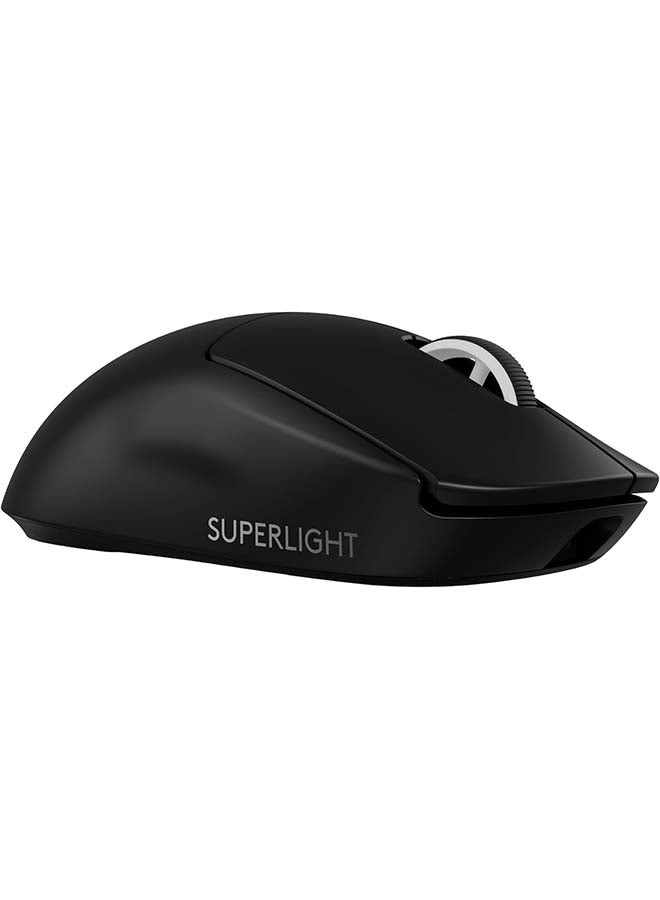
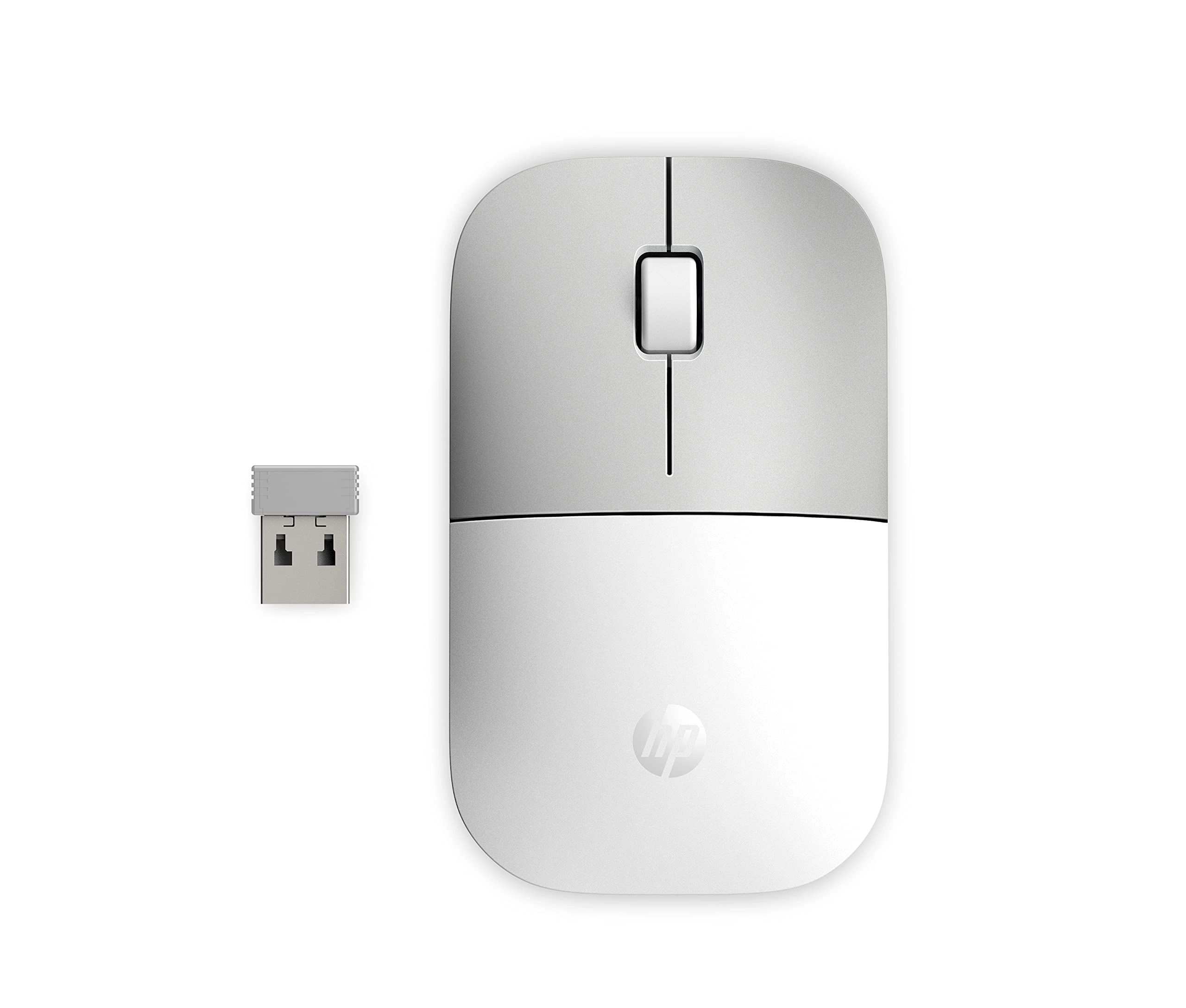
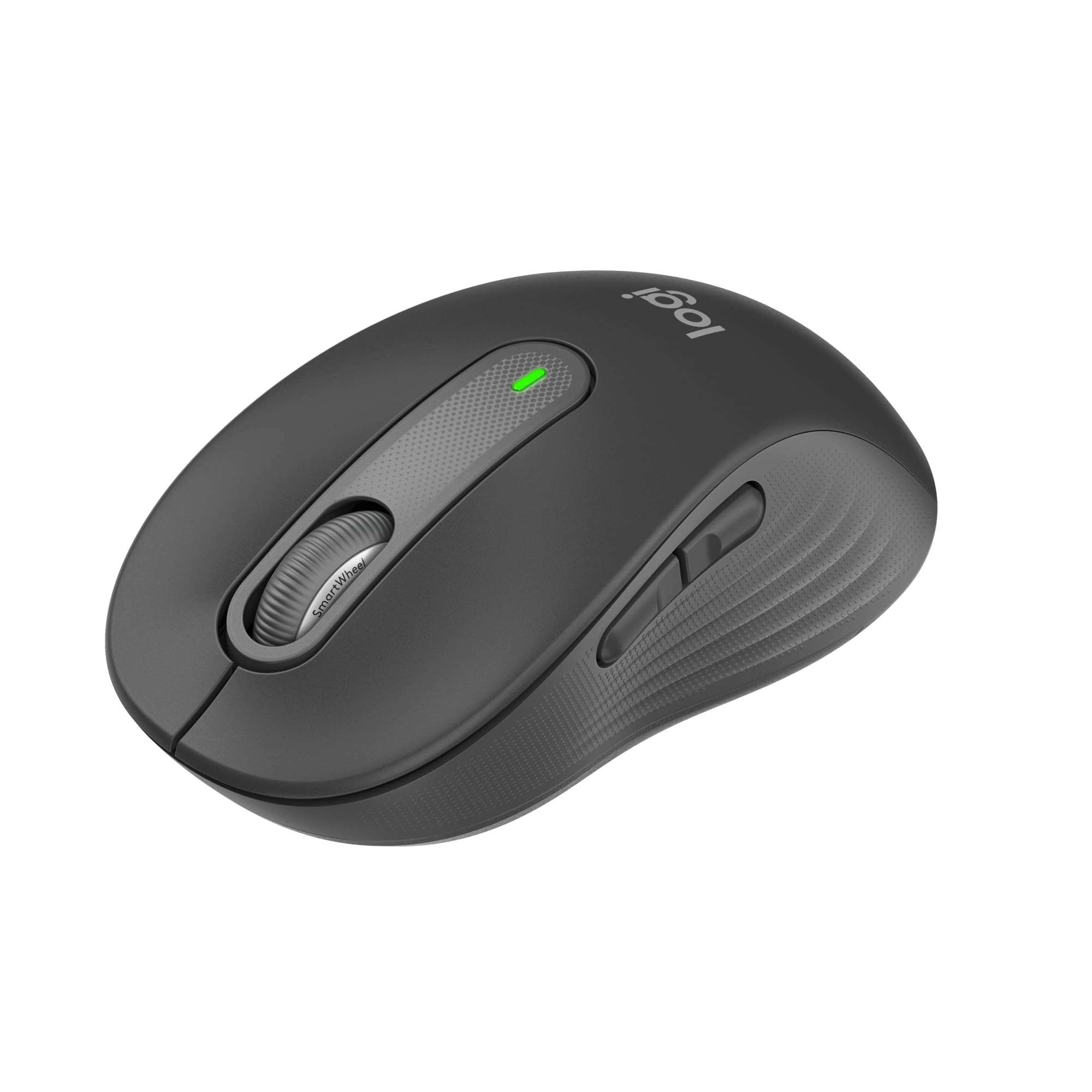
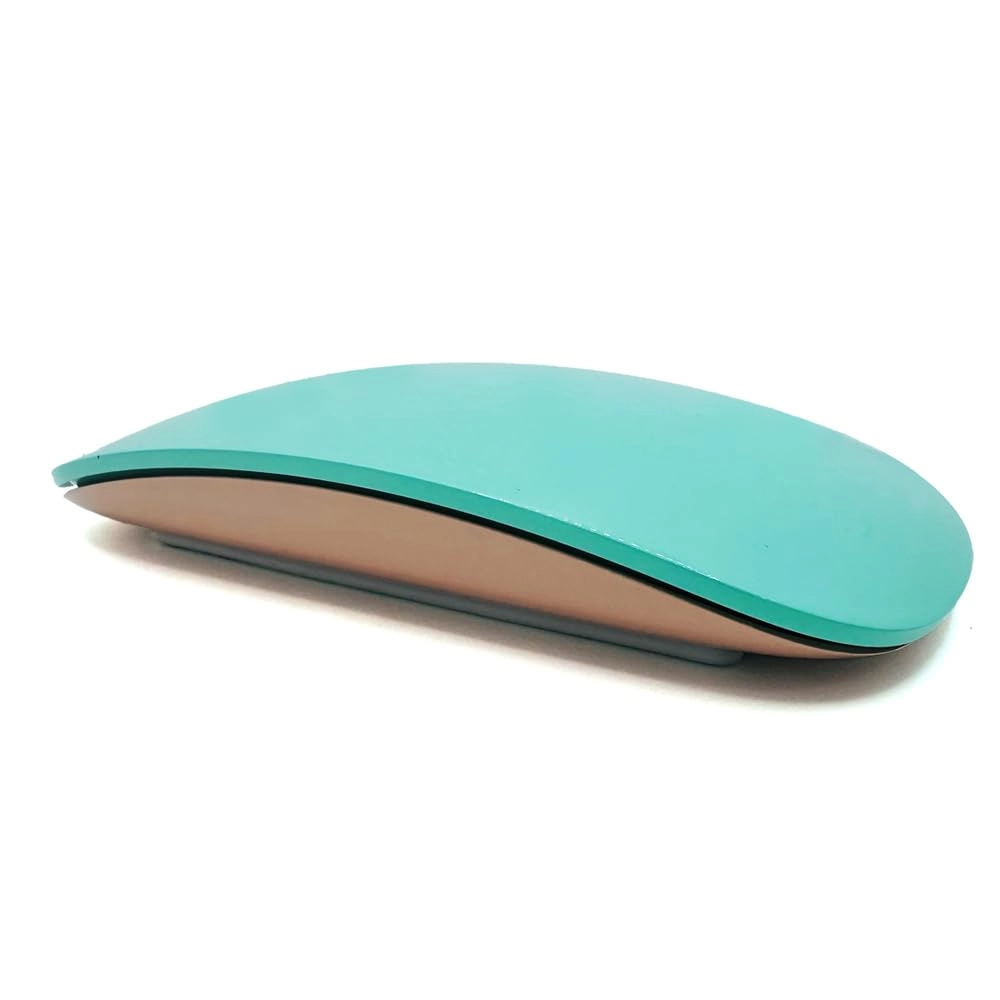
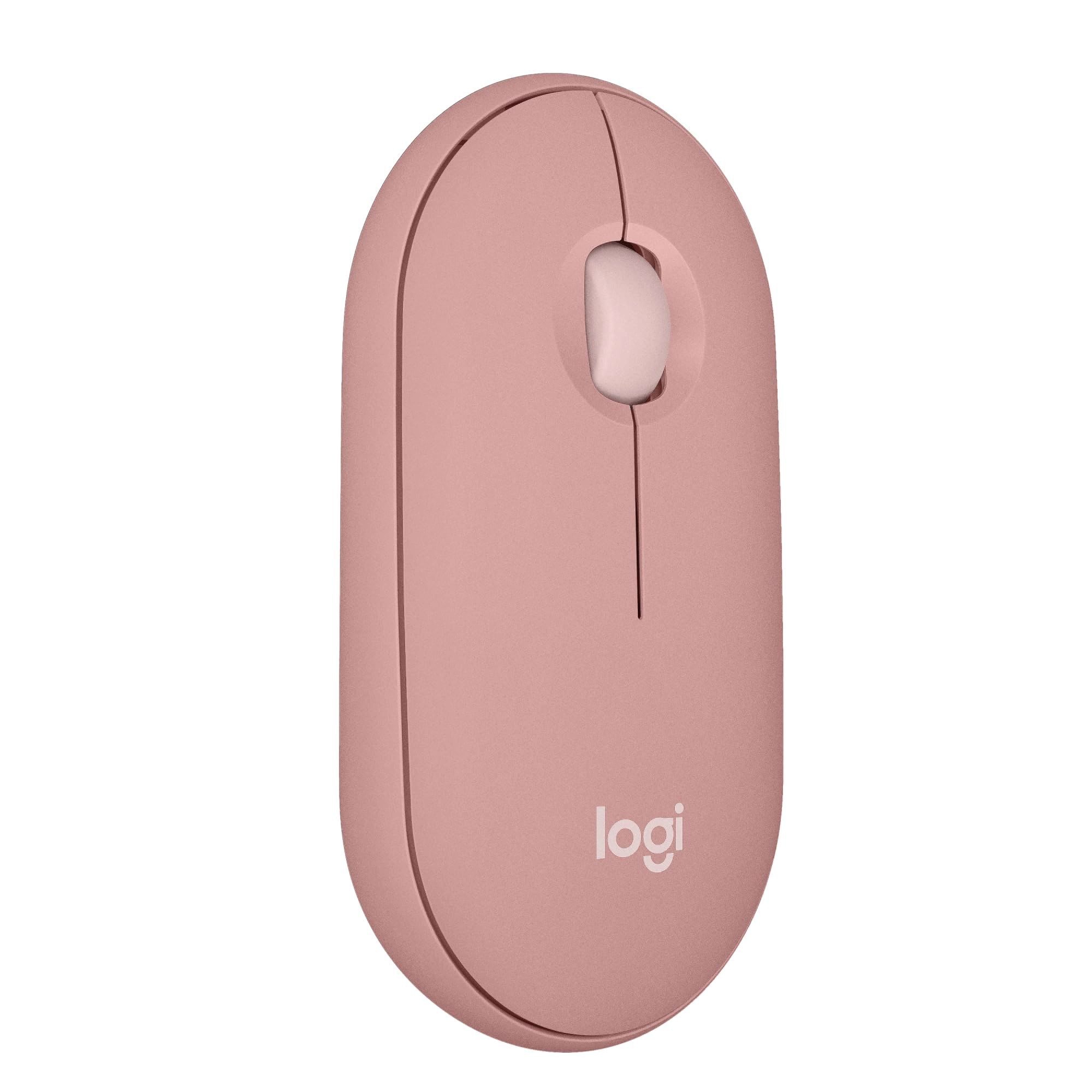
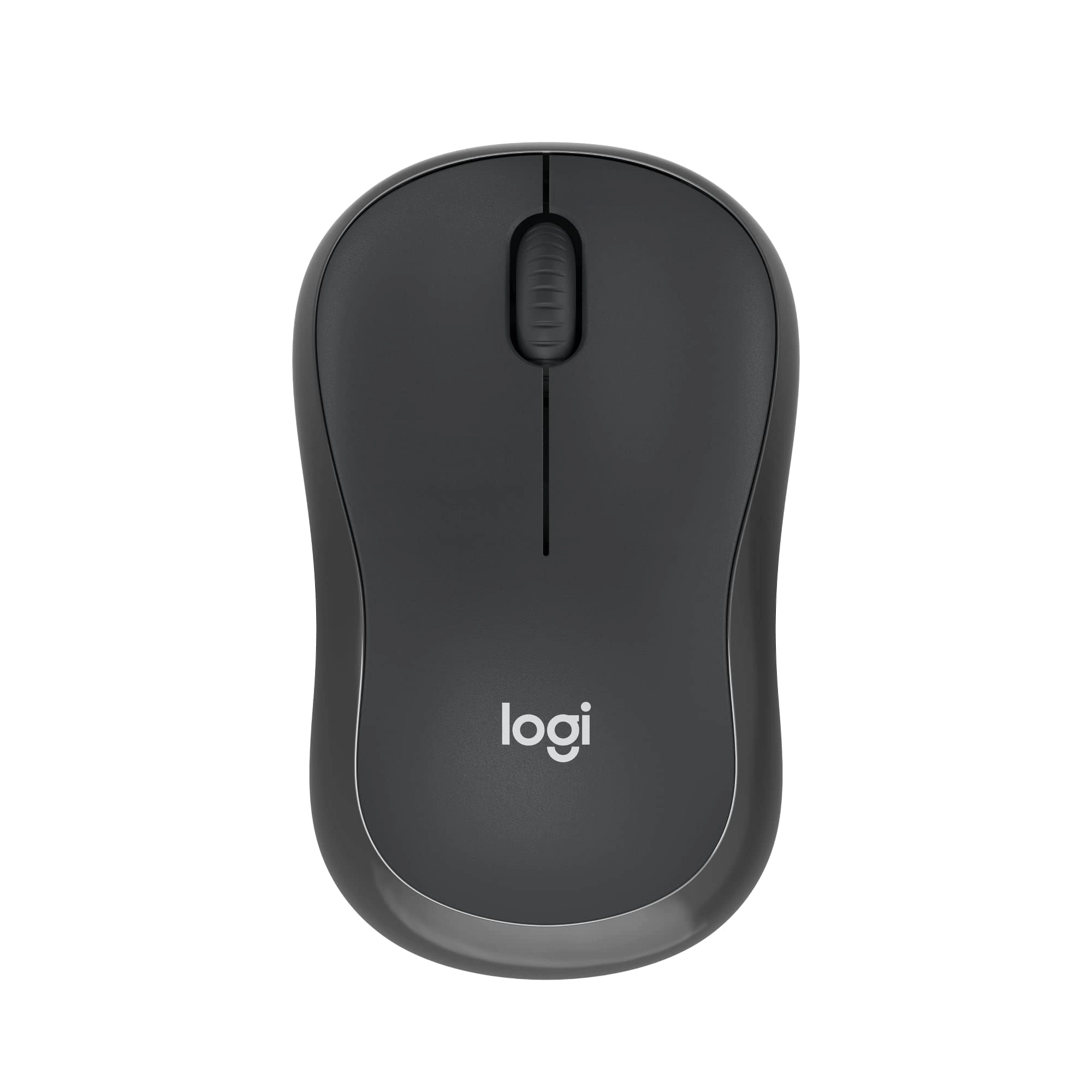
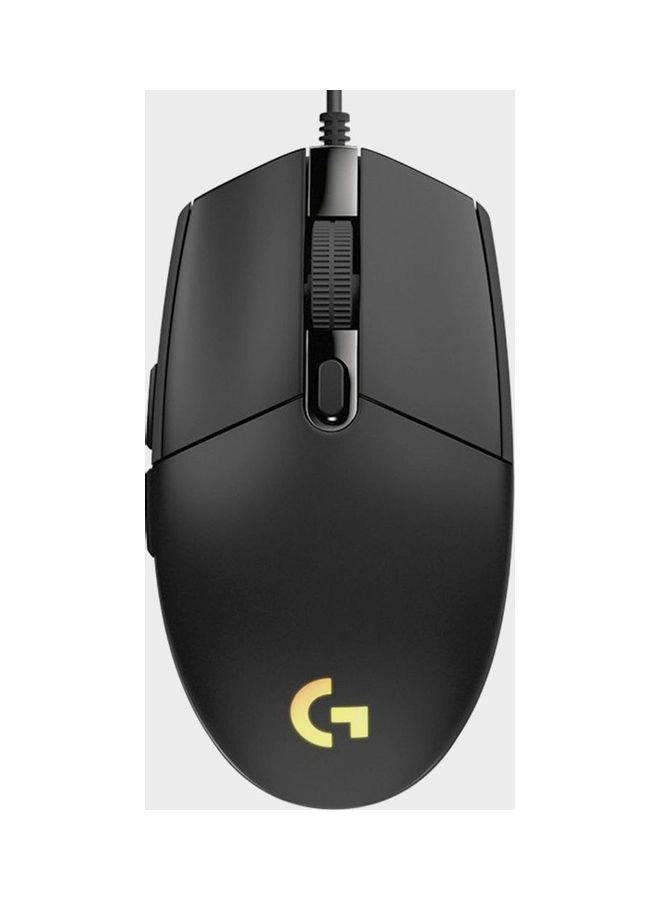
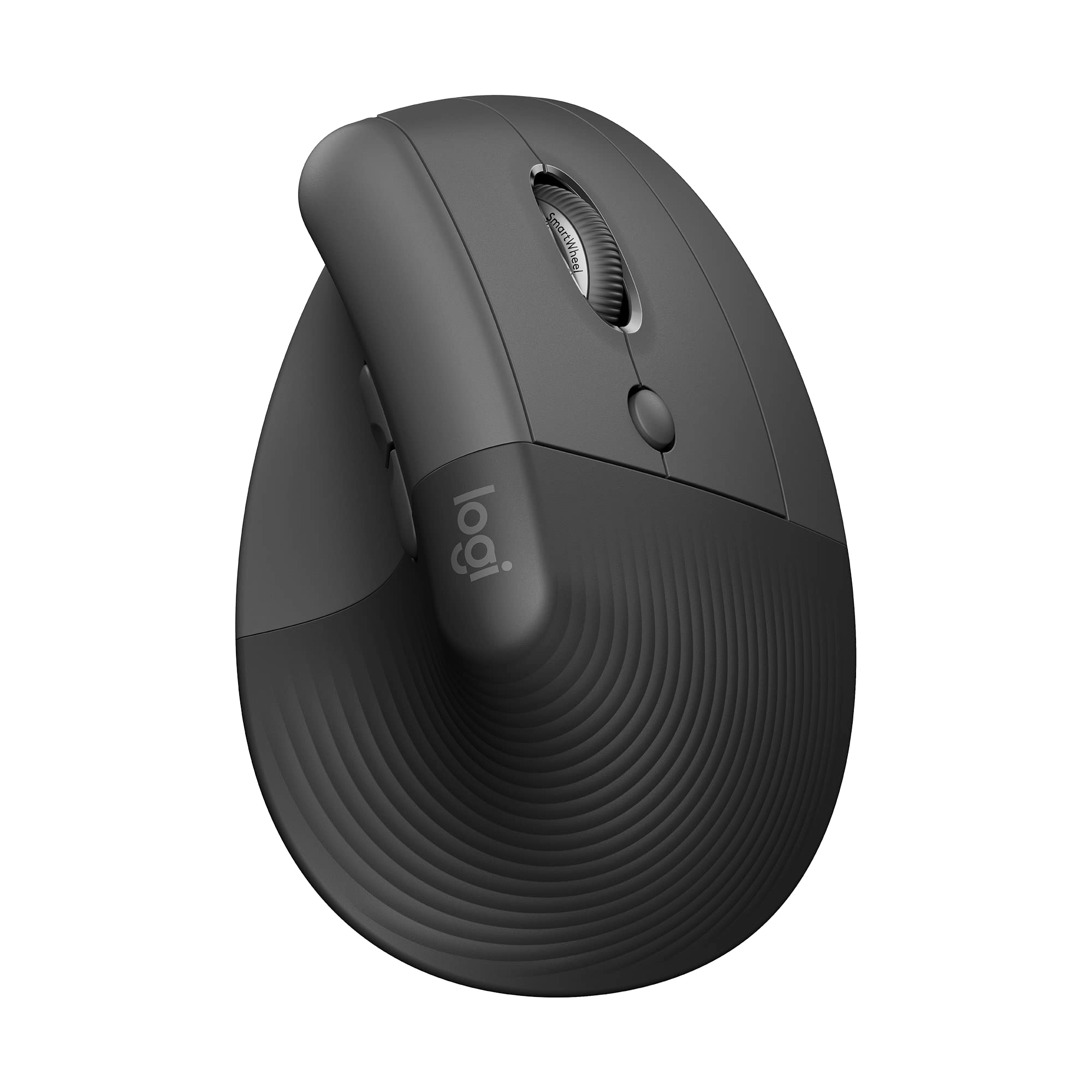
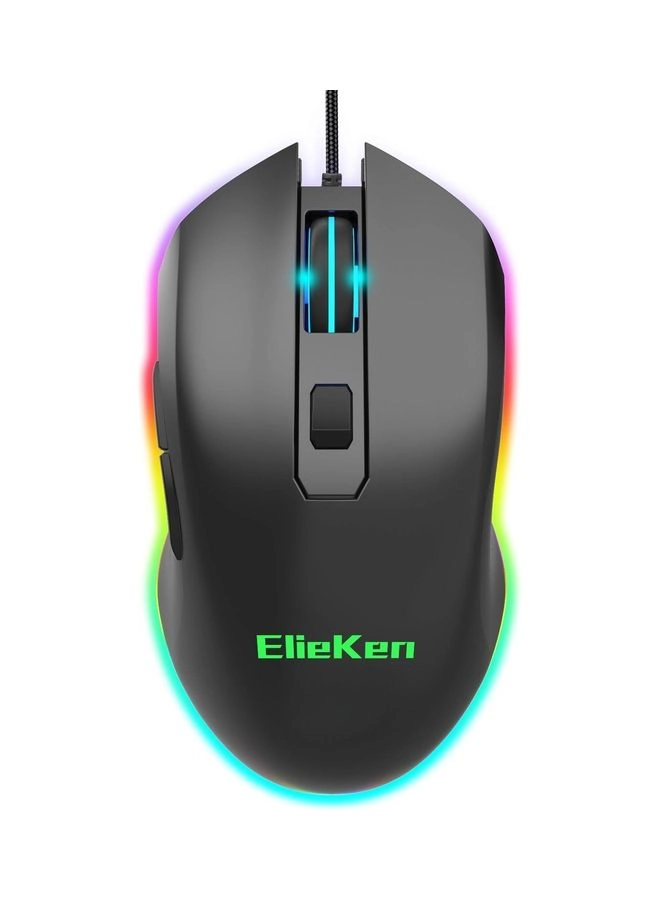
1. 2.4G Rechargeable, 2.4G Wireless Mouse, Support Mac, High Speed Connection. Slient, Endurance. 2.{2.4G Connection} Take Out The Receiver, The Mouse Position Open To 2.4G (Bottom) Regulation, Inserted The Receiver In The Computer Or Notebook USB Interface Can Be Connected. 3.{Bluetooth Connection} Switch To The ’’’’ Position, At This Point The Mouse At The Bottom Of The Red Light Will Flash, Middle Roller Blue Lights Flash Slowly, Please Long Press The Mouse Button Is Facing Code Key (DPI) 5 Seconds, Until The Bottom Of The Mouse Light Normally On Among, At This Point , The Roller Blue Lights Flash, At This Point, The Mouse Into The Matching State.
Reviews
Loading...
Loading...
Loading...
Loading...
Loading...
Loading...
Loading...
Loading...
Loading...
Loading...
Loading...
Loading...
Loading...
Loading...
Loading...
Loading...
Loading...
Loading...
Loading...
Loading...
Loading...
Loading...
Loading...
Loading...
Loading...
Loading...
Loading...
Loading...
Loading...
Loading...
Loading...
Loading...
Loading...
Loading...
Loading...
Loading...
Loading...
Loading...
Loading...
Loading...
Loading...
Loading...
Loading...
Loading...
Loading...
Loading...
Loading...
Loading...
Loading...
Loading...
Loading...
Loading...
Loading...
Loading...
Loading...
Loading...
Loading...
Loading...
Loading...
Loading...
Loading...
Loading...
Loading...
Join our newsletter
Be the first to know about new arrivals, sales, and exclusive picks
Sign in to unlock newsletter access and stay in the loop
Please enable location access or select an emirate
-
00:00:00
Prayertimings
Offers (2)
2 offers
From
AED
80
ElieKen 2.4GHz Rechargeable Wireless Computer Mouse Black