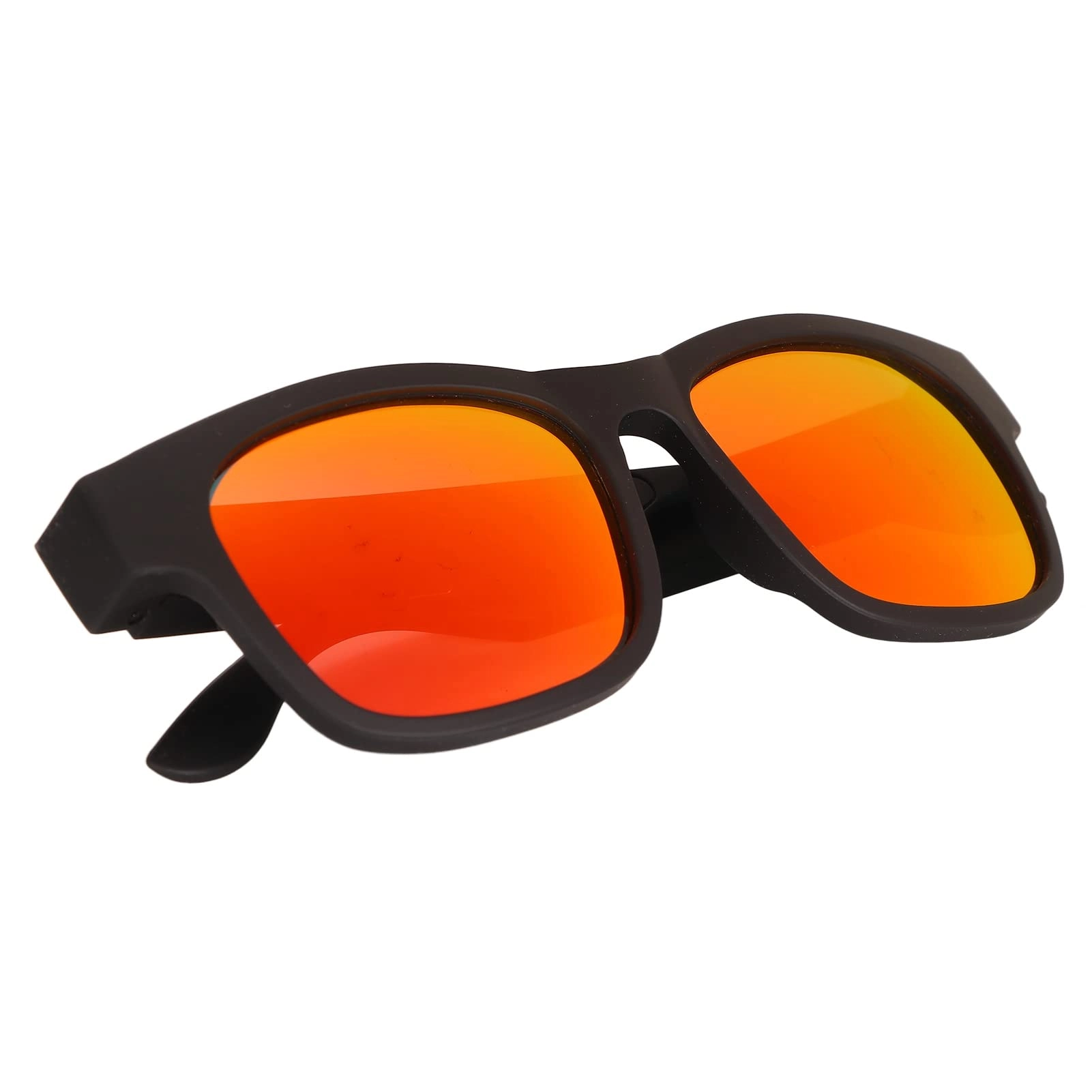
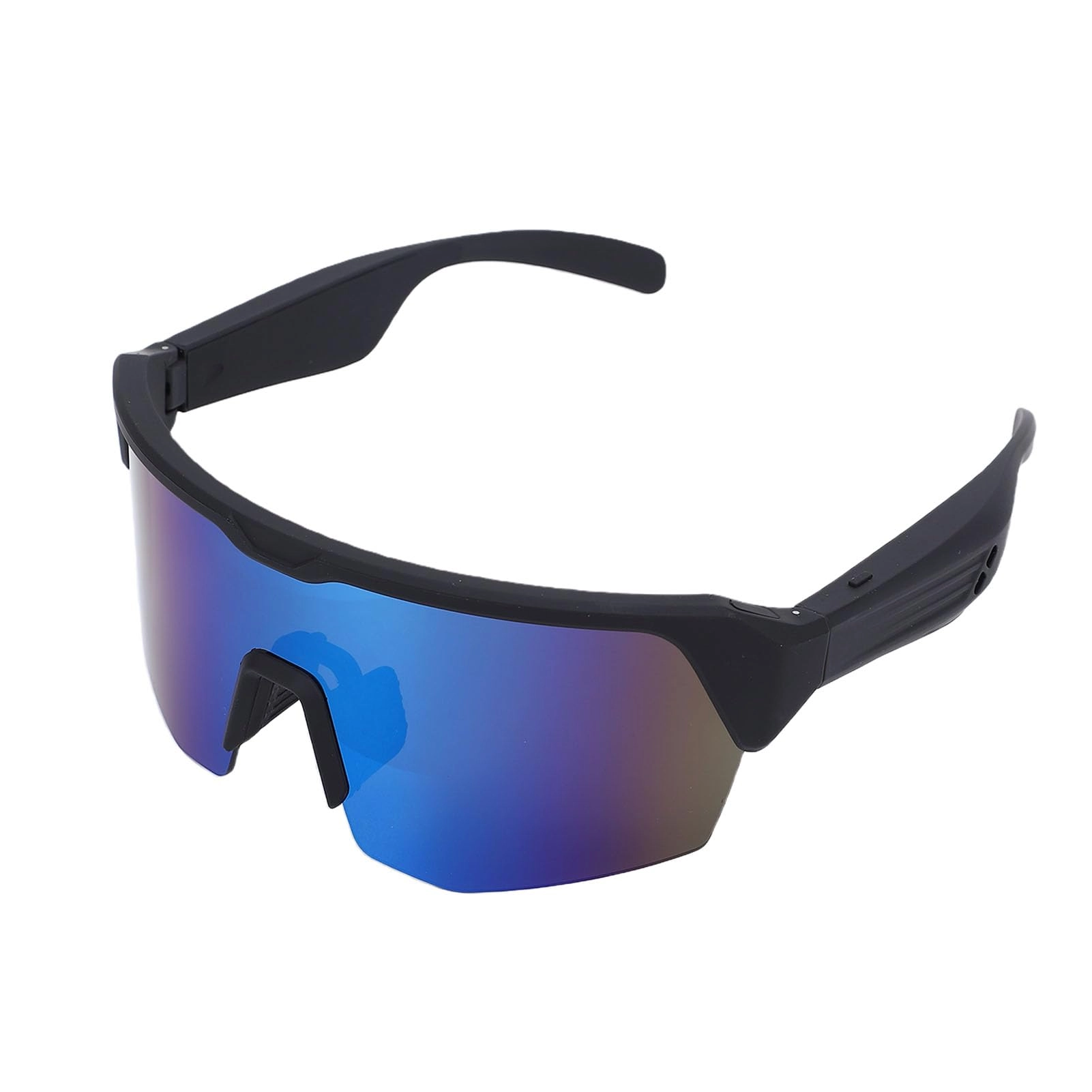
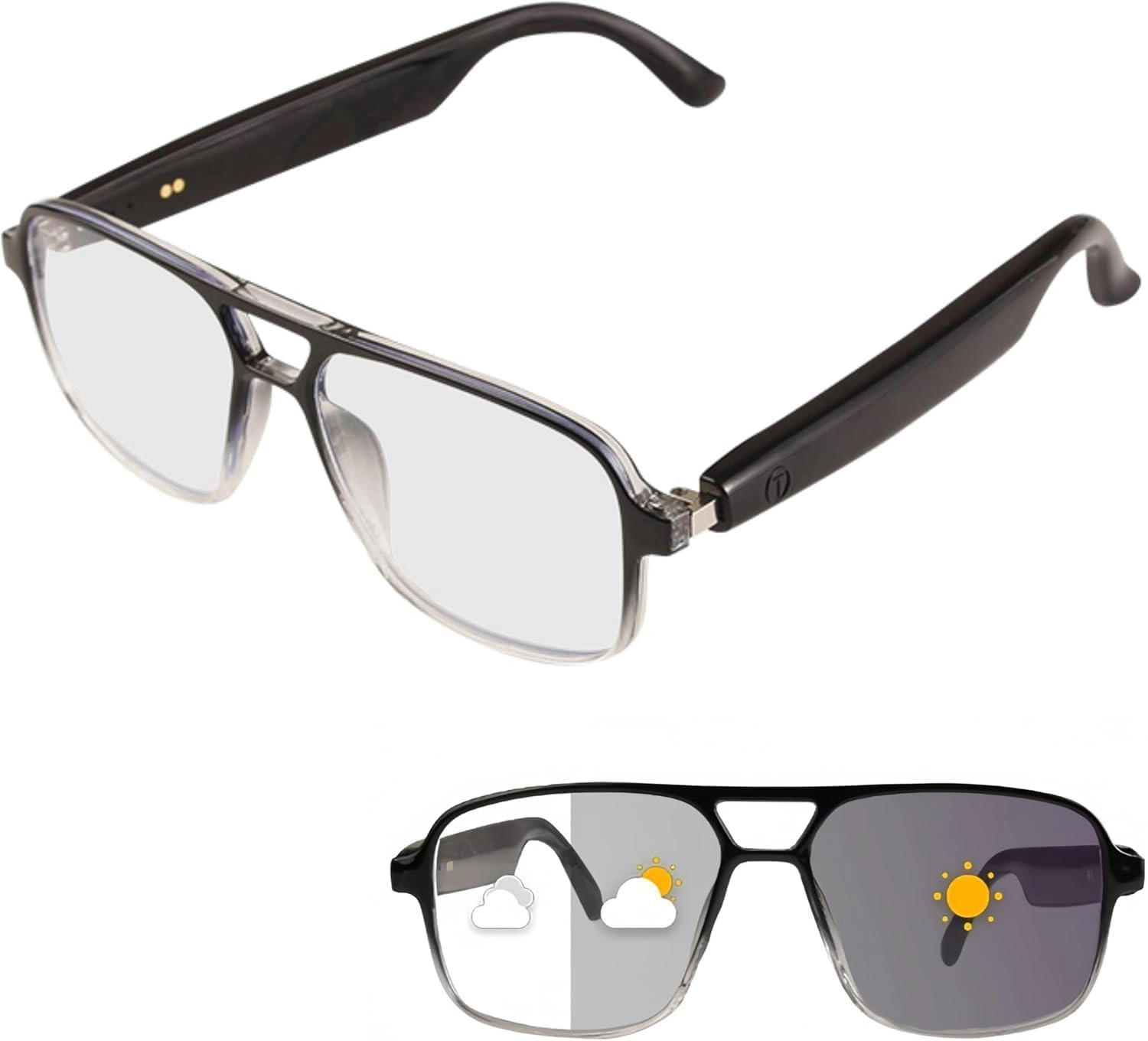
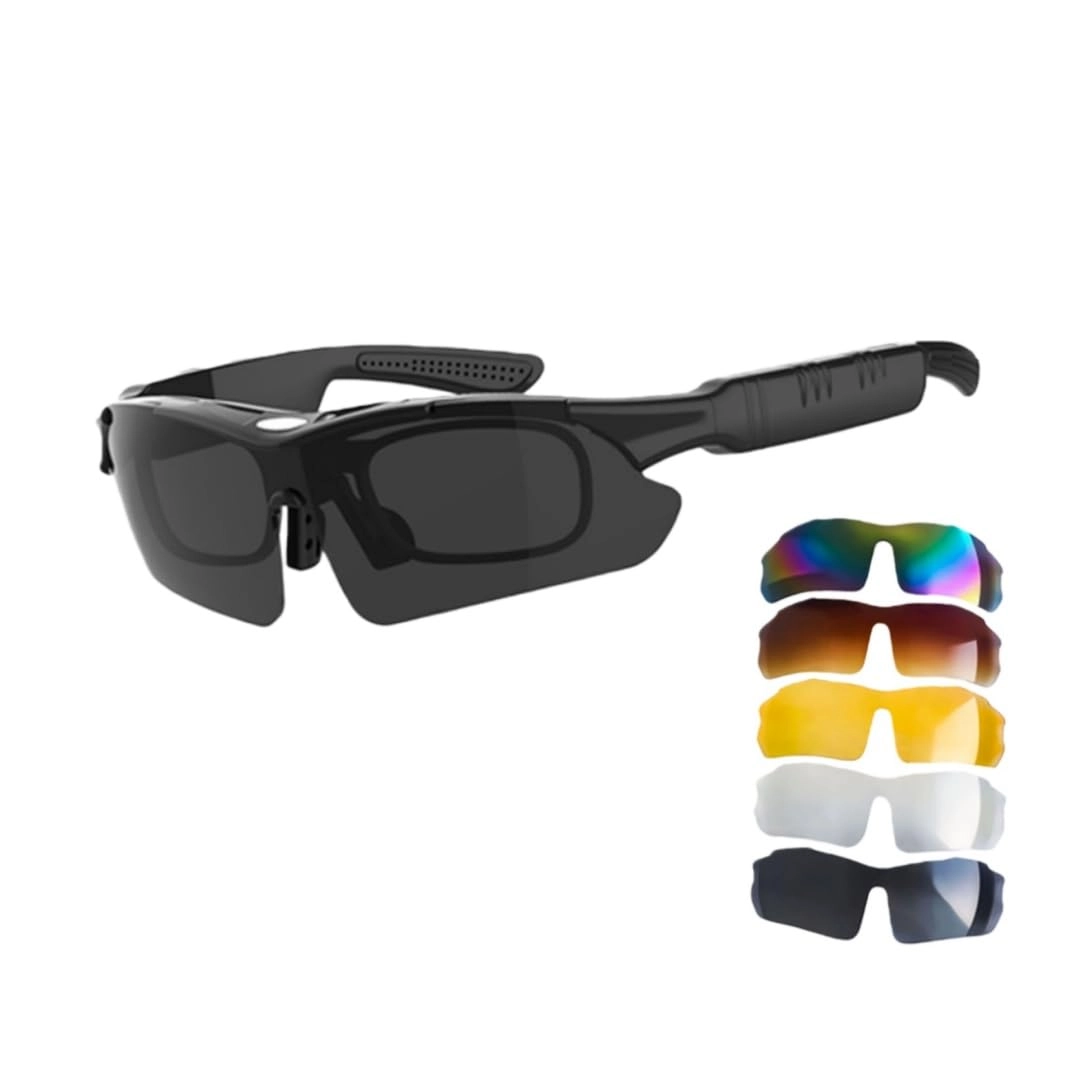
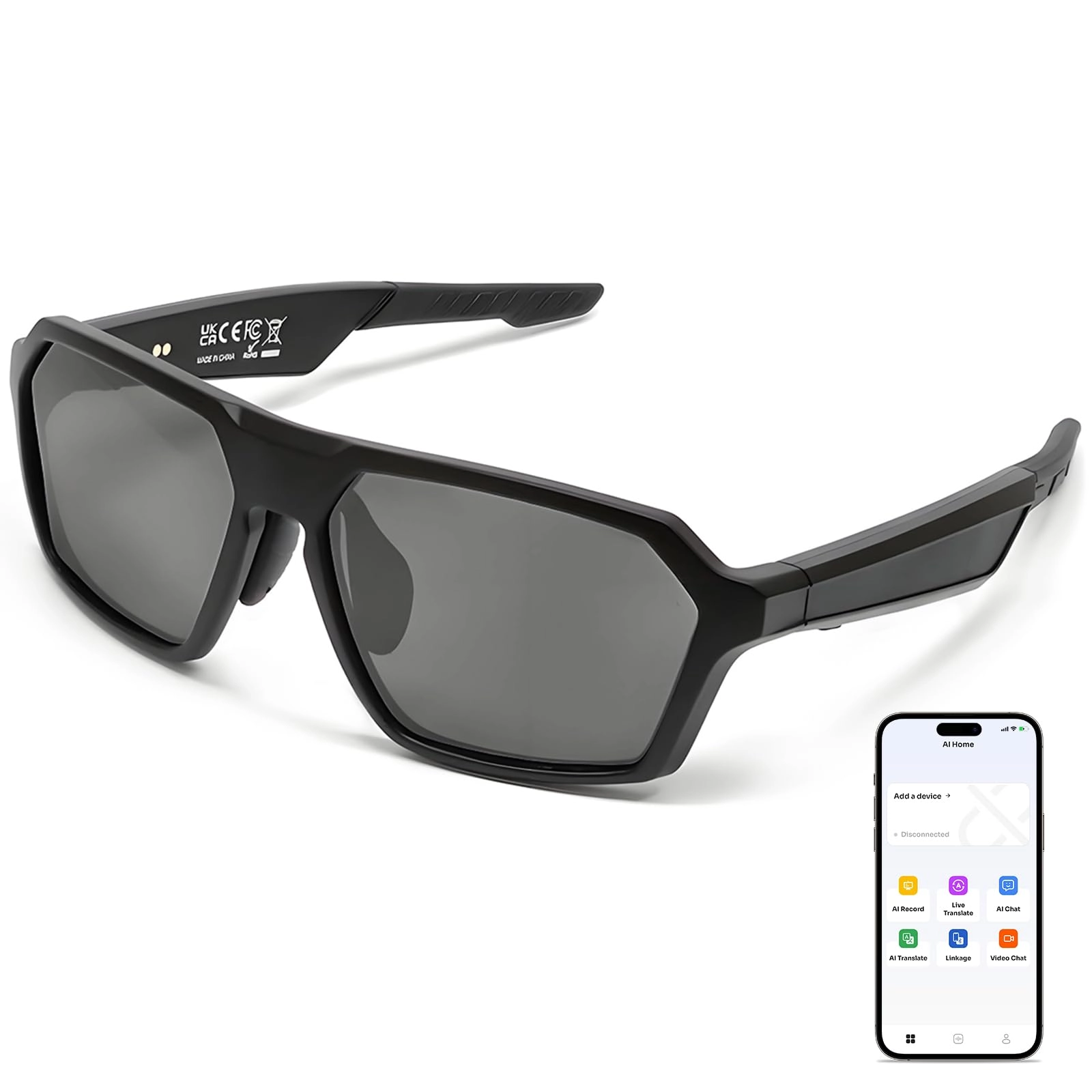
1. [VERSATILE SPORTS USE] Suitable for a wide range of outdoor activities, from cycling to driving, due to its versatile design and durable construction.
2. [CONVENIENT USAGE] Easily answer or reject calls with a simple press or receive automatic call switching during MP3 playback for added convenience.
3. [STABLE CONNECTION] Utilize the latest Bluetooth V4.0 technology for a stable and reliable wireless connection that extends up to 10 meters.
4. [ & MODERN] The black plastic frame complements any style, while the included storage box keeps your glasses safe when not in use.
5. [USER-FRIENDLY INTERFACE] Navigate through your music effortlessly with the standard USB 2.0 interface and intuitive controls for a hassle-free experience.
Spec:
Item Type: Sunglasses
Material: Plastic
Colour: Black
Memory Size: 128M-32GB
Play Format: MP3, WMA, ASF, WAV
USB Interface: Standard USB2.0
Headphone Power: 20Hz-20KHz
Signal to Noise Ratio: 90dB
Distortion Rate: 0.1%
Battery Voltage: 3.7V
Battery Type: Lithium Battery: 180mAh (Delivered with Inbuilt Battery)
Charging Time: About 2-3 Hours
Music Format: MP3/WAV/WMA
Hardware: For IBM PC/AT or Compactable PCak Laptop and USB Port Computer
Operating System: For Window98/SE/ME/2000/XP
BT Technical Specifications:
1: Conform to the BTV4.0 Version
2: Frequency 2.4GHZ
3: Maximum Transmission Range 10M
4: Continuous Talk Time 3-5 Hours
5: Audio Decoding 15Bit
6: Signal to Noise Ratio>60dB
7: Normal Standby Time 5-7 Days
8: Working Temperature -10-55°
How to Use:
BT
A. Power on/off.
1 Turn on: Press and hold the BT button for 3 seconds, you will hear a "Dumpt" sound and the BT indicator flashes red, indicating that BT is turned on
2 Shut down: In the BT standby state, long press the BT button for 3 seconds, you will hear a "Dumpt" sound and the BT indicator light goes off, BT shuts down
B. BT pairing
In the BT shutdown state, press and hold the BT button (about 3 seconds), and let go after hearing a beep. At this time, the BT indicator lights up and continues to flash quickly. Here BT is in the pairing state, and then use the mobile phone to perform BT search. Find the BT device name: BT+MP3, the first time you need to enter the pairing password: 0000, after pairing, the machine will automatically enter the BT standby state.
C. Answer the hang up call
When a call comes in, short press the BT button to answer the call, during a call, short press the BT button to hang up the call
D. Refused to answer the call
When a call comes in, long press the BT button for about 2 seconds to reject the call
E. Phone dial
In the normal connection of the BT device, short press the BT power button twice continuously, the device will automatically dial the last phone number dialed (some mobile phones do not support this function)
F. MP3BT automatic switching
During MP3 playback, but when there is a call, the machine will automatically switch to start the BT headset function, and after the call is hung up, it will return
PackageList:
1 x Wireless Glasses
1 x USB Cable
1 x User Manual
1 x Dust Cloth
1 x Storage Box
Notice:
The inbuilt battery is shipped.