Allware
Loading...
  • News
  • Price drops
  • New arrivals
  • Featured categories
  1. Computers & Peripherals
  2. Printers & Scanners
  3. Printing Equipment
  4. Multifunction Printers
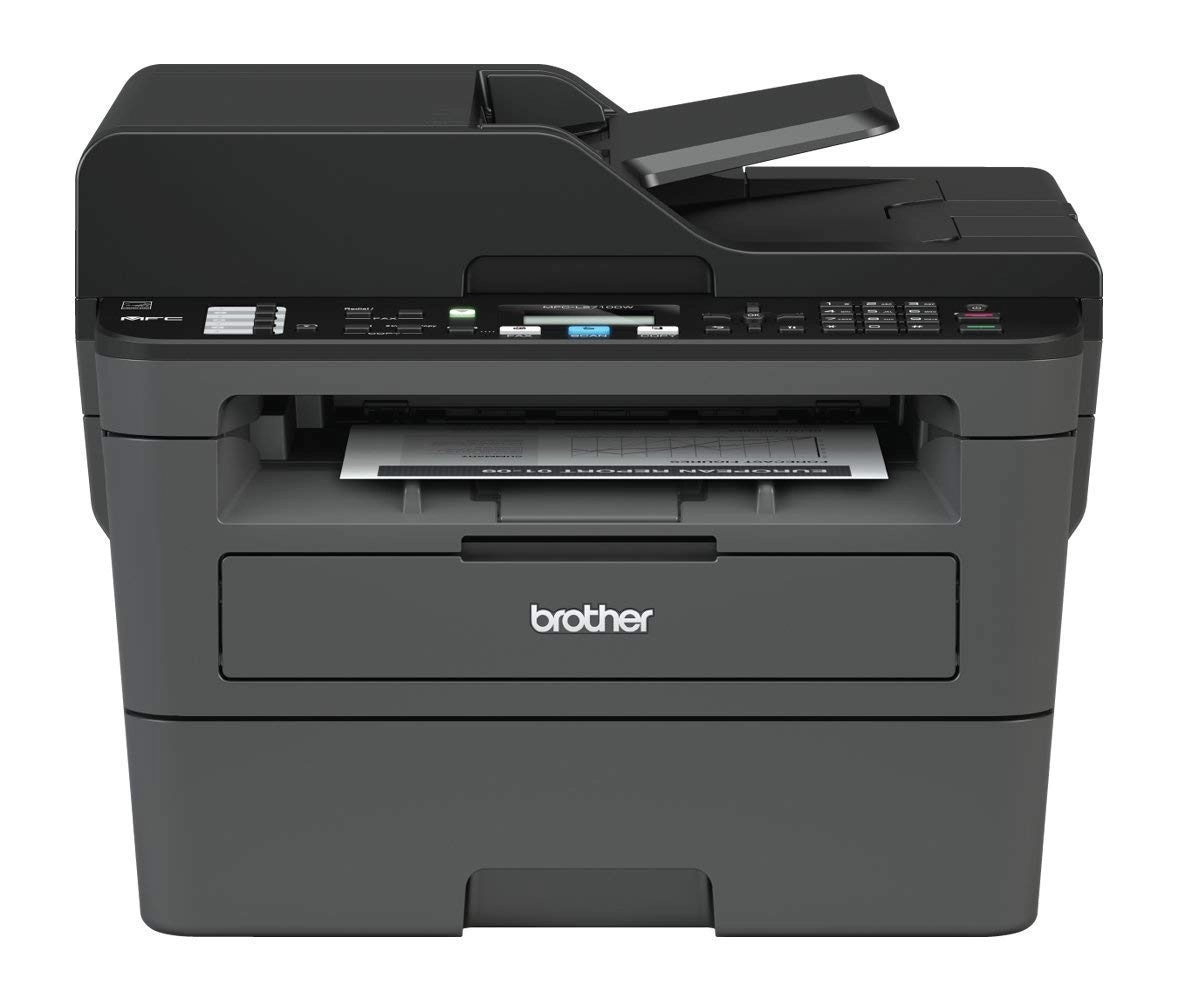
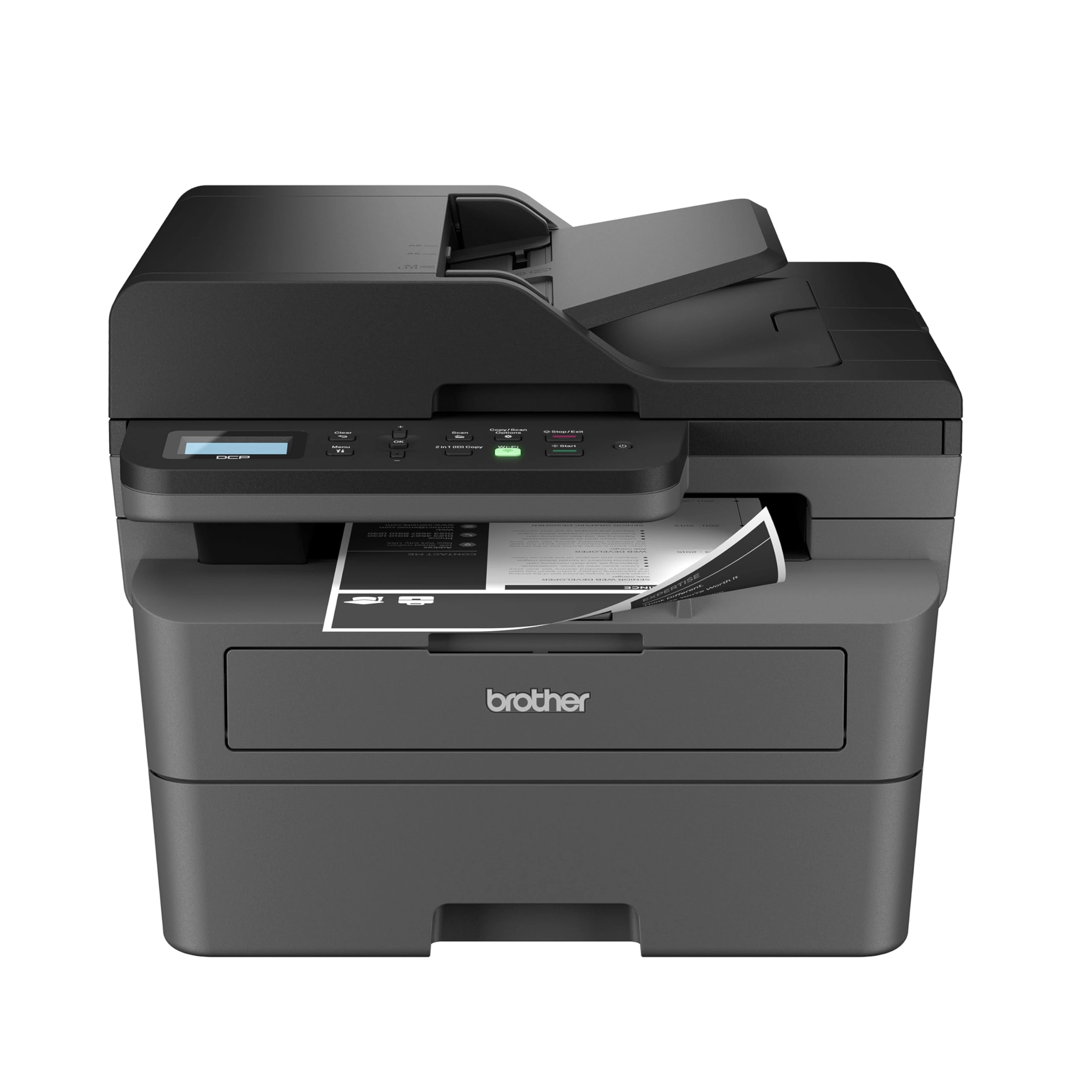
MFC-L2710DW - Mono Laser

Brother MFC-L2710DW - Mono Laser

Best offer
AED
1 92500

Key Features

  • USB 2.0 ports quantity: 1
  • Scanner type: Flatbed
  • Product dimensions: 11.8 kg
  • Weight: 11800g
  • Batteries included: No
  • Power consumption: 440W
  • Offers
  • Price History
  • Specifications
  • Product Details
  • Review IconReviews
  • Community & Expert Opinions

Specifications

Weight & dimensions

Weight
11800 g
Product dimensions
11.8 kg

Power

Power consumption
440 W

Packaging content

Batteries included
✗

Ports & interfaces

USB 2.0 ports quantity
1

Scanning

Scanner type
Flatbed

Product Details

Brother MFC-L2710DN Mono Laser Multifunction : desertcart.co.uk: Stationery & Office Supplies Review: Lightweight Great Doc Printer! 1200x1200 DPI, usable immediately just after connecting to WIFI - This is for HL-L2445DW printer. It's surprisingly light, feels way lighter than my Canon TS9xxx and TS8xxx inkjet. It's also in a perfectly compact size. To start with, I just need to remove all protection tapes, put in toner and paper, plug in the power cable, connect to Wifi using the pathetic few buttons and the tiny single line display, it's all up and running. It's also super fast. Didn't time it exactly but feels like all the claims in the spec are legit, as well as double-side printing (duplex). This is night and day comparing to inkjet. After switching on, it falls into deep sleep in about half a minute, and it wakes up immediately if I need to print anything. This comes in a benefit of energy saving. When its switched on, its energy consumption shoots to over 900W for a fraction of a second, then down to below 100, and pulse to over 600W every few seconds, only for a fraction of a second only each time. Then it falls to Sleep in about 15 seconds staying at about 2.3W, in another 15 seconds into deep sleep staying at 0.3W. When printing, the power pattern is similar as switching on, while during printing it stays at 300-over 600W. Then the above sleep cycle start kicking in again. Pretty efficient for how fast it gets back to power saving. The key feature catching my eye is its 1200x1200 dpi printing. To be fair, this is a document printer and we should never expect professional photo printing quality even on colour laser printers. I'm just doing the tests to see how its resolution look like, performance likely for some docs with some inline graphics. Document printing in text is as crisp and contrasting as usual laser printer. Included some test print samples and doesn't seems any settings allow me to lower its dpi, or whether its just a matter of detail dithering only? I didn't examine laser printers so I'm not sure how a normal 600dpi printing looks like or comparing. The hair printing sample is actually a snippet of a full A4 print of a photo taken by iPhone. We can see strips across the printing, however, it looks like the strips are more prominent in fine/best mode regardless of using the App or AirPrint. However as I mentioned, there doesn't seem any difference in resolution no matter which mode using. For your comparison, also include another printing sample, which is the 1st full res photo of this printer listing, which is at 1500x1048 pixels only. Printed on full page A4 and take some close up of the details that you may compare with your printers. To use the app or AirPrint or other methods? The App only allows print from files or photo library. If you need to print directly from any other iOS apps, the only way is still via AirPrint. Not sure about Windows and Android, guess more users will share soon. One of the feature to use the app, maybe to check the toner levels. Not sure if it's accurate or not. If the inbox toner is 700 pages capacity, it seems I've used up more than 10%, but I've definitely not yet printed more than 70 pages so far, maybe 30 only. Maybe those A4 graphic prints consumed a lot more than text prints. Will see how it goes in the long run. Just a little tip, if you don't wanna dust it very frequently and keeping it dust free, especially the rollers required to roll the paper back in for duplex printing, I stick a plastic file on top of it. It still works perfectly printing single and double sides, while keeping the printer output area dust-free. Update 20240331: The more I use, one issue needs to manage own expectation when using as document photocopying. I have other printer scanner scanning text docs or music scores, no matter how high contrast B&W (from eg histogram), printing on this laser printer will still be rendered as if graphics and resulting in dithering edges, ie losing all sharpness of docs and music scores. In this case, I still print from inkjet so the original sharpness can be replicated. Review: Superb printer - I am really pleased with this printer. Firstly, it was extremely easy to set up. There are not many instructions, but the diagrams on the accompanying sheet were easy to follow and I was able to get the printer set up, cartridge installed and printer connected to the internet within a very short space of time. I didn’t even have to bother with a USB cable for connection to the computer either, because the Brother software is very easy to download and install on the computer and automatically takes you through the setup procedure for internet connection to the printer. Same with phone and iPad, very easy to connect to the printer using the Brother software. Secondly, the size of the printer. It doesn’t take up much space, the paper tray holds plenty of paper and the lid for the scanner can be extended higher to scan bulkier items. It’s no larger than my old inkjet printer in terms of width and depth, in fact it’s a couple of centimetres smaller. It is about 10cm taller than my old inkjet printer though, which is fine. And finally, the print quality is very good and it prints extremely quickly. There is nothing to dislike about this printer, it appears to be well made, compact, easy to use and efficient.

Reviews

Loading...
Loading...
Loading...
Loading...
Loading...
Loading...
Loading...
Loading...
Loading...
Loading...
Loading...
Loading...
Loading...
Loading...
Loading...
Loading...
Loading...
Loading...
Loading...
Loading...
Loading...
Loading...
Loading...
Loading...
Loading...
Loading...
Loading...
Loading...
Loading...
Loading...
Loading...
Loading...
Loading...
Loading...
Loading...
Loading...
Loading...
Loading...
Loading...
Loading...
Loading...
Loading...
Loading...
Loading...
Loading...
Loading...
Loading...
Loading...
Loading...
Loading...
Loading...
Loading...
Loading...
Loading...
Loading...
Loading...
Loading...
Loading...
Loading...
Loading...
Loading...
Loading...
Loading...

Join our newsletter

Be the first to know about new arrivals, sales, and exclusive picks

Sign in to unlock newsletter access and stay in the loop

Allware
info@allware.com
+971522500911
World technology awards winner badge

Allware

  • About Us
  • Terms And Conditions
  • Privacy Policy
  • Contact Us

Partners

  • Why become a partner?
  • How to list your Online Shop?

Newsletter

  • Subscribe

Info

  • How Allware works
All Rights Reserved.
Allware does not sell products. Prices shown are aggregated from verified merchants.
Please enable location access or select an emirate
-
00:00:00
Prayer timings

Offers (2)

desertcart logo

2 offers

From
AED
1 925

Brother MFC-L2710DN Mono Laser Multifunction

AED
1 92500

Price History

Price History Skeleton
Price History Shimmer Effect
Loading price history...

Similar Products

See all
-9%
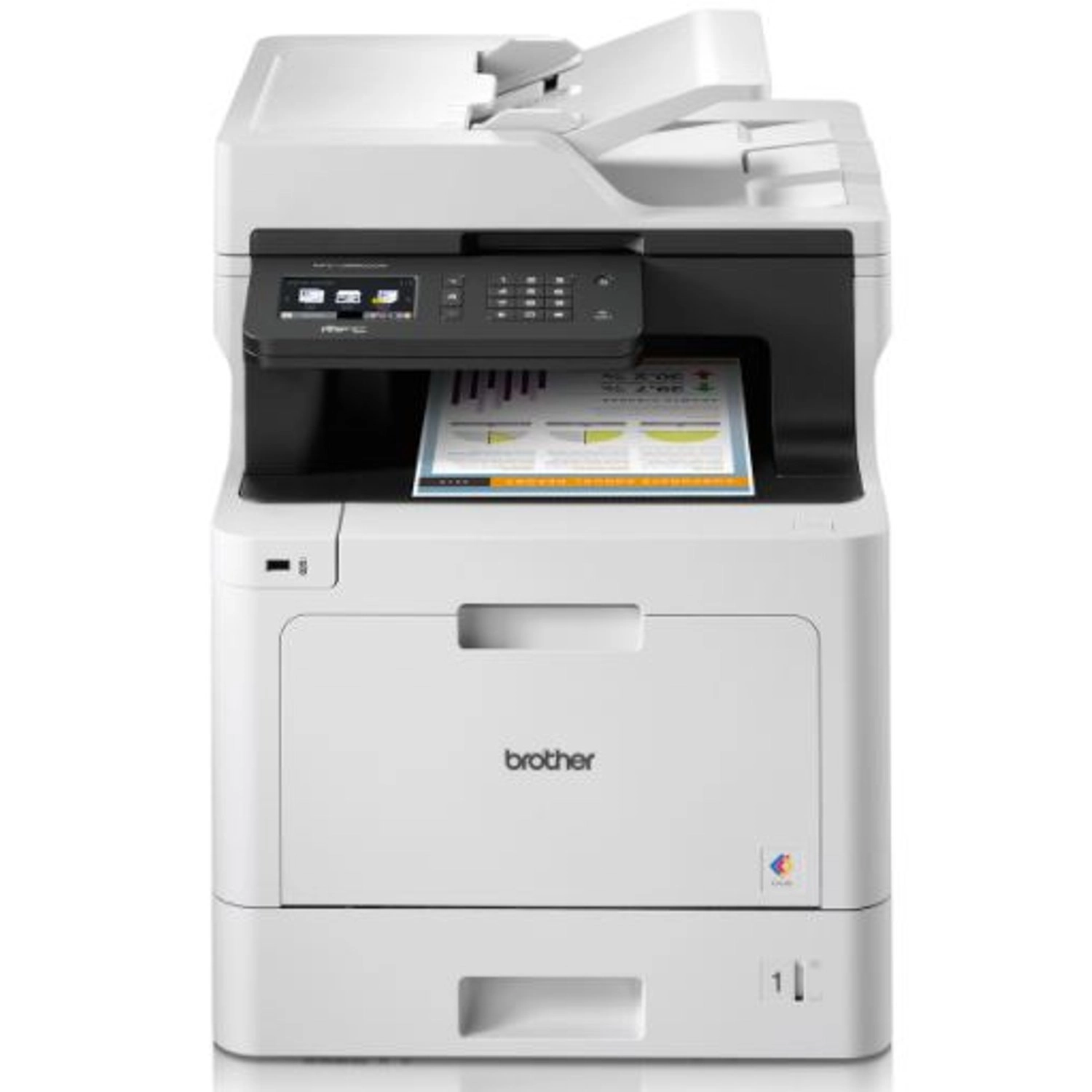
Brother MFC-L8690CDW - Laser Color

Brother MFC-L8690CDW - Laser Color

AED
1 97500
AED
1 79500
5 offers
-24%
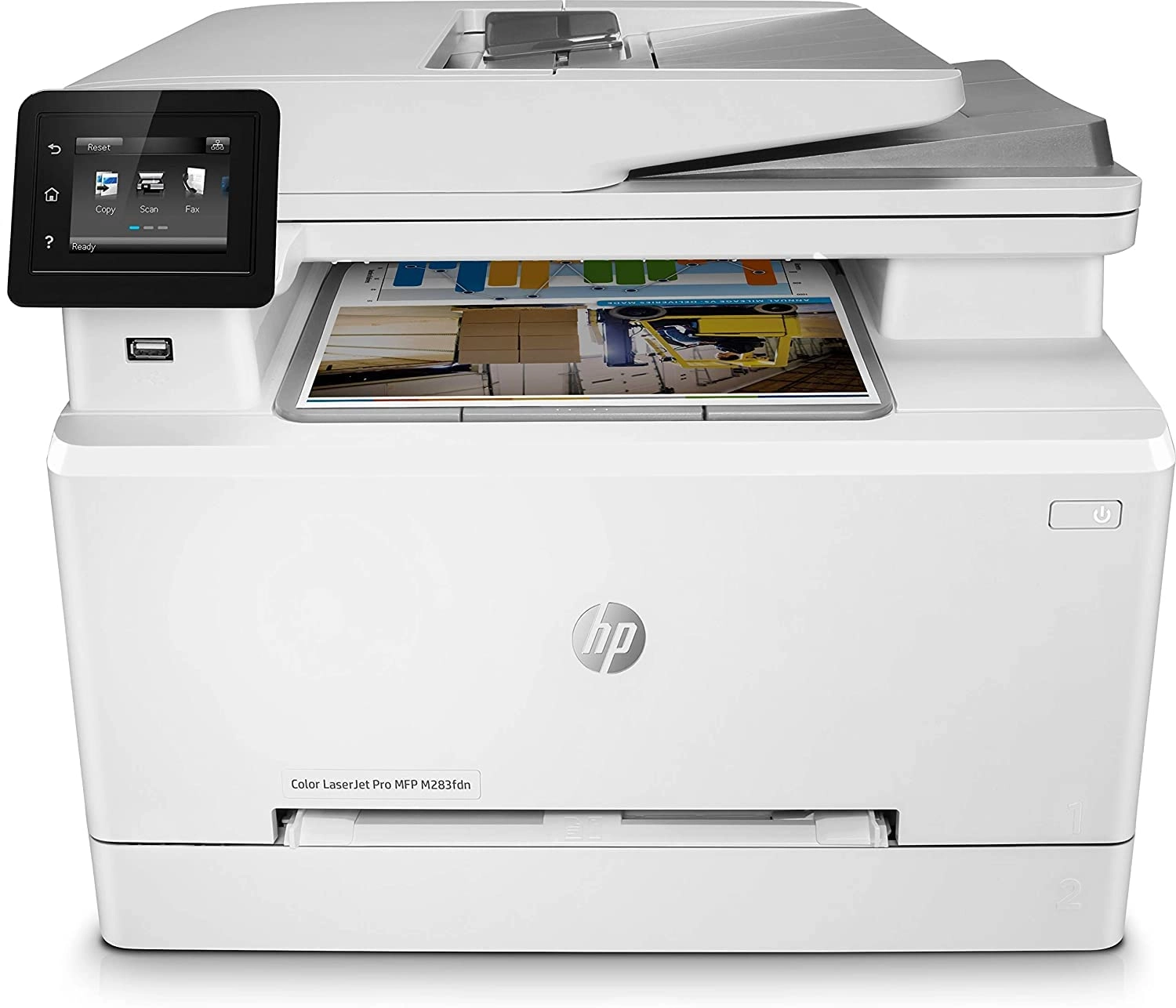
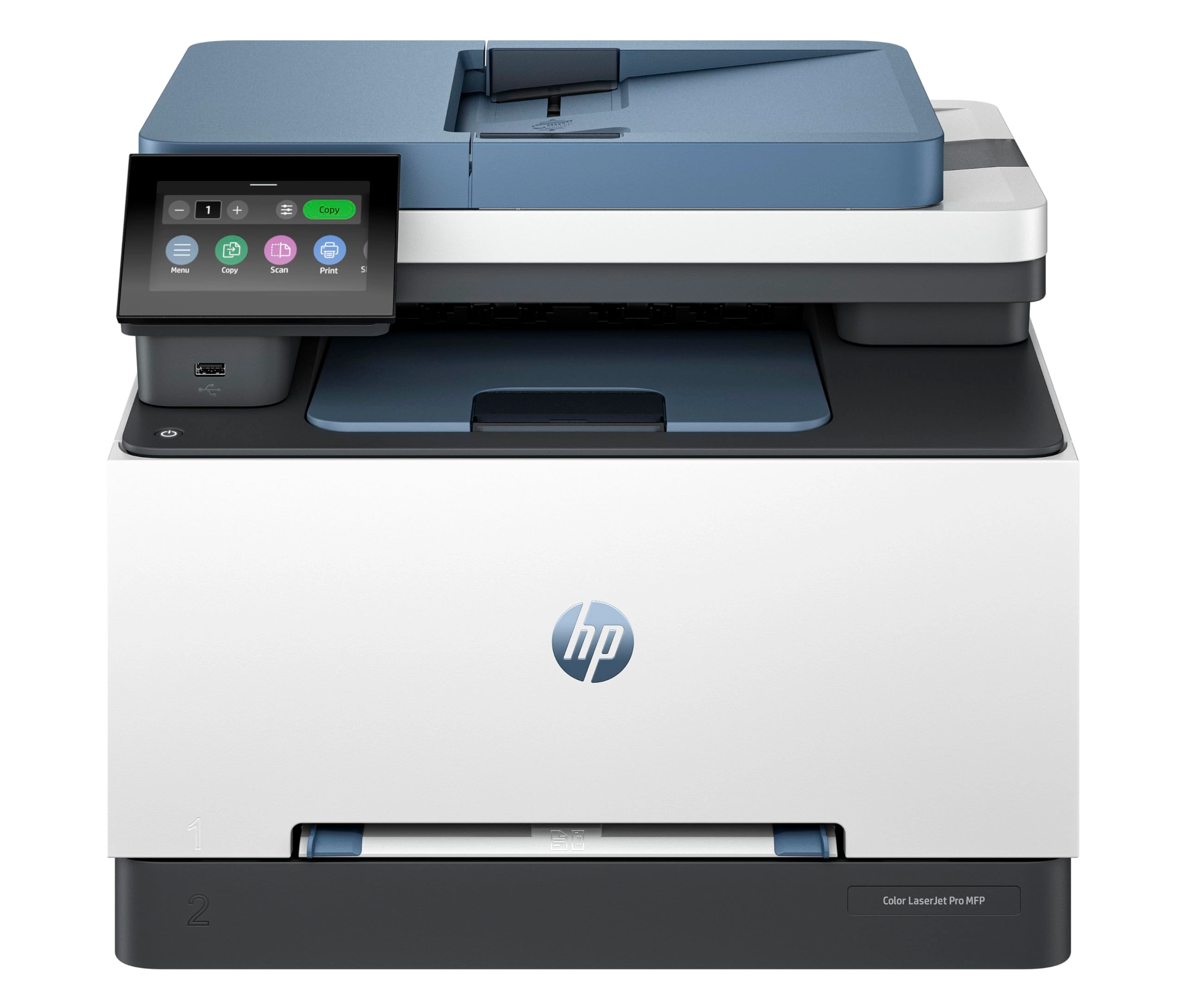
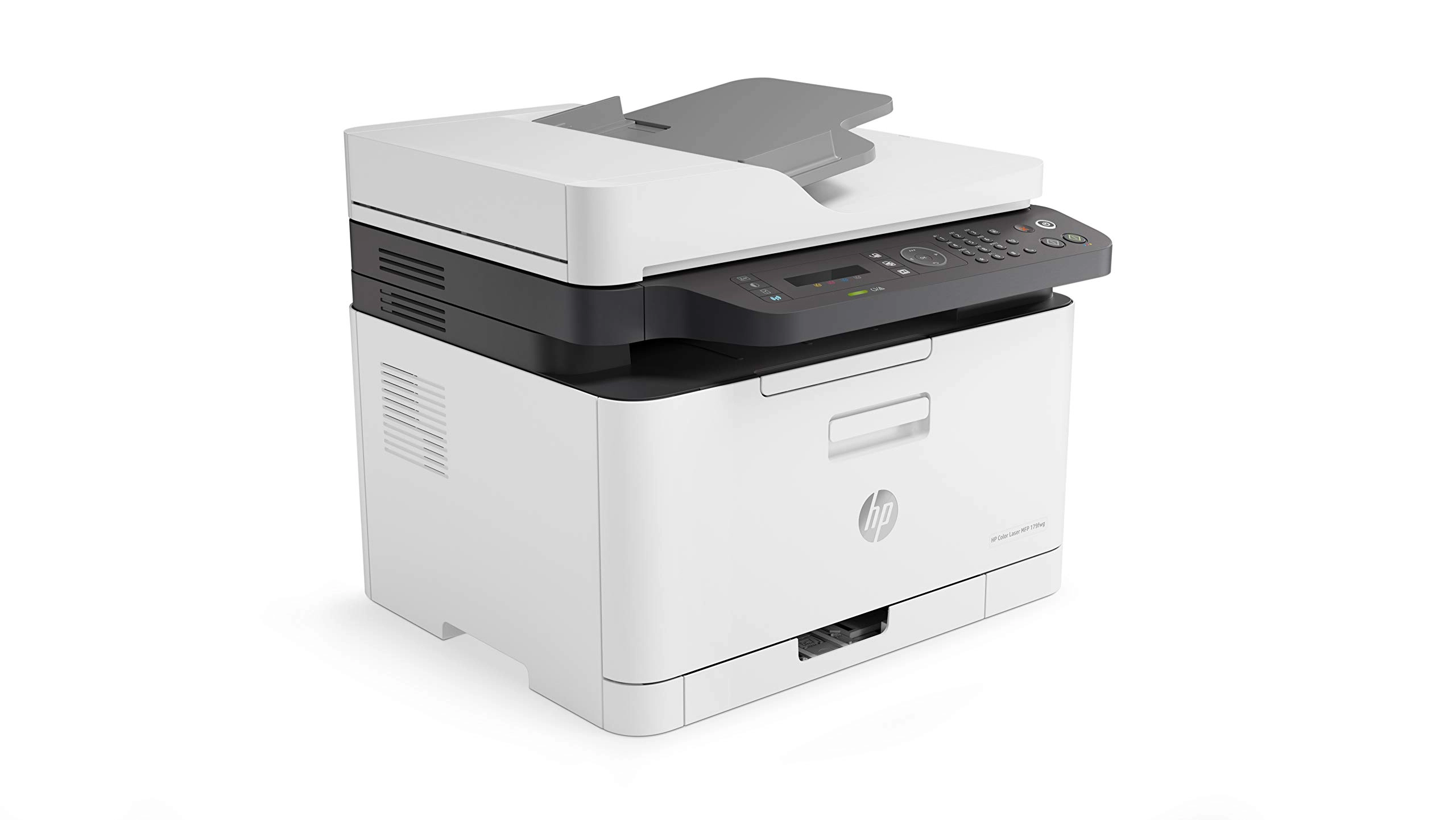
HP 3303FDW - Colour Laser Printing

HP 3303FDW - Colour Laser Printing

AED
1 64900
AED
1 24500
5 offers
-5%
Brother MFC-J2340DW - Inkjet Black and color

Brother MFC-J2340DW - Inkjet Black and color

AED
79900
AED
75900
4 offers
-20%
Brother DCP-L3520CDW - LED Colour

Brother DCP-L3520CDW - LED Colour

AED
1 09900
AED
87600
4 offers
-41%
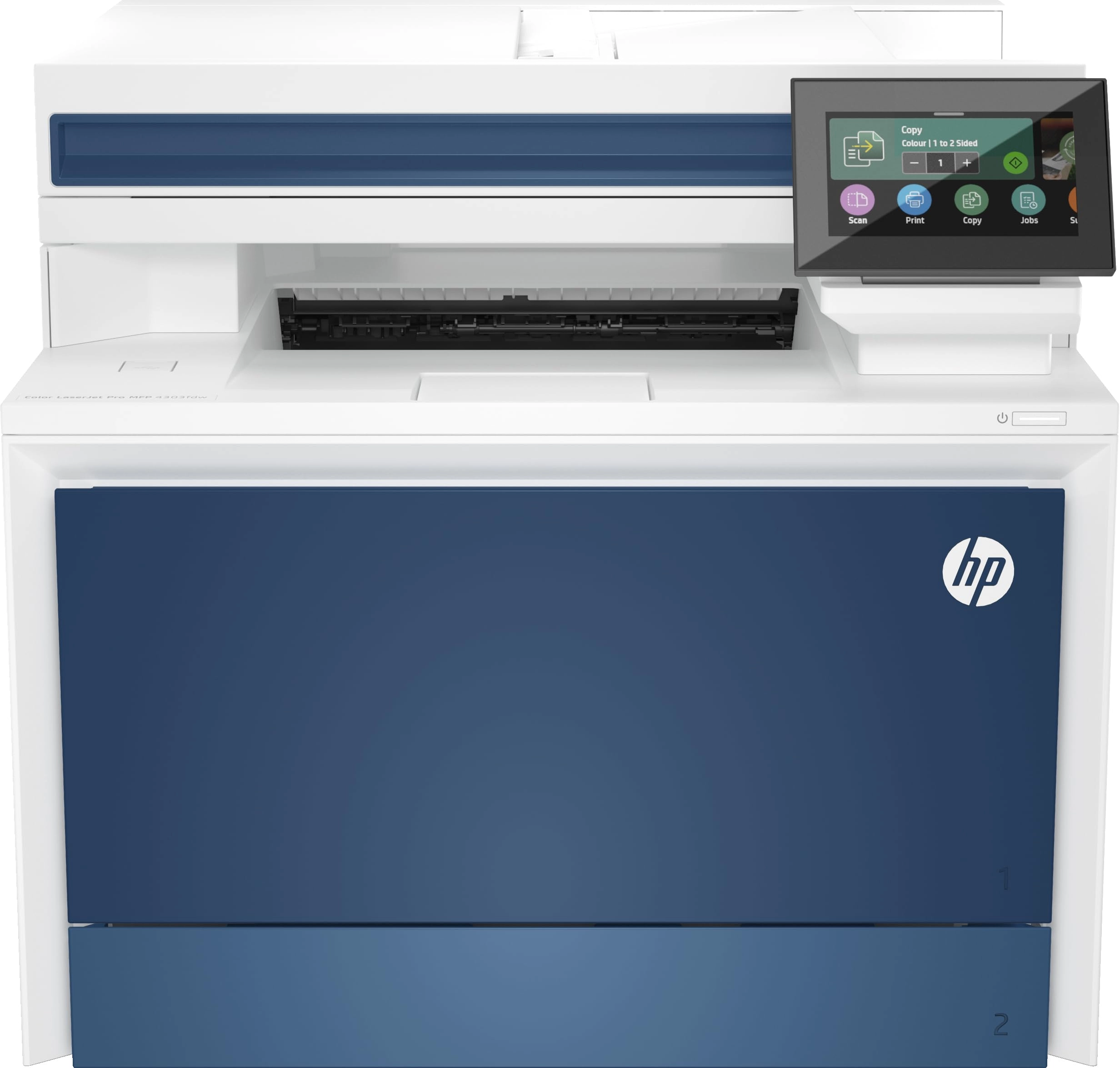
HP MFP 137FNW - Laser Monochrome

HP MFP 137FNW - Laser Monochrome

AED
1 29900
AED
76200
8 offers
-7%
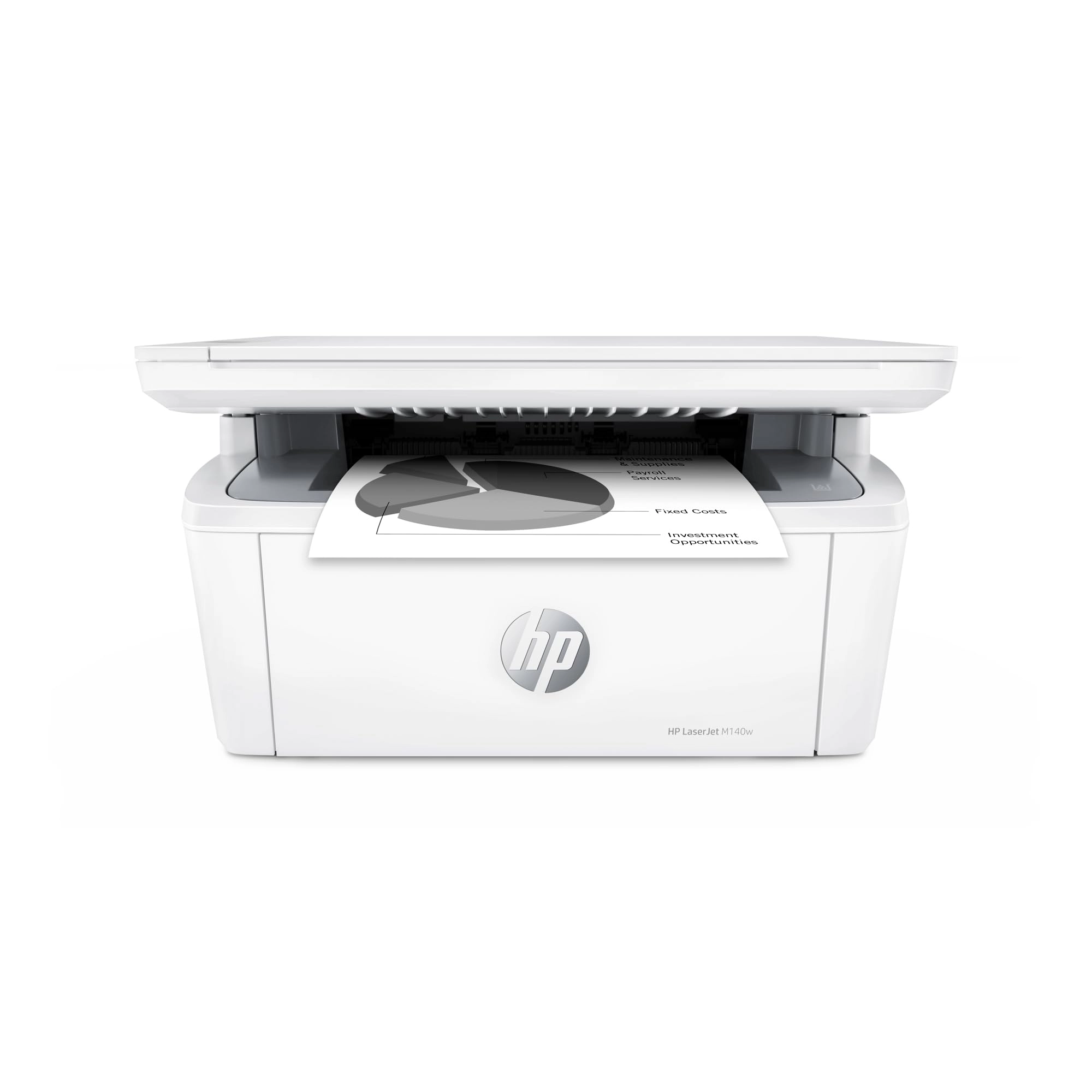
HP M141a - Laser Mono

HP M141a - Laser Mono

AED
49900
AED
45999
4 offers
Brother MFC-L3750CDW - Colour Laser

Brother MFC-L3750CDW - Colour Laser

AED
1 19900
Unavailable
4 offers
-28%
Brother MFCL3720CDW - Laser Color

Brother MFCL3720CDW - Laser Color

AED
1 19900
AED
85900
4 offers
Brother MFC-L8390CDW - LED 600 x 2400 DPI 30 ppm

Brother MFC-L8390CDW - LED 600 x 2400 DPI 30 ppm

AED
1 46500
4 offers
-16%
Brother MFC-T920DW - Inkjet Color

Brother MFC-T920DW - Inkjet Color

AED
1 13355
AED
95000
4 offers

More from Brother

See all
<1%
Brother DCP-T710W - Ink Tank Colour

Brother DCP-T710W - Ink Tank Colour

AED
1 06502
AED
1 06500
Unavailable
1 offer
Brother MFC-T920DW Ink Tank Printer

Brother MFC-T920DW Ink Tank Printer

AED
1 09900
1 offer
<1%
Brother TN-361C - Tonercartridge1,500pages

Brother TN-361C - Tonercartridge1,500pages

AED
21000
AED
20800
1 offer
Brother TD-4410D - 102 millimeter

Brother TD-4410D - 102 millimeter

AED
1 35000
1 offer
Brother DCP-L3510CDW - Laser Colour

Brother DCP-L3510CDW - Laser Colour

AED
94900
Unavailable
3 offers
Brother HL-L2405W - Wireless Monochrome

Brother HL-L2405W - Wireless Monochrome

AED
1 31237
2 offers
Brother BG-DCPL5510DW

Brother BG-DCPL5510DW

AED
1 05000
4 offers
Brother DCP-L5510DN - Laser Mono

Brother DCP-L5510DN - Laser Mono

Unavailable
1 offer
Brother MFCB7810DW

Brother MFCB7810DW

AED
96900
1 offer
Brother MFCL2827DWXLRE1 - Laser coloured

Brother MFCL2827DWXLRE1 - Laser coloured

Unavailable
1 offer
Loading...
Loading...
Loading...
Loading...
Loading...
Loading...
Loading...
Loading...
Loading...
Loading...
Loading...
Loading...
Loading...
Loading...
Loading...
Loading...
Loading...
Loading...
Loading...
Loading...
Loading...
Loading...
Loading...
Loading...
Loading...
Loading...
Loading...
Loading...
Loading...
Loading...
Loading...
Loading...
Loading...
Loading...
Loading...
Loading...
Loading...
Loading...
Loading...
Loading...
Loading...
Loading...
Loading...
Loading...
Loading...