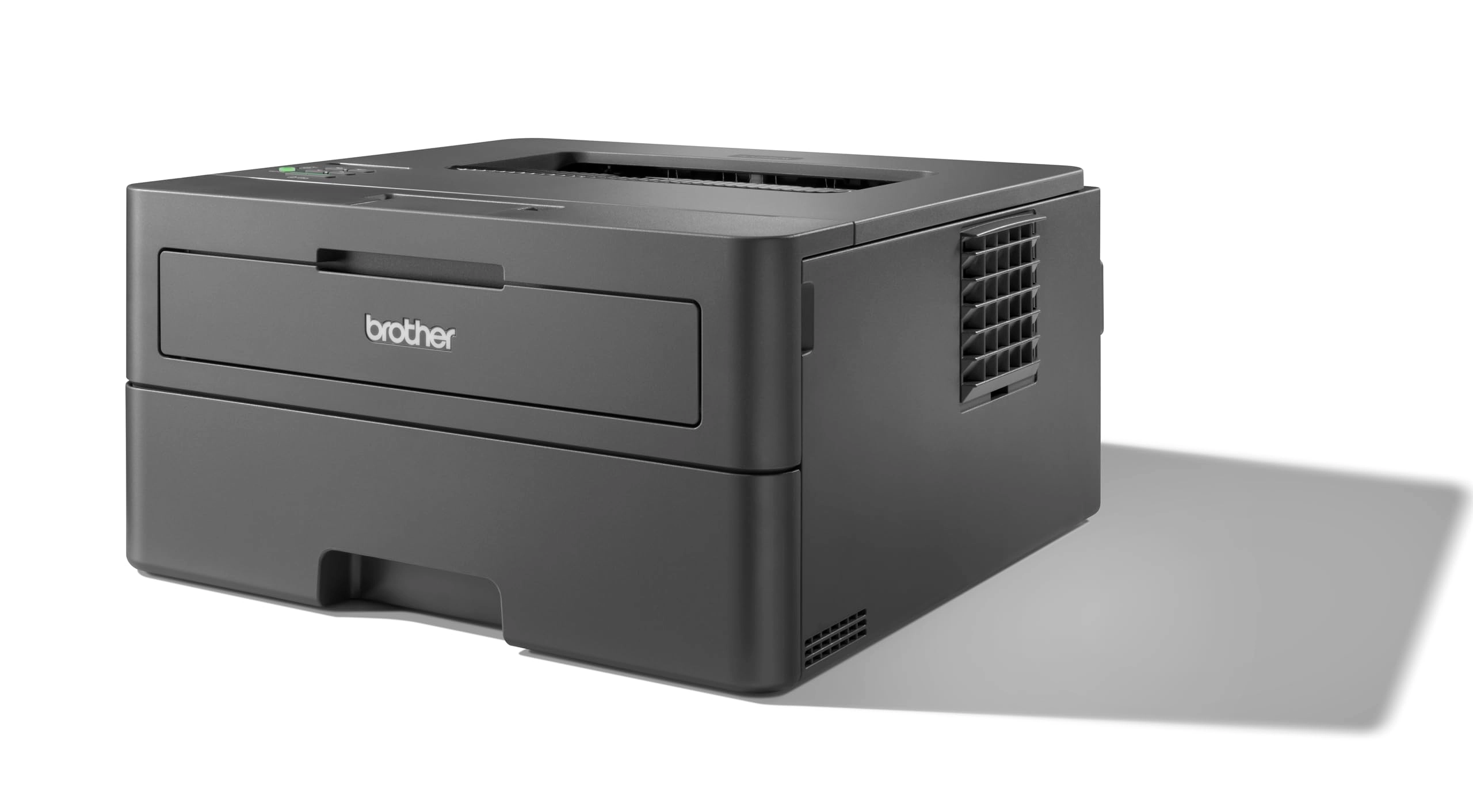
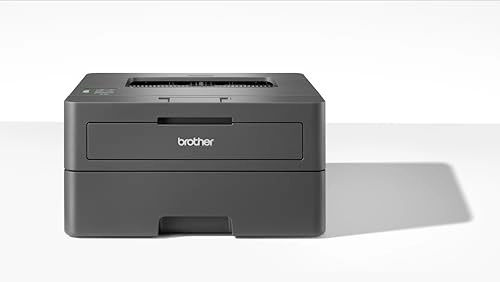
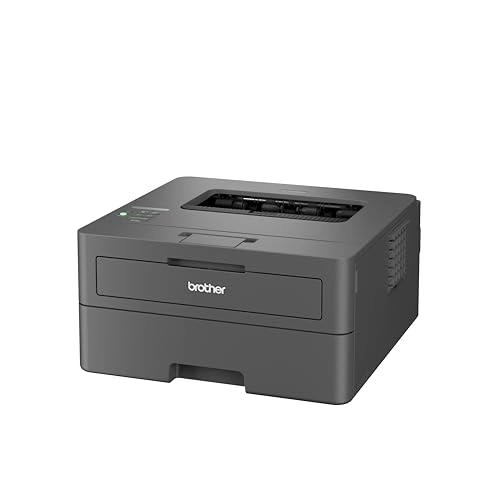
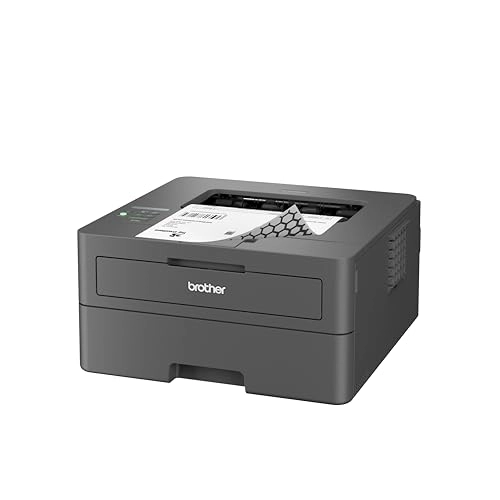
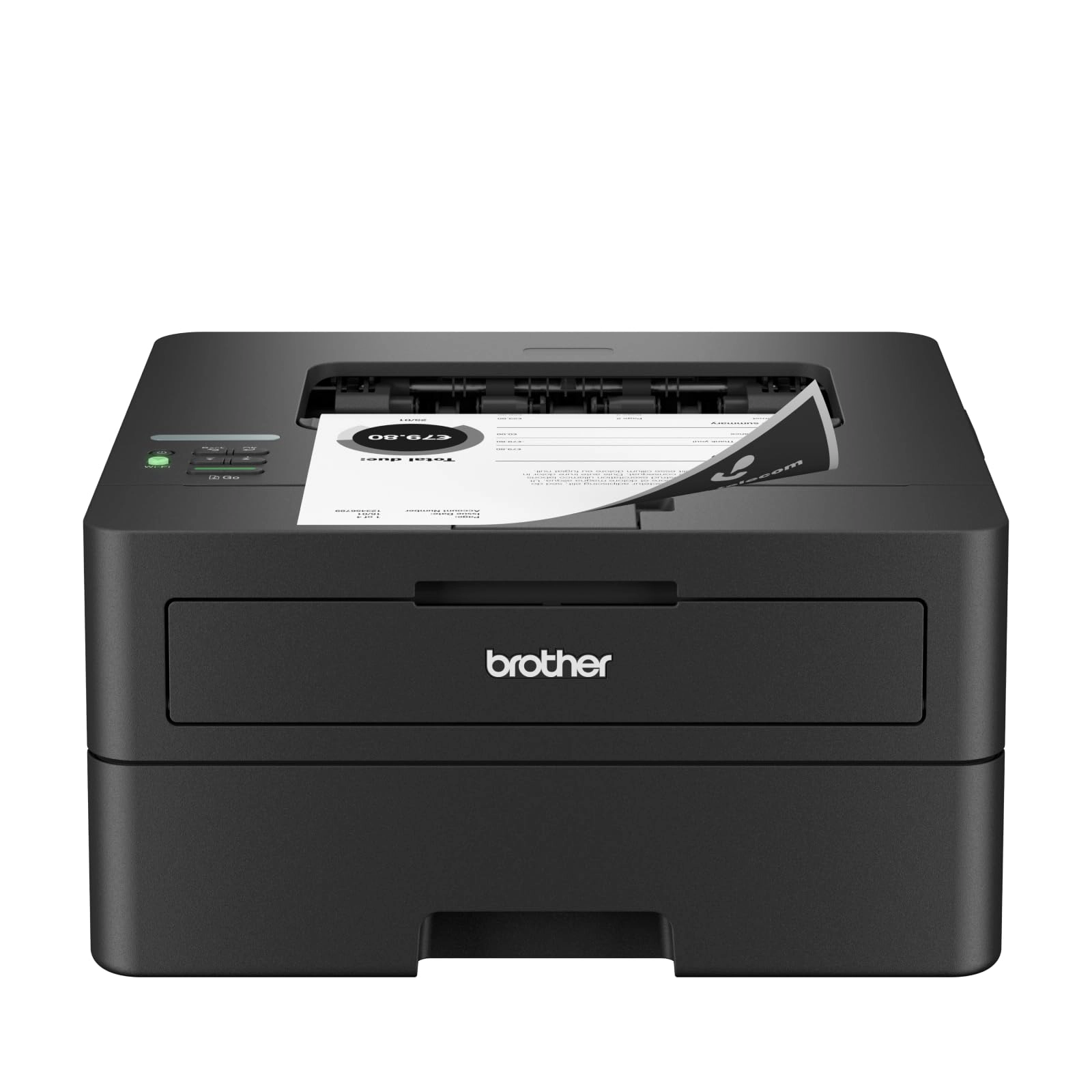
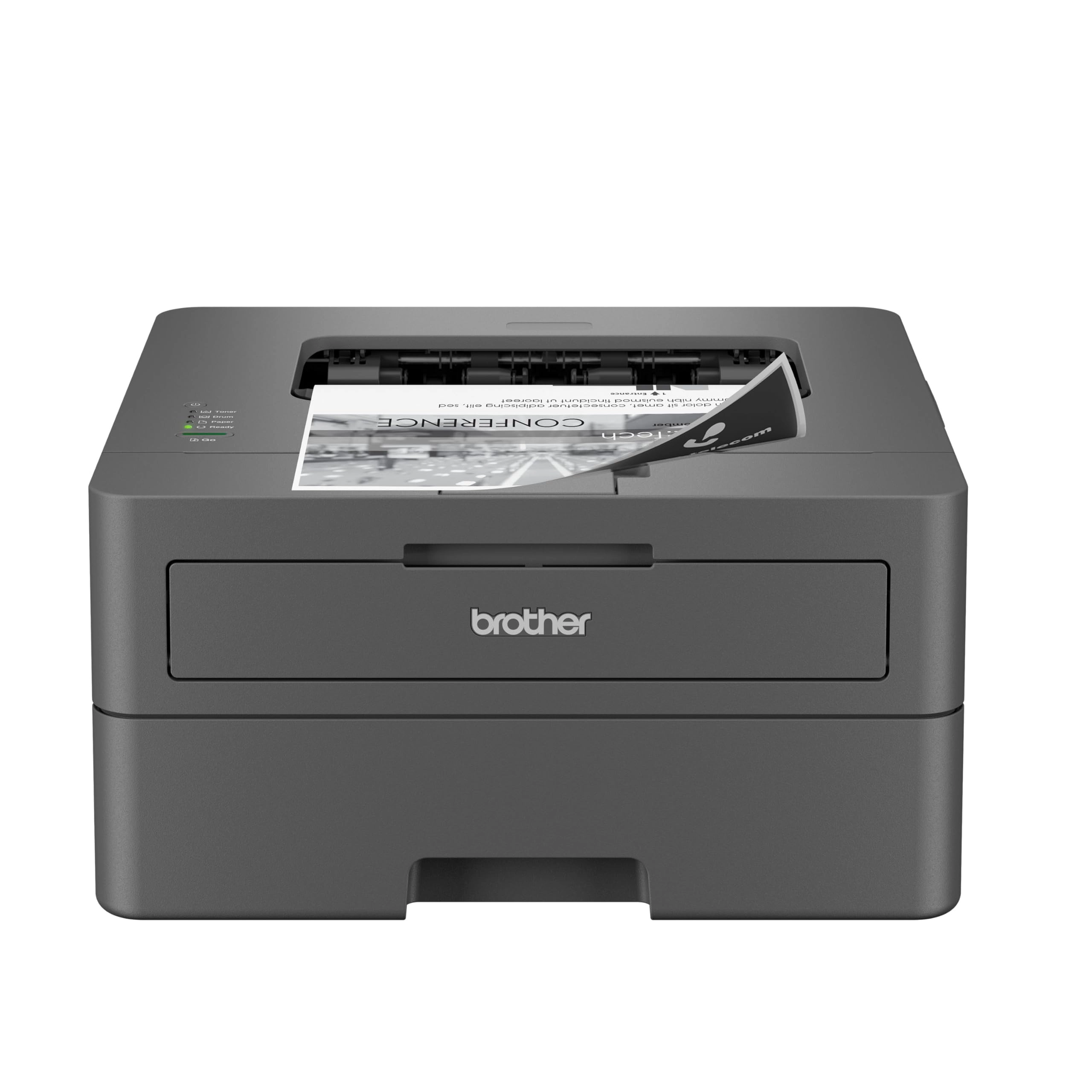
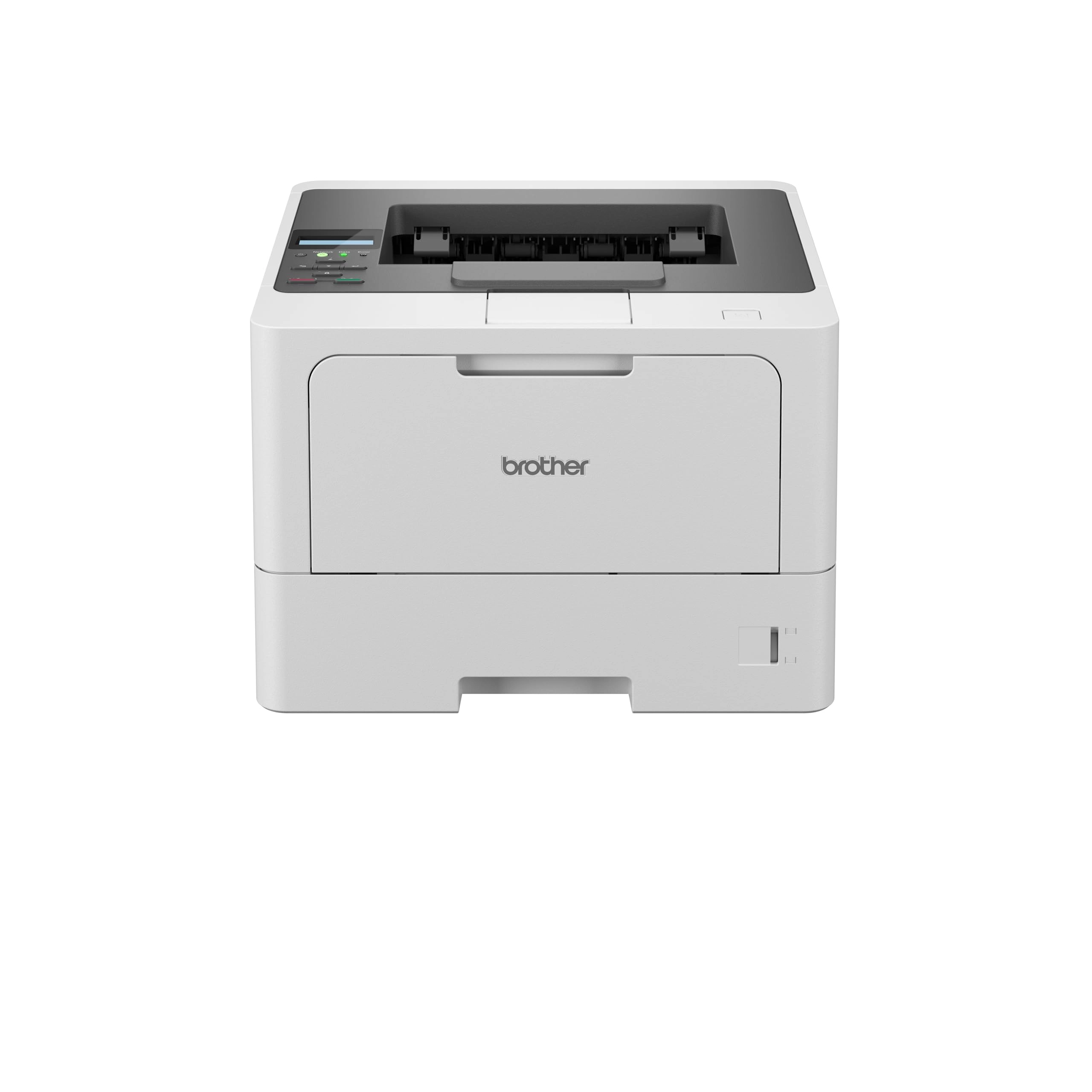
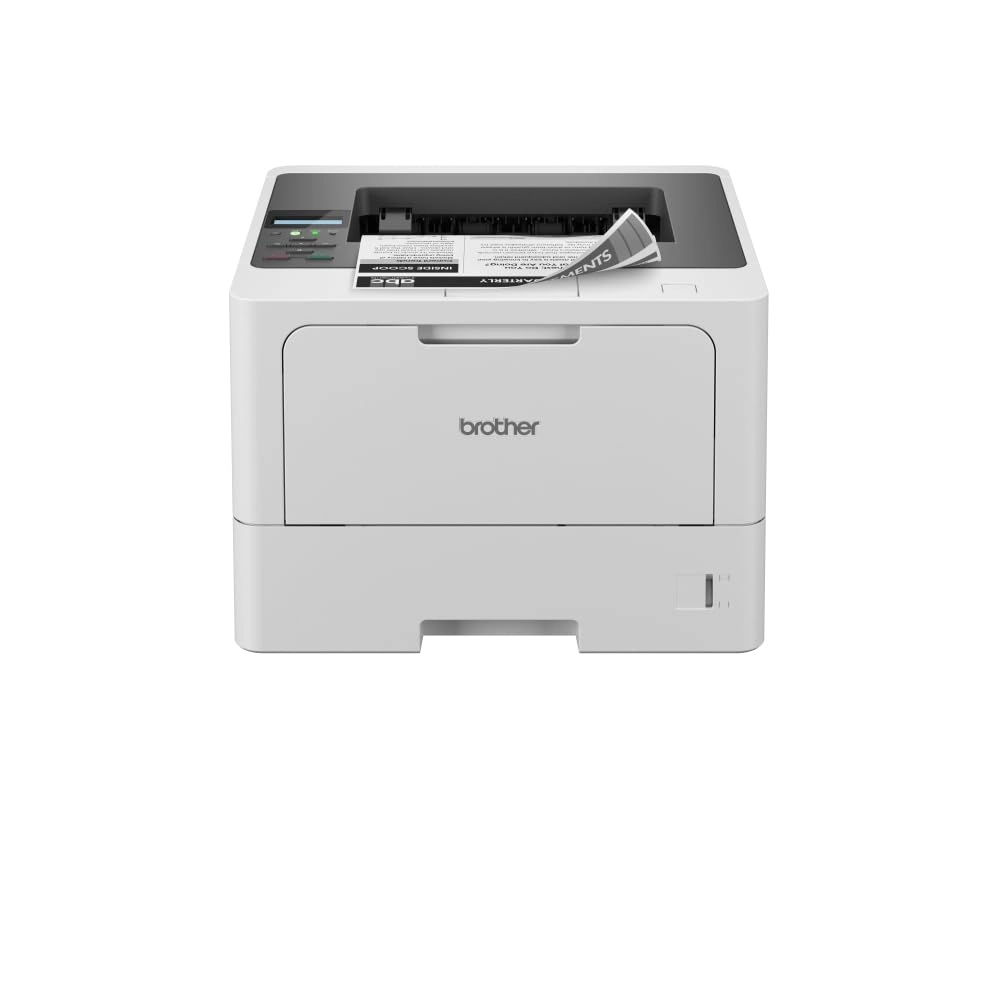
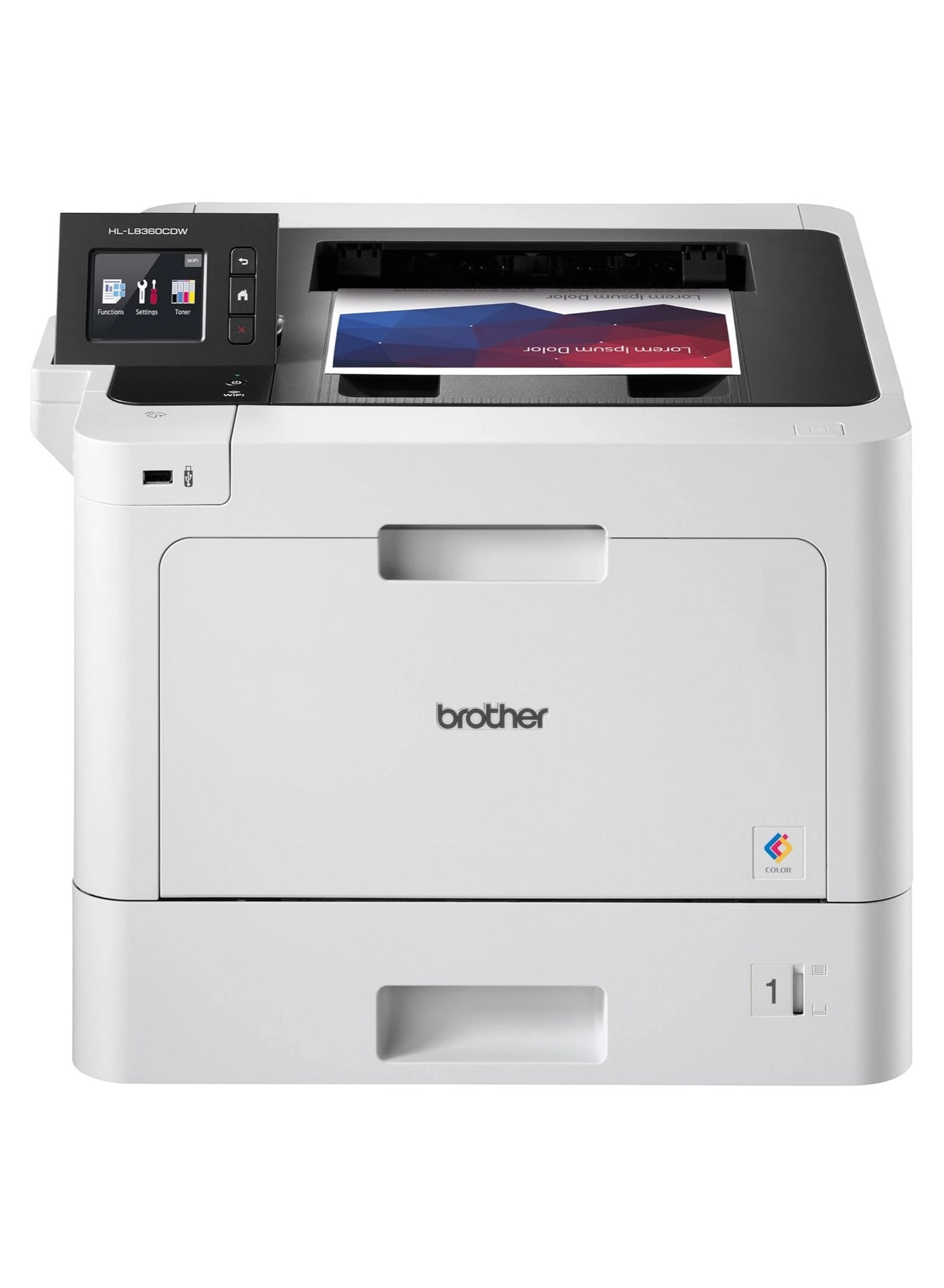
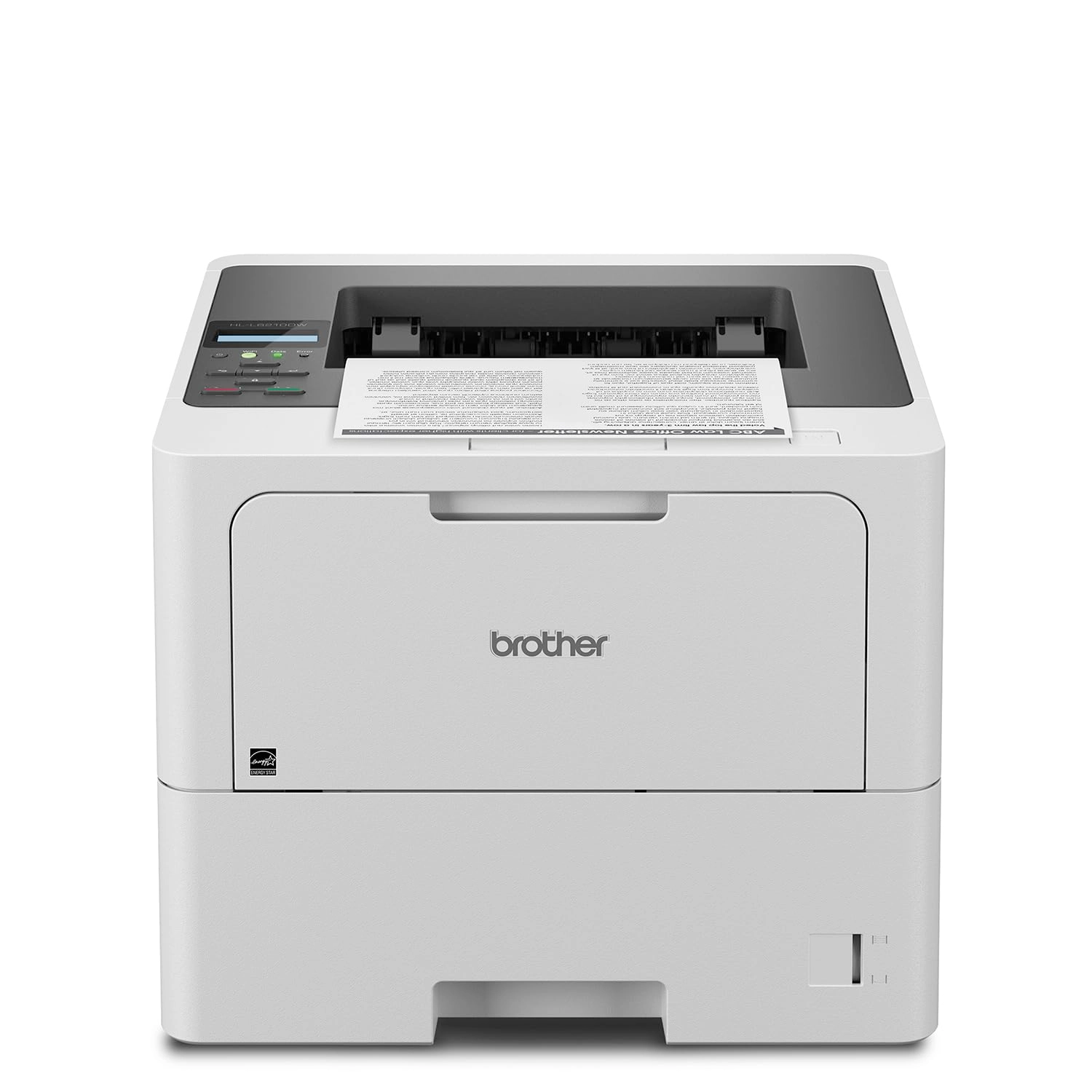
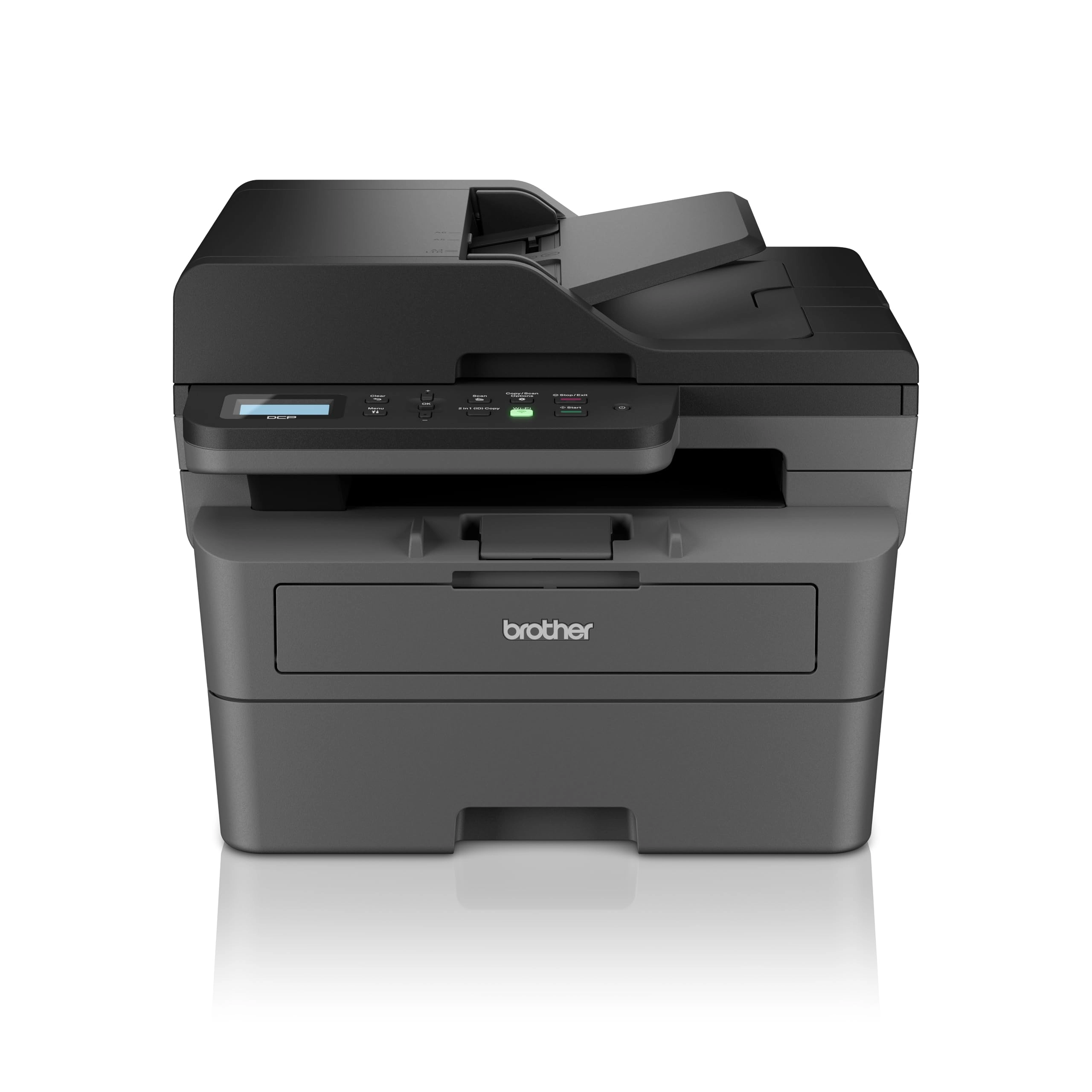
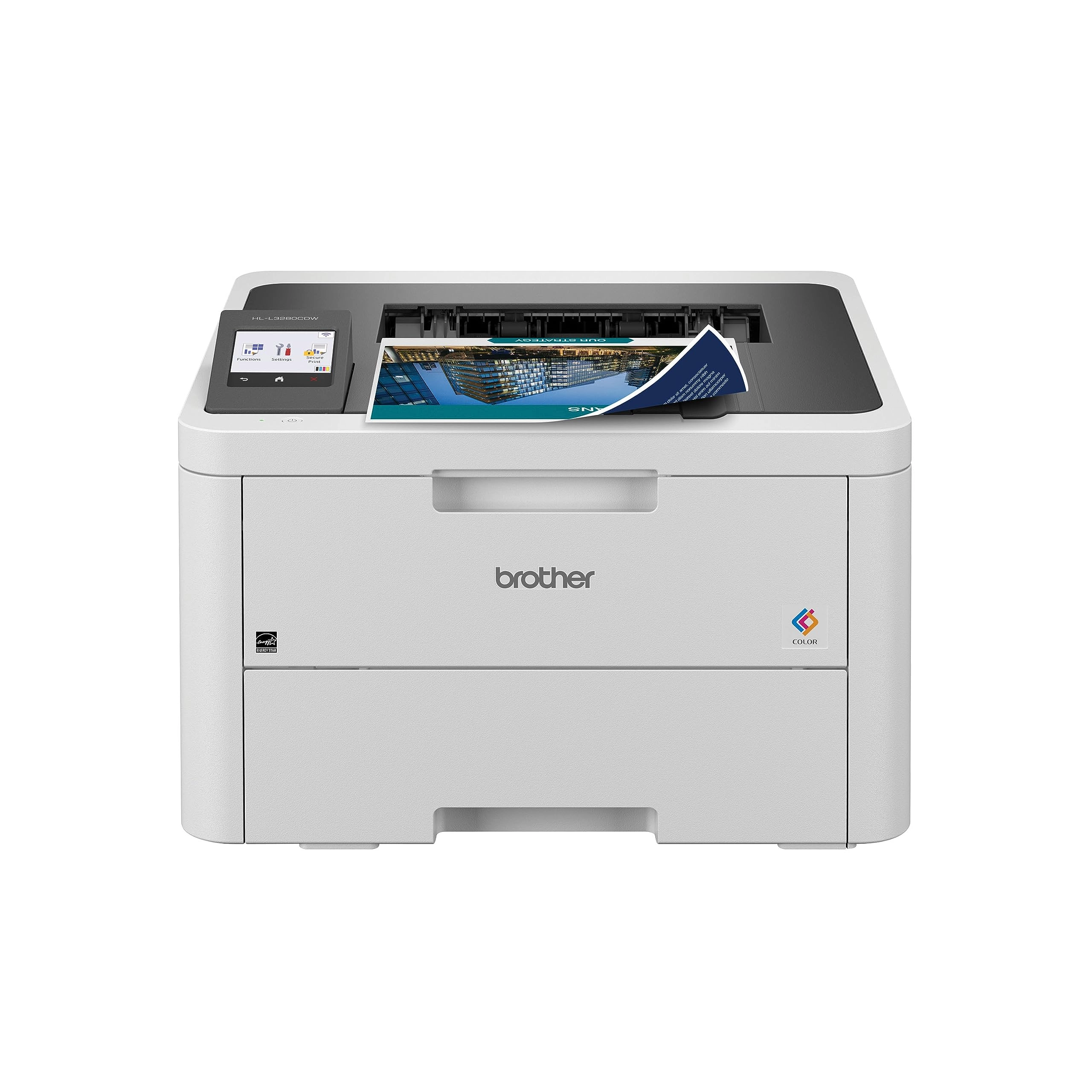
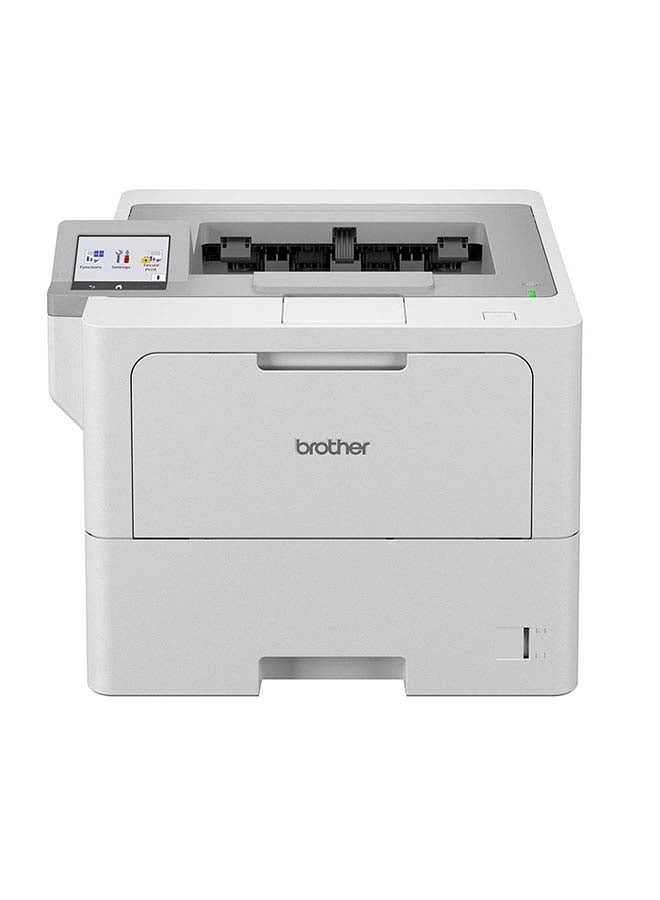
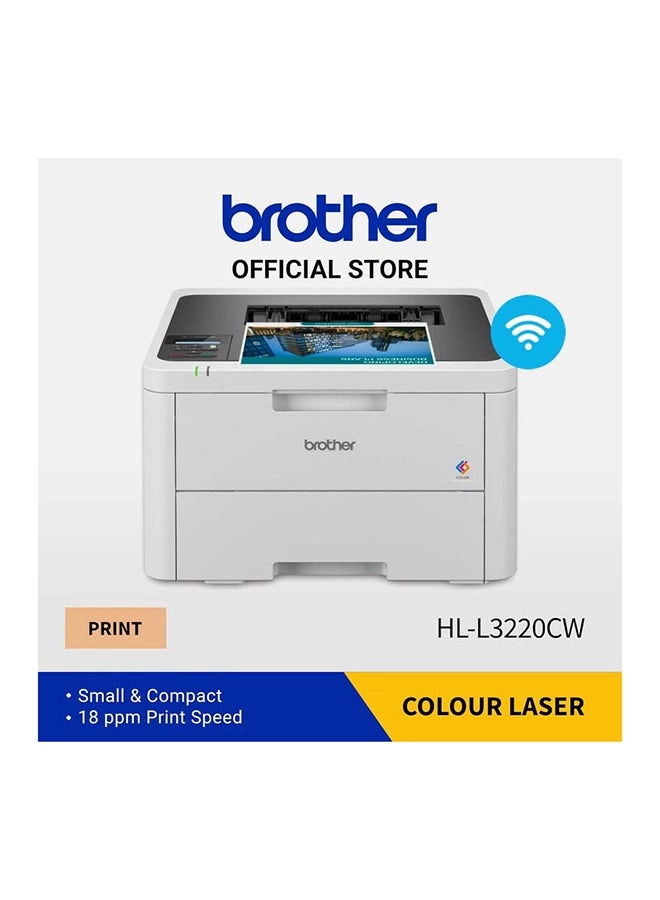
Print pro docs fast with this compact, wireless laser printer.
Featuring fast speeds, large paper capacity, and easy
connectivity, it's ideal for home or office.
Review: Great mono laser printer - I've owned a HP Laserjet
printer for years and as it had started to malfunction I decided
to buy a new one. I'd never used Brother printers before but was
aware that they had a good reputation, so I chose this one and
it's absolutely brilliant. Inside the box you'll find the
printer, a power cable, a toner and drum cartridge, some booklets
(quick setup guide, safety and warranty information - no full
user guide as is the case these days) and a lot of polystyrene.
The printer is quite a large, square, boxy thing, not as tall as
it is wide, and feels plasticky but solid, and isn't too heavy.
Setup took a matter of minutes, and the guide was absolutely fine
- take everything out of the box, remove the toner and drum
cartridge from its bag, take the protective orange clip off it
and insert it into the printer, put some paper into the tray,
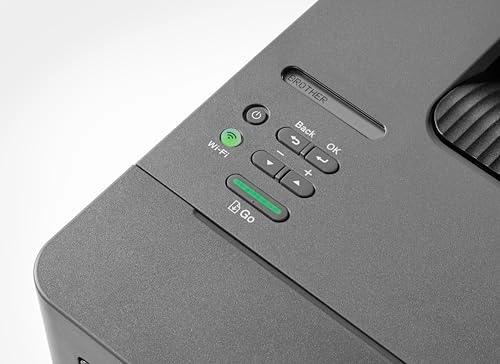
power it on, and connect to wifi with no drivers, software, or
apps required (I was using Windows 11 and an Android phone, the
latter able to print things like downloaded PDFs straight away
without having to install anything). Connecting to wifi was easy.
The printer has a single line LCD display, and I quickly found
the network settings, selected wifi, chose my network, entered
the password (lots of up & down and OK key presses here to select
the relevant characters) and that was that, everything could
connect straight away. If you don't want to use wifi the rear of
the printer has a USB port (a printer USB port, so a square-ish
D-shaped port, not a standard USB or USB C port) but no cable is
included, and also an ethernet port if you wish to connect it to
your router, but again no cable is supplied. In use, the printer
is noisier than my old HP one, but the sound you can hear is like
a fan, presumably the one that cools the inside of the printer
while it is working. I'm delighted to find that the printer does
double sided printing without having to manually reinsert the
paper as my old one did, and is extremely fast, printing around
32 pages per minute. The included toner cartridge is apparently
good for over 1000 pages - so far I've done maybe 60, so I've got
some way to go before I can see how accurate this is. When not in
use, if you leave the printer on it will enter a sleep mode so
power consumption is minimised, and as soon as you send a print
job it wakes up and starts straight away. Print quality is great,
whether printing text or images, but as this is a mono printer
it's obviously just black and white, which is exactly what I
wanted as I mainly print documents. I'm absolutely delighted with
this, and so far it seems that Brother's great reputation for
laser printers is warranted.
Review: Fantastic laser printer - After replacing all of the ink
cartridges in my admittedly excellent ink key printer I wondered
if I could do something to reduce printing costs as ink prices
are huge. I've dabbled with laser printers over the years and
remember the early huge expensive models with few features.
Researching the current market, Brother printers are rated highly
and so I decided to take the plunge on this model which was also
selling for just over the cost of a full set of ink cartridges...
I have to say I'm absolutely blown away by how good this printer
is, especially compared to my experiences of old. It was easy to
set up (scan the QR code and follow the instructions on your
phone or go to the Brother website on PC), it has ethernet and
WiFi connectivity, it prints duplex, has high print quality and
it's very fast when printing. Wow. It comes with a 1,200 page
toner cartridge and you have the option of choosing higher
capacity replacements when the time comes. Excellent work Brother
and now I can keep the ink key for photo prints only where it
truly excels.