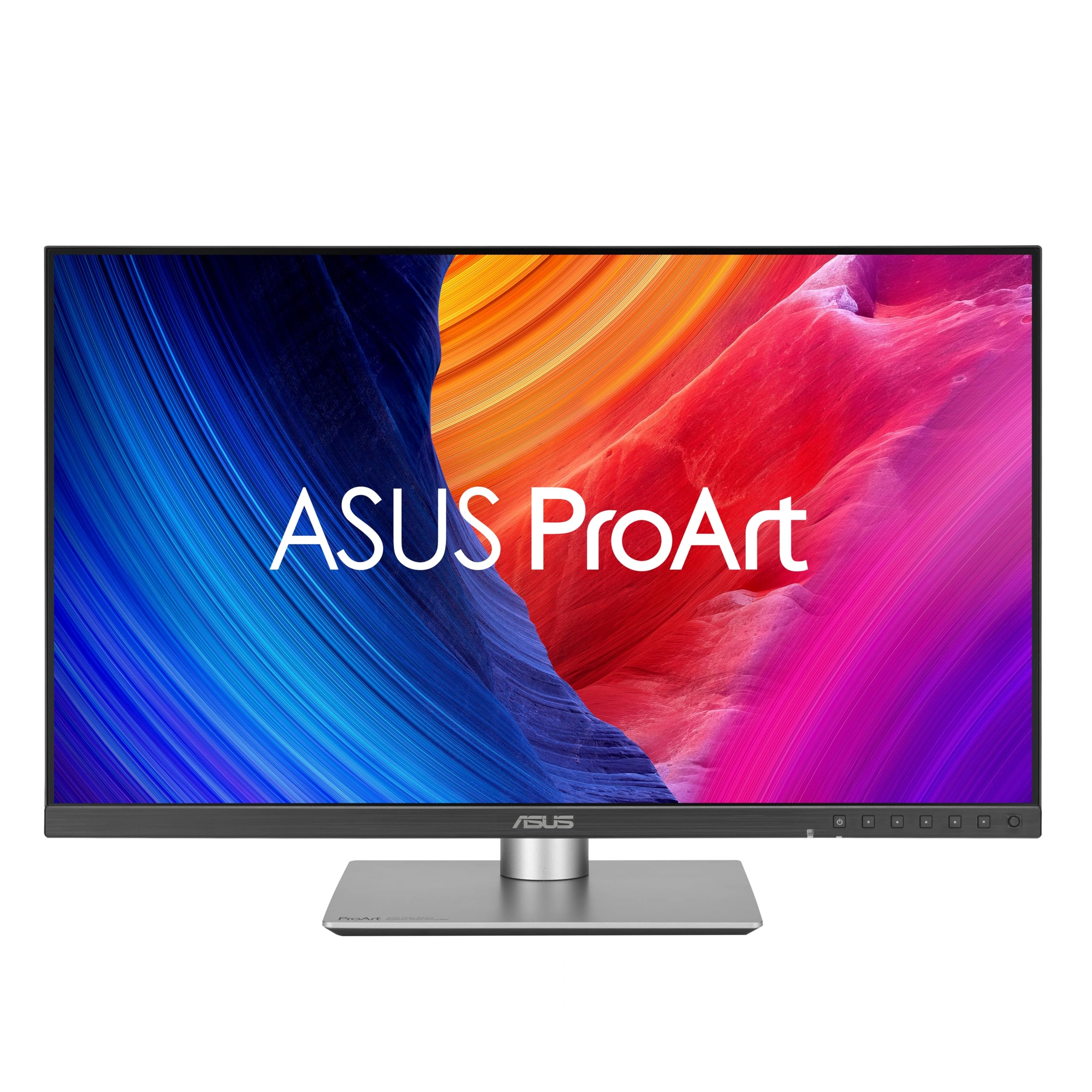
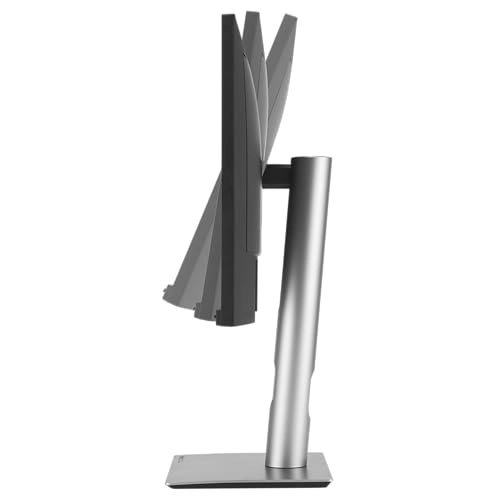
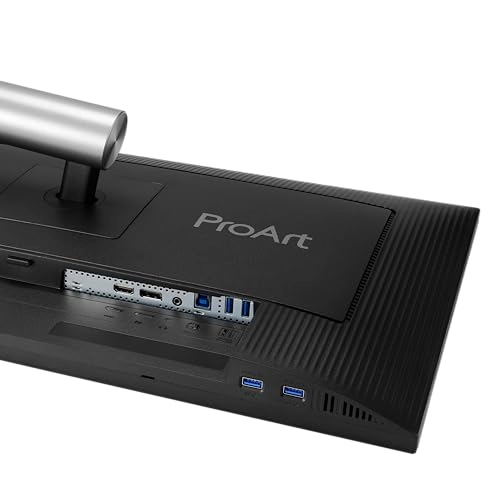
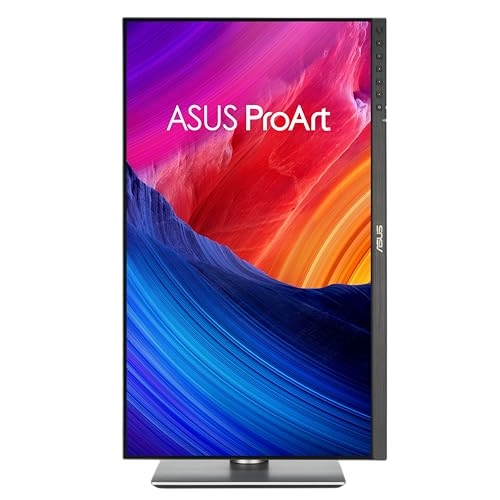
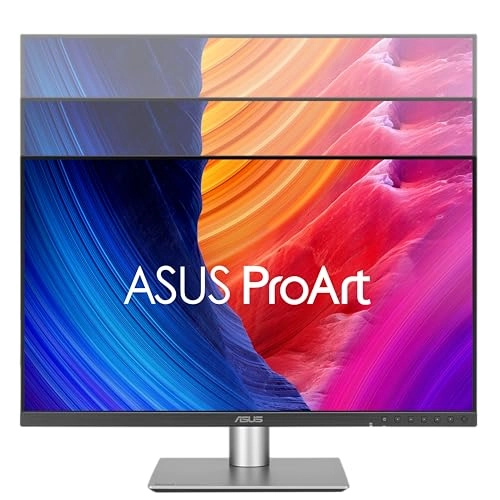
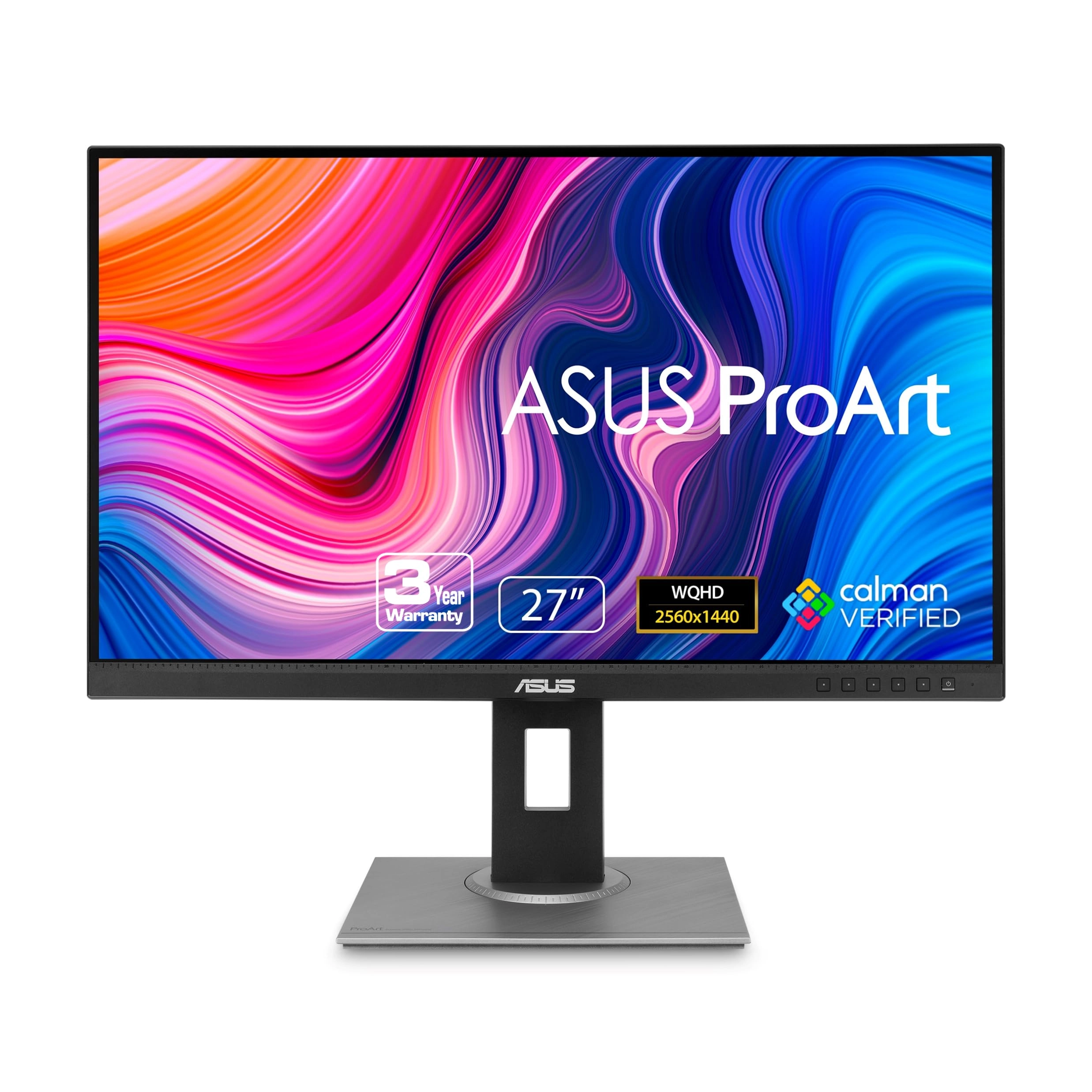
ProArt Display PA278QGV is a 27-inch IPS QHD monitor designed for creative professionals. As the second generation model of the PA278QV, it delivers improved performance with 95% DCI-P3 color gamut, factory calibration of Delta E < 2, and Calman verification for superior color accuracy. It offers 120Hz VRR for 2x smoother images, and introduces the new M-model color temperature for consistent P3 color on MacBooks. With DisplayPort, HDMI, and a built-in USB hub, it ensures seamless connectivity for all your creative needs. Filmmakers and video editors Good performance for editing and previewing video clips in Rec. 709 or P3 color space. Color specifiers Factory calibrated to Delta E<2 color accuracy for industry-leading color accuracy Designers and photographers Highly accurate color reproduction brings out the details in photos or digital artwork Artificial intelligence artists Future-proof compatibility and seamless adaptability to new devices and software Seamless MacBook controls Use the MacBook brightness button to adjust the monitor brightness M model P3 color temperature New M model's P3 color temperature aligns ProArt Display colors with macOS devices Instant screen adjustment Intuitive display control with ASUS DisplayWidget Center for macOS Stunning high-resolution images High PPI improves clarity and expands workspace Reliable compatibility guaranteed Compatibility tested by trusted third parties Consistent colors across multiple devices ProArt preset modes offer multiple color space options. The new M-model color temperature is specifically designed to match the color characteristics of macOS devices and ProArt displays. This ensures seamless color consistency across displays, making the mode ideal for color-critical tasks such as photo editing, video production, and graphic design. 6500k Wide color gamut for vibrant and accurate colors in consumer devices DCI-P3 Accurate P3 implementation for professional, color-intensive tasks M-Model A mode designed to ensure color consistency between macOS devices MacBook and MacBook Pro and ProArt displays Seamless screen management ASUS DisplayWidget Center is a software that provides an intuitive interface for adjusting monitor settings such as brightness, contrast, and color temperature. Whether you use your monitor for daily viewing or professional creative work, you can easily find the optimal display settings for a better viewing experience. Unleash your creativity with artificial intelligence Generative AI unlocks creative possibilities and helps creatives realize their artistic visions more effectively. The ProArt Display's wide color gamut, high resolution, and professional color accuracy make it the perfect tool to help creatives realize their ideas. Turn text into reality - quickly Photoshop Discover the power of Gen AI with Text to Image and Generative Fill tools. Simplify the creative process, effortlessly create, adjust, and enhance visual elements. Edit in an instant Premiere Pro Gen AI tools streamline complex tasks and speed up editing. Use features like Object Add-Remove and Generative Extend for quick and precise adjustments. Convert 2D images to 3D images Substance 3D Sampler and Stager Image-to-Texture leverages Gen AI to enable artists to quickly create 3D materials and textures from real images, enhancing creativity and seamlessly integrating into workflows. Enjoy true-to-life colors The PA278QGV offers 95% DCI-P3 and 100% sRGB color coverage, bringing out even the smallest details in photos. True color - ready to use immediately Color professionals rely on color-accurate displays to ensure their creations look exactly as intended. Every ProArt display is factory-calibrated to Calman Verified standards and achieves Delta E<2 color accuracy. 2D-3D rendering Variable refresh rate VRR of up to 120Hz allows creative professionals to create fast-rendering games and perform quality control on a single display. The high frame rate delivers smooth visuals and a comfortable viewing experience. Photorealistic colors The PA278QGV monitor features ASUS Light Sync technology, where an ambient light sensor automatically adjusts the display's brightness and color temperature according to changes in ambient lighting, ensuring true-to-life colors at all times. Sophisticated design Compared to its predecessor, the PA278QGV has a 33% smaller stand and a 30% thinner profile, making it a perfect fit for a studio or any living room with its understated elegance. Extensive connectivity The PA278QGV offers a wide range of connectivity options, including HDMI, DisplayPort, and four USB Type-A downstream ports, making it compatible with a wide range of devices. The PA278QGV also includes a headphone pass-through port. Connect devices easily The built-in USB3.2 hub on the bottom of the PA278QGV includes two USB Type-A ports, allowing easy connection to a variety of devices and peripherals, as well as charging-compatible devices. Ergonomic stand Every ProArt display comes with an ergonomic stand that can be adjusted to tilt, pivot, swivel, and height for a comfortable viewing experience. The 90-degree clockwise or counterclockwise rotation of the display into a portrait position is a convenient feature when working on long documents, coding, or browsing the web. Plus, the quick-release feature makes it easy to attach the display to the integrated VESA wall mount without screws, so you can set it up in seconds! ASUS Power Sync Streamline and tidy your desk ASUS Power Sync allows HDMI-connected devices to power on and off simultaneously with supported ASUS displays, providing single-function control. Customizable via the ASUS NUC MyASUS app, this feature enhances device synergy for enhanced organization and productivity.