Allware
Loading...
  • News
  • Price drops
  • New arrivals
  • Featured categories
  1. Computers & Peripherals
  2. Data Input Devices
  3. Keyboards
HA315B - QWERTY Wired

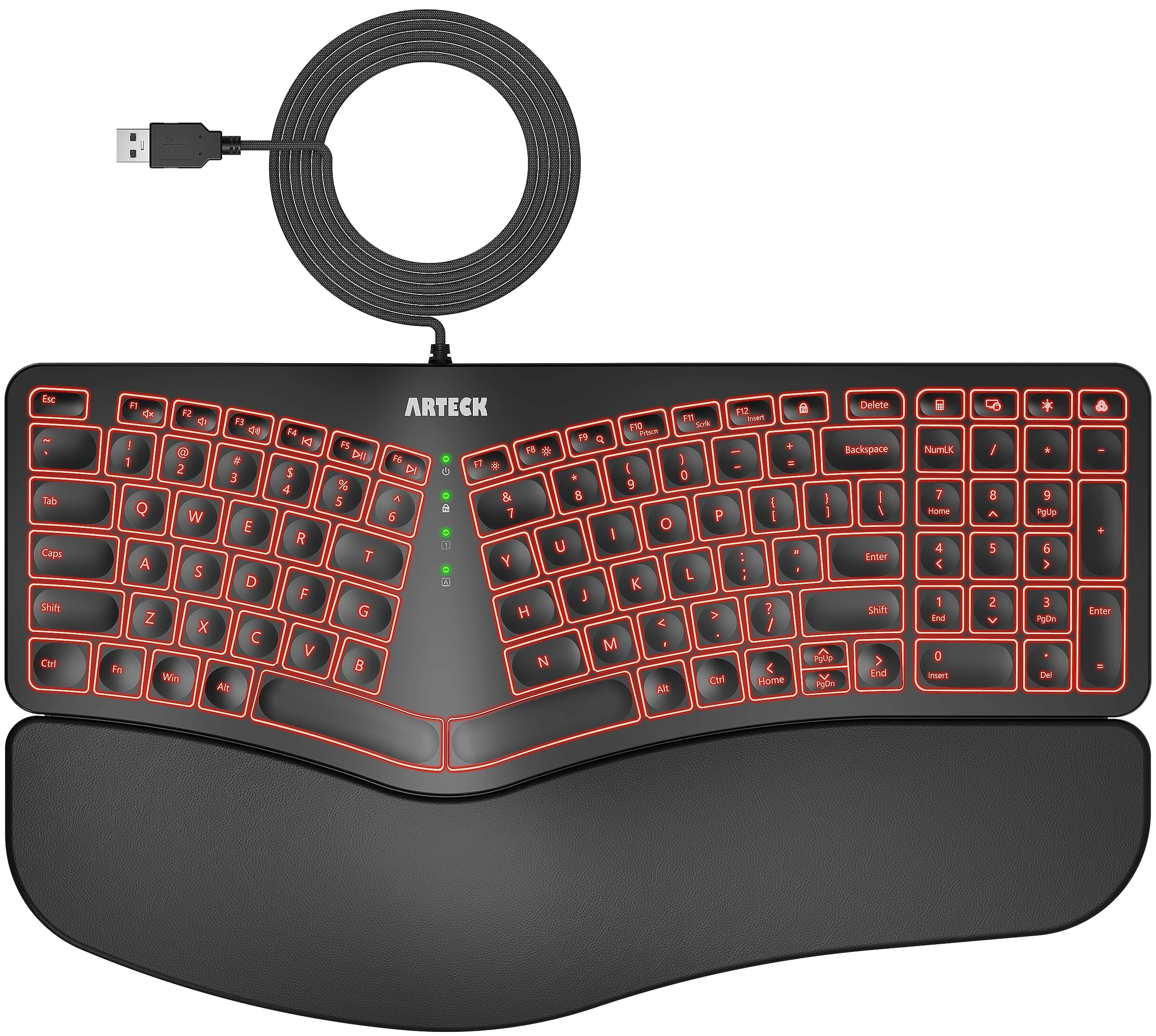
Arteck HA315B - QWERTY Wired

Best offer
AED
36100
AED
50200
-28%

Key Features

  • Hand orientation: Ambidextrous
  • Keyboard layout: QWERTY
  • Product colour: Multicolour
  • Connectivity technology: USB
  • Offers
  • Price History
  • Specifications
  • Product Details
  • Review IconReviews
  • Community & Expert Opinions

Specifications

Features

Connectivity technology
USB
Keyboard layout
QWERTY
Product colour
Multicolour
Hand orientation
Ambidextrous

Product Details

desertcart.com: Arteck Ergonomic USB Wired Keyboard with Cushioned Wrist & Palm Rest, Backlit 7 Colors & Adjustable Brightness Comfortable Natural Split Keyboard with 6 Feet Wire for Windows Computer Desktop Laptop : Electronics Review: Precisely What I Was Looking For - I've used this keyboard daily for 3 months now, and it has been a great experience so far. It's my first time purchasing an Arteck keyboard, so I wasn't sure what to expect, but I had heard their brand is reputable for making solid, reliable devices, and thus far I would agree with that. I was looking for a very specific set of features in a keyboard, and this was literally the only one that checked all of the boxes on desertcart at the time of purchasing. Features I was looking for that it had: Ergonomic split key style with a padded wrist rest. Scissor-style key press mechanism (feels like a laptop keyboard when typing) Backlit keys with multiple color choices, including white A full sized number pad on the right side Wired, rather than wireless (although in hindsight, either would have been fine.) There are a few things about the keyboard that are relatively minor, not anything that makes it a bad experience, but that if I could have everything perfect in a single keyboard, I would prefer they were slightly different. The half-sized Up/Down arrow buttons, while functional, I would prefer full size ones like the right and left arrows. They feel a bit cramped to use. The delete key being about 3/4 sized is not that strange, but its position above and right-aligned to the backspace key is just awkward for me. I'm used to it being underneath, or off to the right side. Very often I will blind-press either the "FN Lock" (Function Lock) key to the left of it by mistake, thinking it is the Delete key, either that or the Calculator key (which works great in Linux by the way) to the right of it. 3 months in and I'm still not used to its size or placement unfortunately. Similarly, I'd rather the top row of keys on the number pad were positioned elsewhere, (or mainly just the color change button for the backlight not being above the - key) but I do understand that there are limitations to the amount of space they can work with, and appreciate that they managed to pack a bunch of extra feature keys. I'd prefer the print screen feature to have its own dedicated key, rather than being a toggle ON/OFF via the function lock. For example, to switch between the ability to take a screenshot, and the ability to refresh a webpage via the F5 key, you have to press the function lock key in between to toggle the functionality. Most of the functions controlled by FN Lock are used sparingly (volume controls, media playback controls, brightness settings, scroll lock and the insert key) but print screen is one of those that's pretty common for me, and would have been more helpful having its own key instead. Two more minor things related to the lights... if I had it all my way... By the way, at the time of writing, there was a discrepancy in the product description in regards to the backlighting colors so, for those who are wondering, the key colors on the HA315B model are: yellow, purple, cyan, white, red, green, and indigo (blue.) The first one is just a personal preference. I've surprised myself by gravitating to the yellow color lights. I wish the yellow color was more to the orange/red side, like a golden color. Instead it is closer to a yellow-green, which is fine, I would have just preferred something a bit more gold if I could pick. Not a big deal at all. I like that it has a lot of color choices! The other "issue" was just that the green lights in the center of the keyboard that tell you what buttons are ON/OFF for capslock, function lock, numlock, and so on, are SUPER bright. Way too unnecessarily bright. It looks great when you're using the green color on the backlight, since it matches well, but for everything else it's too intense and visually distracting, especially in a darker room. But, I got some old solid black electrical tape I had laying around, and cut little tiny squares of out it, and covered about 75-90% of the visible lights with that, drastically reducing their brightness to a more sane and tolerable level, while also being careful not to completely cover the lights, so I can still tell when they are on or off in general. It's a simple, low-tech fix, and again not a huge deal, but for future keyboard designs I would highly suggest putting a much dimmer and more subtle light in for those. All in all, it may sound like I have a lot of complaints, but honestly none of them are all that big of a deal. Almost every keyboard I've ever used has at least a few aspects that feel are a bit less than ideal compared to what I would prefer, and none of these things are detrimental enough to feel like a disservice to the experience. It's a very enjoyable keyboard to use and I'm quite pleased with it. The pros far outweigh the cons, in other words. I would definitely recommend this keyboard if you are looking for these very specific combination of features, like I was, and I'm pleased with my purchase for sure. If everything continues to go this well throughout the rest of the year, I'd safely be able to recommend Arteck, or at least this specific product, to anyone interested. Review: Comfort, Quiet, and soft! 🤍 - Keyboard is awesome! Keys are soft, quiet, comfortable and your wrist immediately feels the difference. I type all day at work and not once have I gone home with wrist or hand pain.

Reviews

Loading...
Loading...
Loading...
Loading...
Loading...
Loading...
Loading...
Loading...
Loading...
Loading...
Loading...
Loading...
Loading...
Loading...
Loading...
Loading...
Loading...
Loading...
Loading...
Loading...
Loading...
Loading...
Loading...
Loading...
Loading...
Loading...
Loading...
Loading...
Loading...
Loading...
Loading...
Loading...
Loading...
Loading...
Loading...
Loading...
Loading...
Loading...
Loading...
Loading...
Loading...
Loading...
Loading...
Loading...
Loading...
Loading...
Loading...
Loading...
Loading...
Loading...
Loading...
Loading...
Loading...
Loading...
Loading...
Loading...
Loading...
Loading...
Loading...
Loading...
Loading...
Loading...
Loading...

Join our newsletter

Be the first to know about new arrivals, sales, and exclusive picks

Sign in to unlock newsletter access and stay in the loop

Allware
info@allware.com
+971522500911
World technology awards winner badge

Allware

  • About Us
  • Terms And Conditions
  • Privacy Policy
  • Contact Us

Partners

  • Why become a partner?
  • How to list your Online Shop?

Newsletter

  • Subscribe

Info

  • How Allware works
All Rights Reserved.
Allware does not sell products. Prices shown are aggregated from verified merchants.
Please enable location access or select an emirate
-
00:00:00
Prayer timings

Offers (1)

desertcart logo

1 offer

From
AED
361

Arteck Ergonomic USB Wired Keyboard with Cushioned Wrist & Palm Rest, Backlit 7 Colors & Adjustable Brightness Comfortable Natural Split Keyboard with 6 Feet Wire for Windows Computer Desktop Laptop


Multicolour
AED
50200
-28%
AED
36100

Price History

Price History Skeleton
Price History Shimmer Effect
Loading price history...

Similar Products

See all
-4%
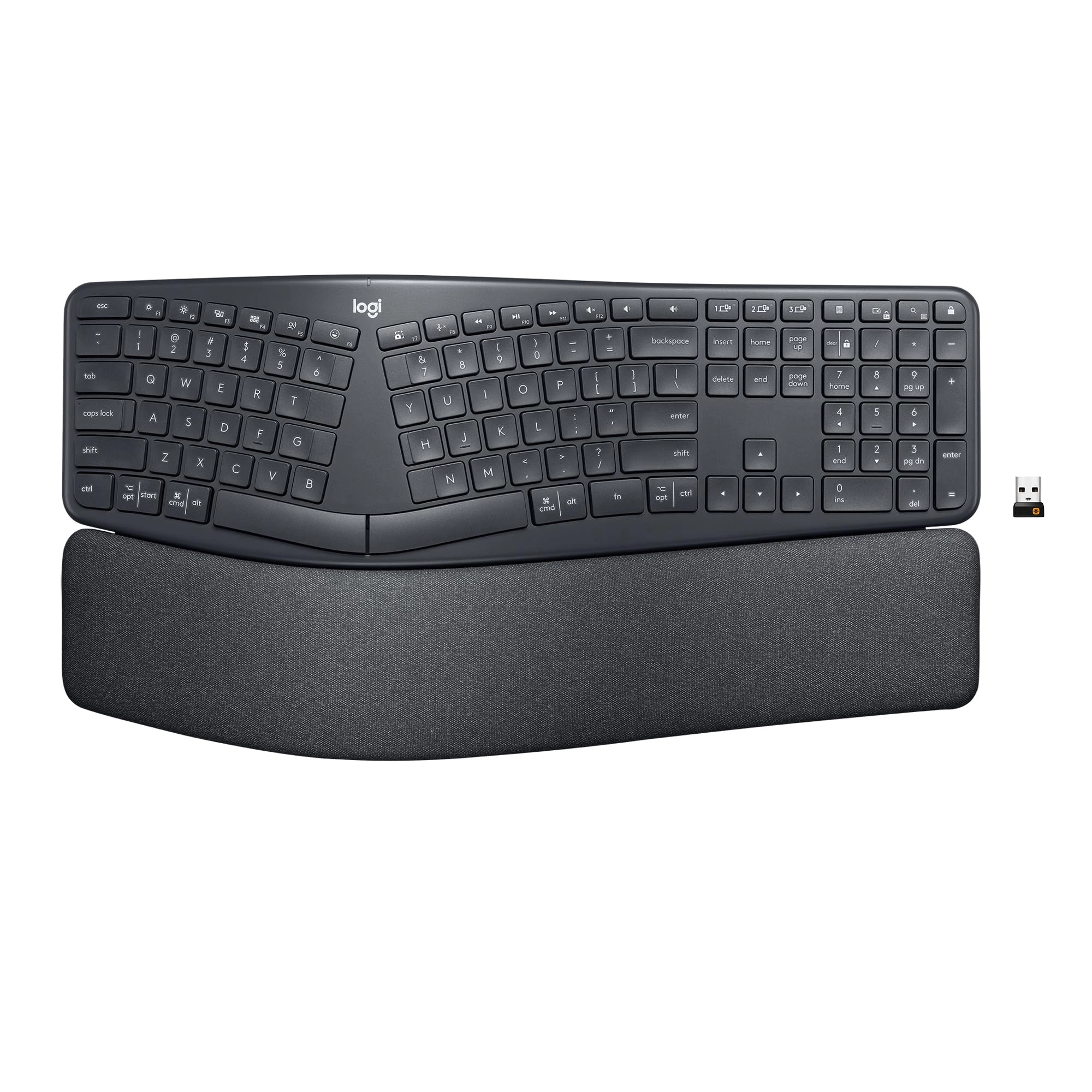
Logitech ERGO K860 - Wired/Wireless

Logitech ERGO K860 - Wired/Wireless

AED
47500
AED
45400
12 offers
AULA F2088 - Wired

AULA F2088 - Wired

AED
18900
30 offers
-22%
ProtoArc EK01 Plus - Wireless

ProtoArc EK01 Plus - Wireless

AED
53600
AED
41700
13 offers
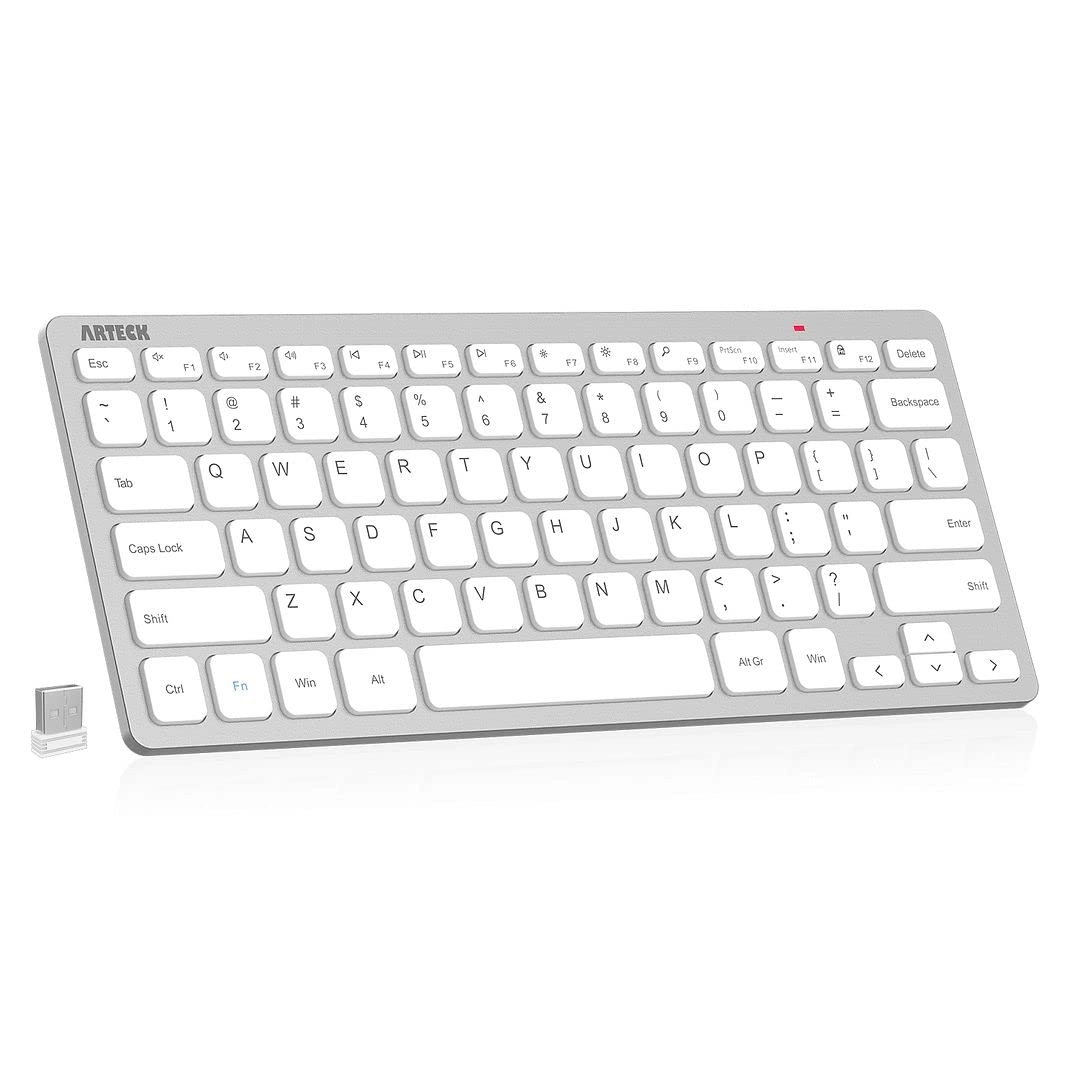
Arteck 2.4G Wireless Keyboard - US Wireless

Arteck 2.4G Wireless Keyboard - US Wireless

AED
12533
13 offers
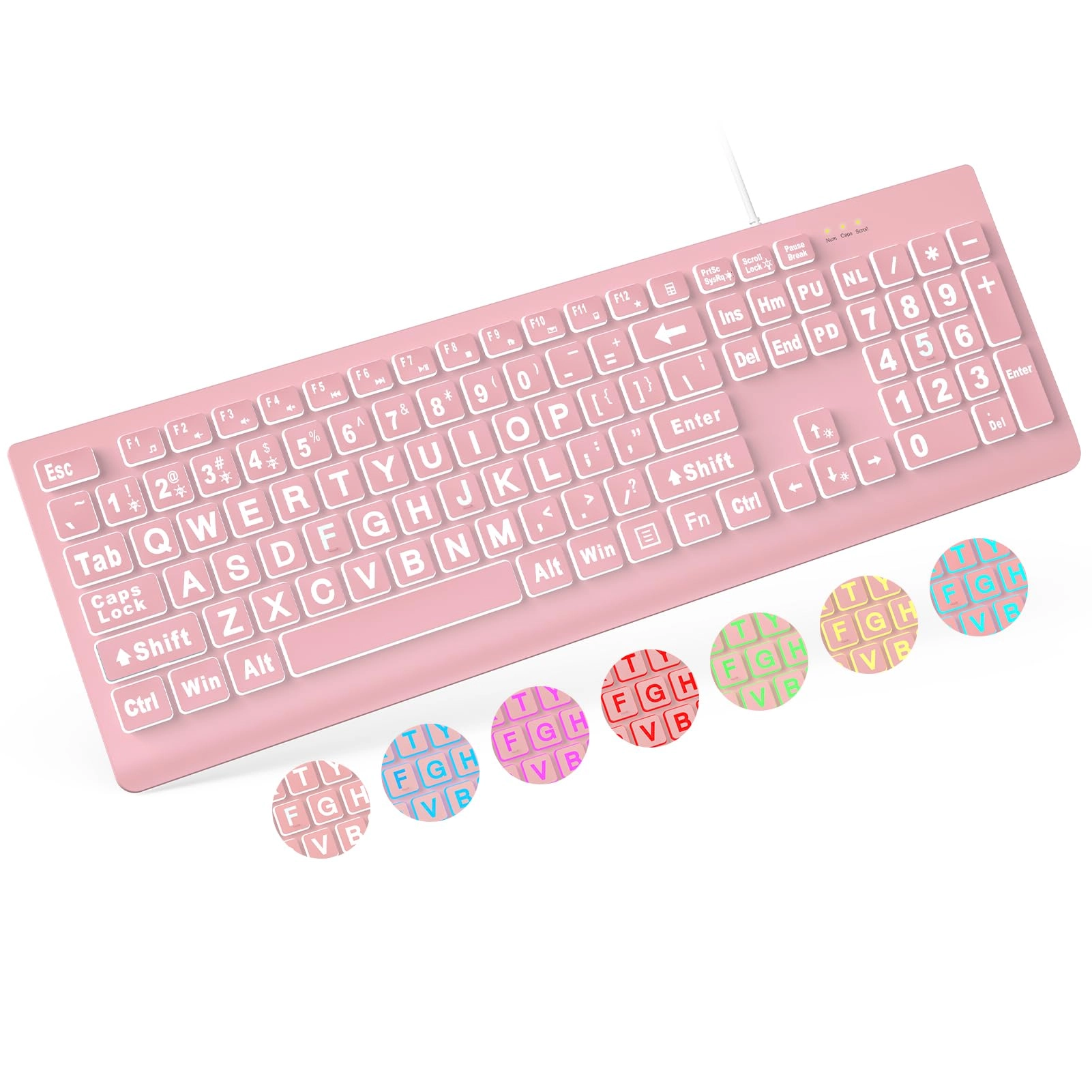
KOPJIPPOM Large Print Backlit Keyboard - QWERTY Wired/Wireless

KOPJIPPOM Large Print Backlit Keyboard - QWERTY Wired/Wireless

AED
12325
12 offers
Arteck HW098 - US Wireless

Arteck HW098 - US Wireless

AED
11700
7 offers
TeckNet RGB Gaming Keyboard - Wired

TeckNet RGB Gaming Keyboard - Wired

AED
11510
6 offers
Arteck HW192 - Wireless

Arteck HW192 - Wireless

AED
16050
5 offers
HyperX Alloy Core RGB - QWERTY Wired

HyperX Alloy Core RGB - QWERTY Wired

AED
11500
4 offers
BOOGIIO Large Print Computer Keyboard - QWERTY Wired

BOOGIIO Large Print Computer Keyboard - QWERTY Wired

AED
11603
4 offers

More from Arteck

See all
<1%
Arteck HW305-3 - Wireless

Arteck HW305-3 - Wireless

AED
40687
AED
40686
1 offer
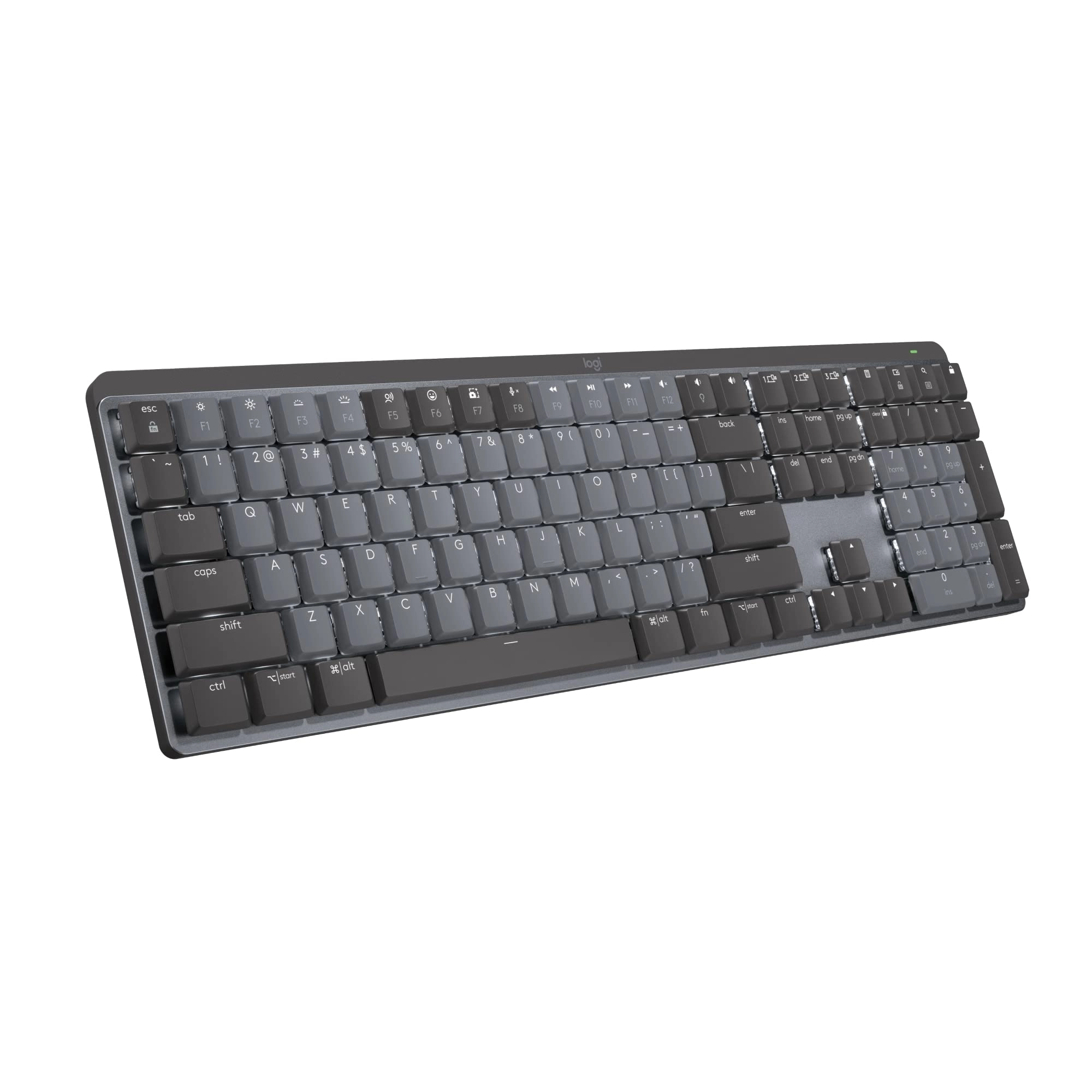
Arteck Performance Mechanical Keyboard - Wired/Wireless

Arteck Performance Mechanical Keyboard - Wired/Wireless

AED
23316
2 offers
Arteck HW098 - US Wireless

Arteck HW098 - US Wireless

AED
11700
7 offers
Arteck HB193 - Wireless

Arteck HB193 - Wireless

AED
14292
2 offers
Arteck Universal Backlit Bluetooth Touch TV Keyboard - US Wireless

Arteck Universal Backlit Bluetooth Touch TV Keyboard - US Wireless

AED
15492
4 offers
Arteck Ultra-Slim Bluetooth Keyboard - US Wireless

Arteck Ultra-Slim Bluetooth Keyboard - US Wireless

AED
11817
1 offer
Arteck Portable Backlit Keyboard - Bluetooth

Arteck Portable Backlit Keyboard - Bluetooth

Unavailable
1 offer
Arteck MD167 Mouse - Wireless

Arteck MD167 Mouse - Wireless

AED
12816
1 offer
-34%
Arteck HW192 + MW162 - QWERTY Wireless

Arteck HW192 + MW162 - QWERTY Wireless

AED
44400
AED
29200
1 offer
Arteck HW315 - Wireless

Arteck HW315 - Wireless

AED
33659
1 offer
Loading...
Loading...
Loading...
Loading...
Loading...
Loading...
Loading...
Loading...
Loading...
Loading...
Loading...
Loading...
Loading...
Loading...
Loading...
Loading...
Loading...
Loading...
Loading...
Loading...
Loading...
Loading...
Loading...
Loading...
Loading...
Loading...
Loading...
Loading...
Loading...
Loading...
Loading...
Loading...
Loading...
Loading...
Loading...
Loading...
Loading...
Loading...
Loading...
Loading...
Loading...
Loading...
Loading...
Loading...
Loading...