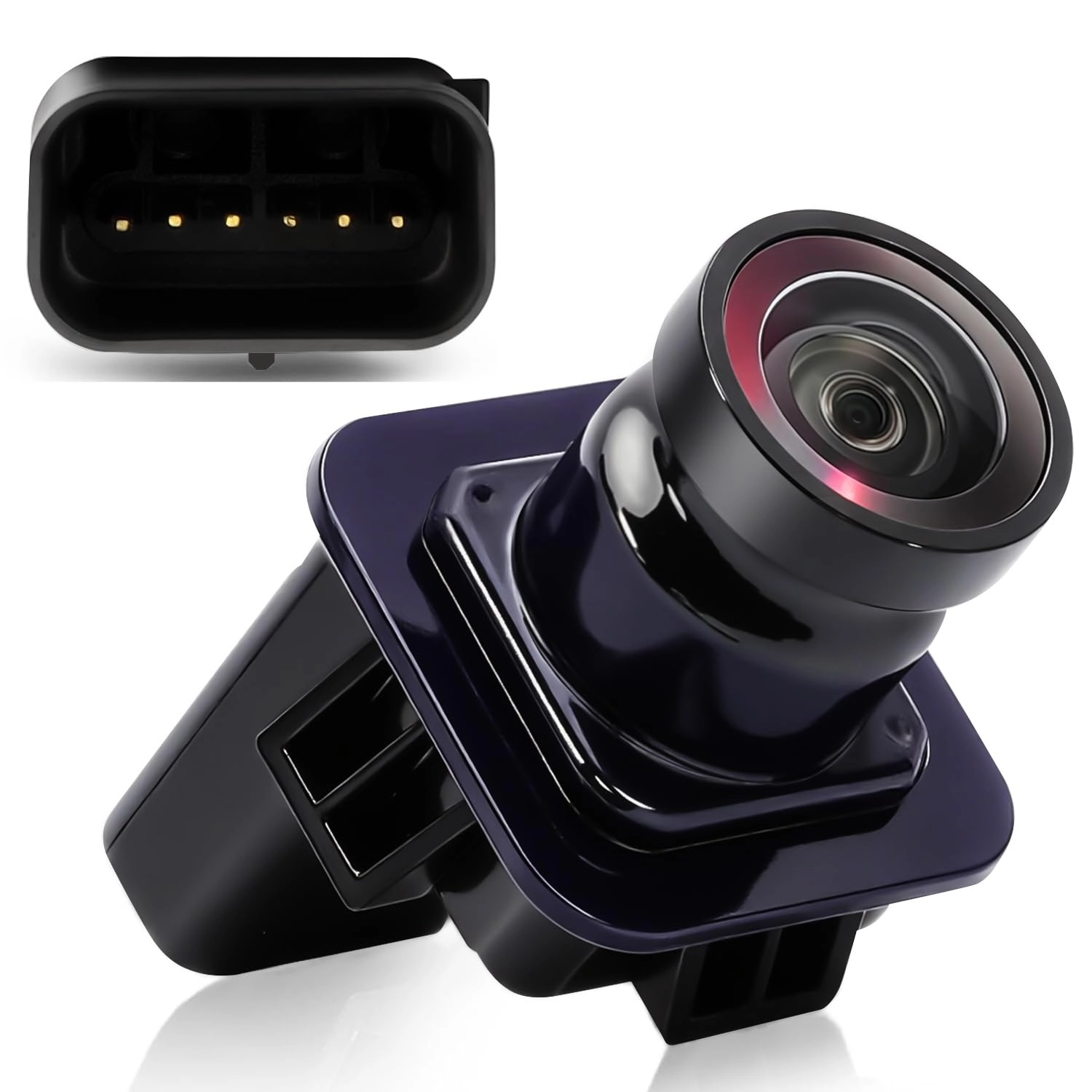
True Universal Reversing Camera——Compatible with 95% of Monitors on the Market with RCA Video Input
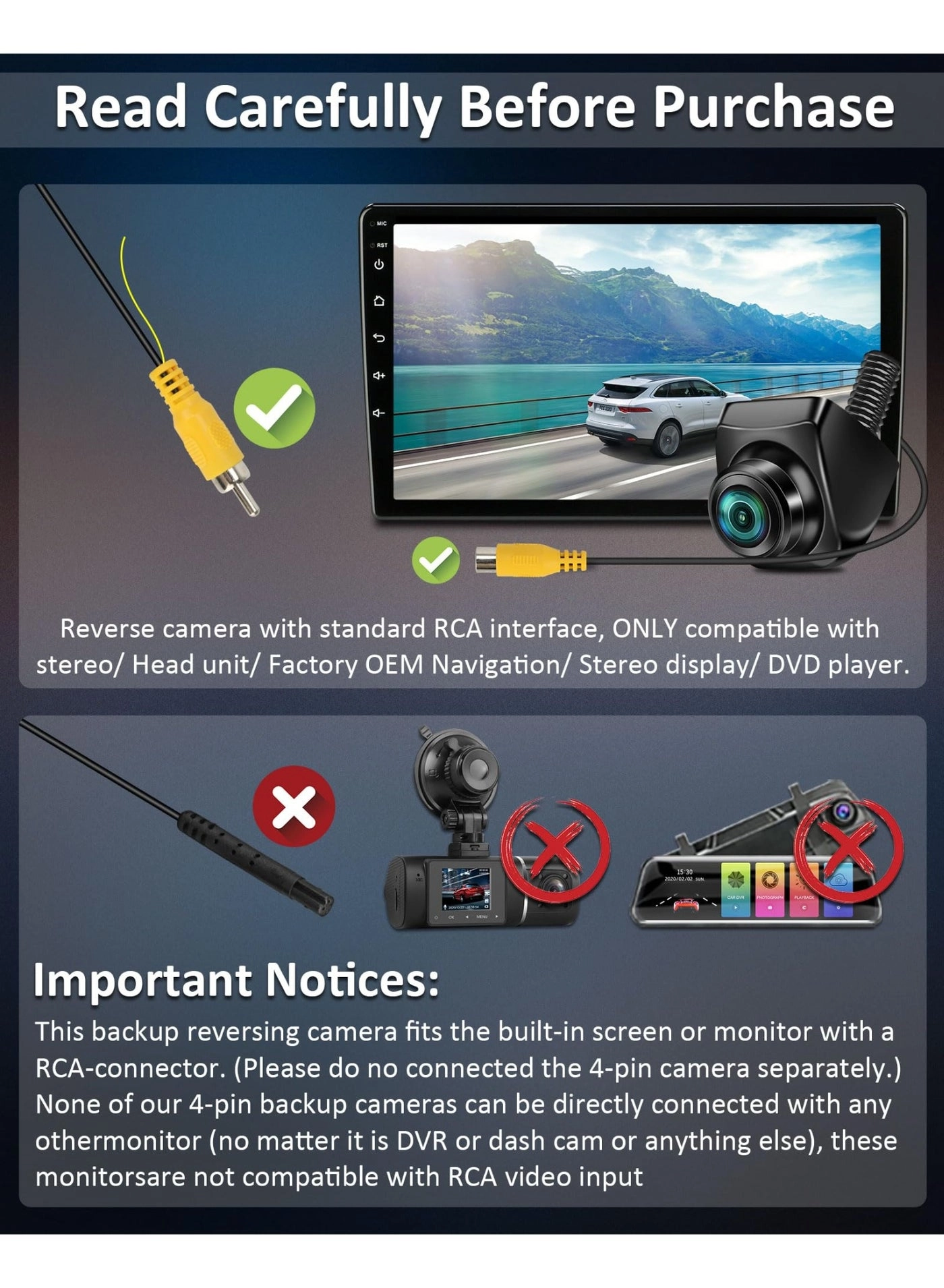
Latest reverse camera supports 4 video signal formats, 4pin connector, compatible with 95% of monitors on the market with RCA video input: Dual DIN Stereo Radio Mainframes, OEM Navigations, Android DVD Players, TFT/LCD monitors and more.
Not compatible with dash camera/mirror dash cam because 4pin definition is different!
Easy to use——One Button Control——The industry's first reversing camera compatible with multiple video output signals, suitable for almost all hosts with RCA inputs on the market.
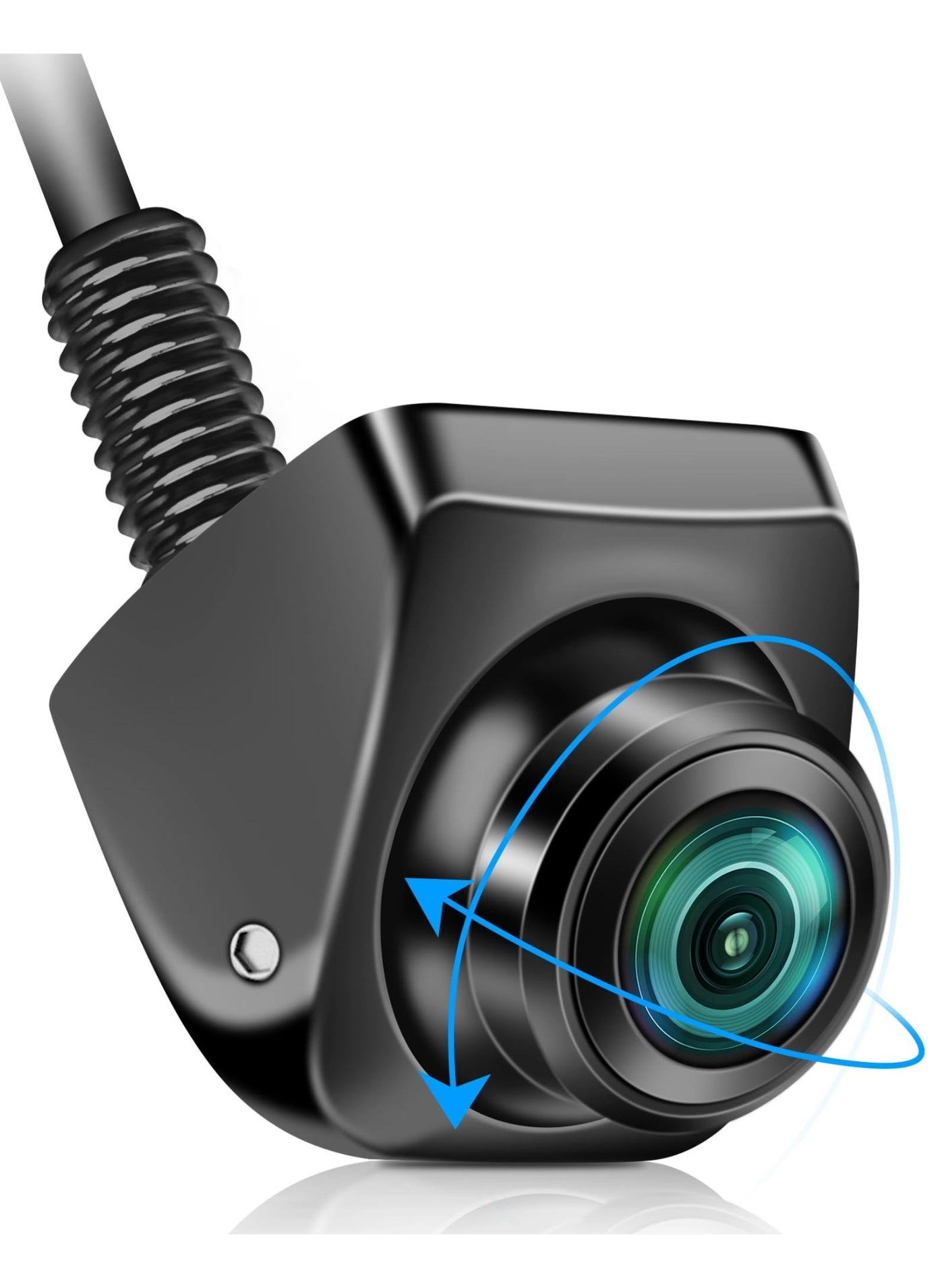
Upgraded reversing camera with 360°rotatable lens,to achieve flexible installation, no need to care about the installation direction. And the rear camera can be adjusted 45° up/down/left and right, so that you can find the best viewing angle and avoid the restricted view, without worrying about the image effect of the parking camera is too high or too low.
Press the button for 3 seconds to switch the corresponding signal mode, 8 video output signals are available:
NTSC Mirror Image
NTSC Original Image
PAL Mirror Image
PAL Original Image
AHD 720P 25fps Mirror Image
AHD 720P 25fps Original Image
AHD 1080P 25fps Mirror Image
AHD 1080P 25fps Original Image
Universal Reversing Camera:
reversing camera for car
rear view camera
Upgrade 170° No Blind Spot Large Wide Angle
reversing camera for car
rear view camera for car
reversing camera for van
Rear camera not working after installation? ---How to troubleshoot?
1. Does not display the image
- --Check whether the line connection is connected in accordance with the instructions, especially the reverse trigger line, part of the car navigation reverse trigger line connected to the plug, to cut and then connected!
- --Don't use other wires, different 4pin connecting wires have different definitions, use our full set of wires!
2. The camera system is selected correctly
- --The video format of the host should be the same as our camera format, especially AHD 1080P, some monitors do not support this format.
- --Some vehicles only support CVBS mode, AHD mode is not compatible, you need to manually switch the corresponding format to work properly.
- --If you are not sure about the video format of your in-vehicle display, you can press and hold the button until the screen is displayed normally.
3. No image/blue screen/ripple after installation
- --German cars and some models of American cars, due to the voltage interference, the working voltage is extremely unstable leading to the camera not working properly.