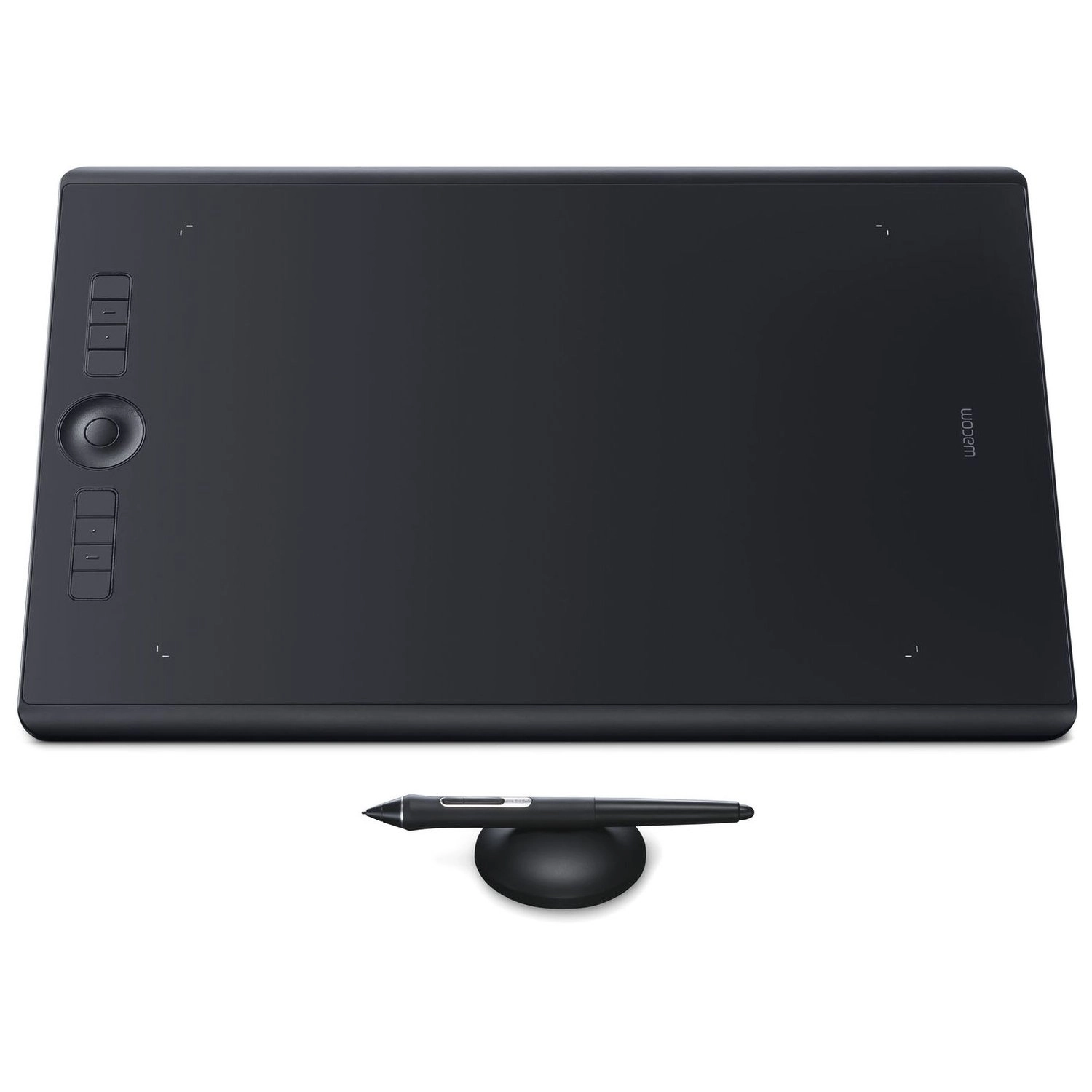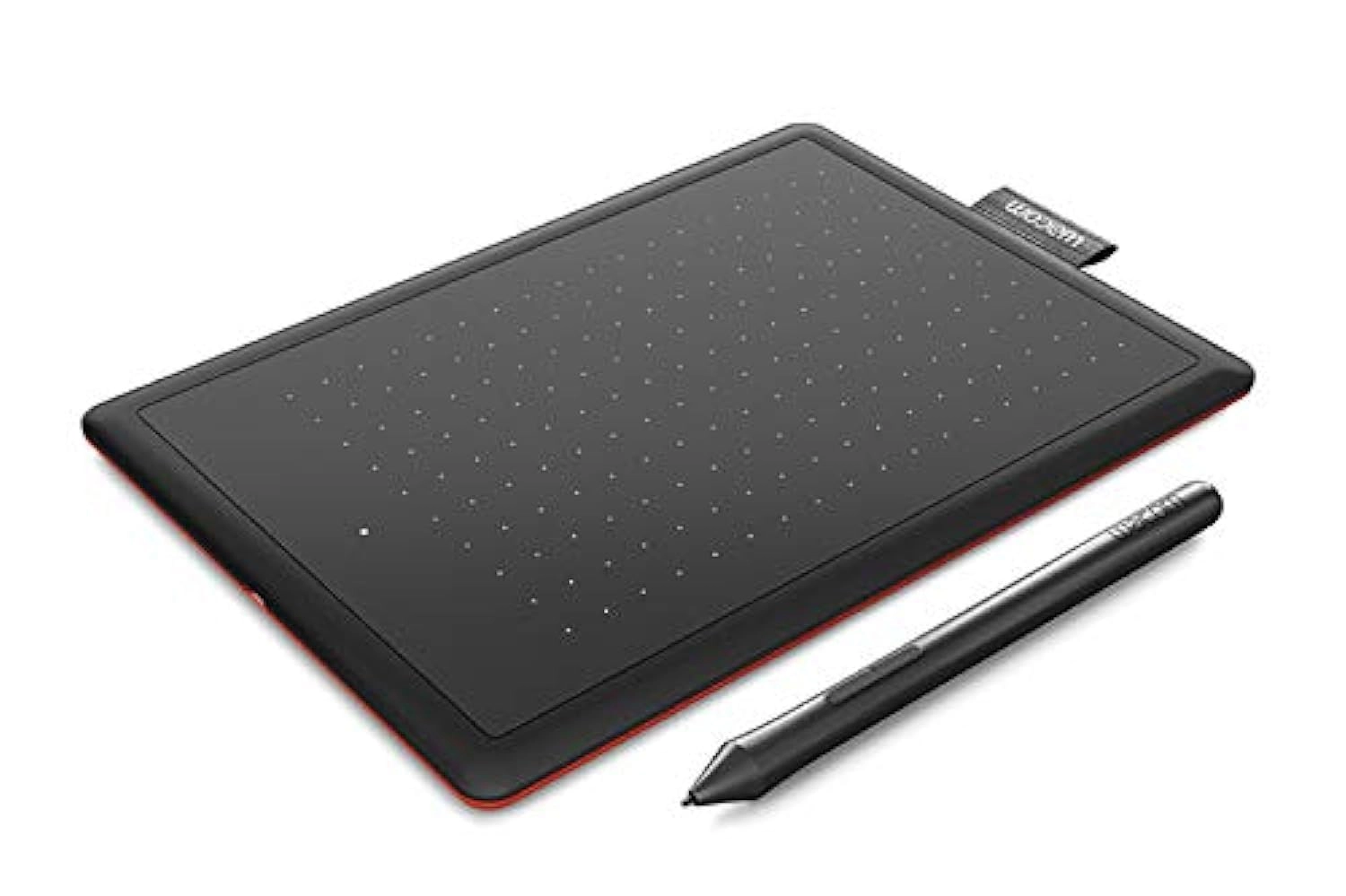


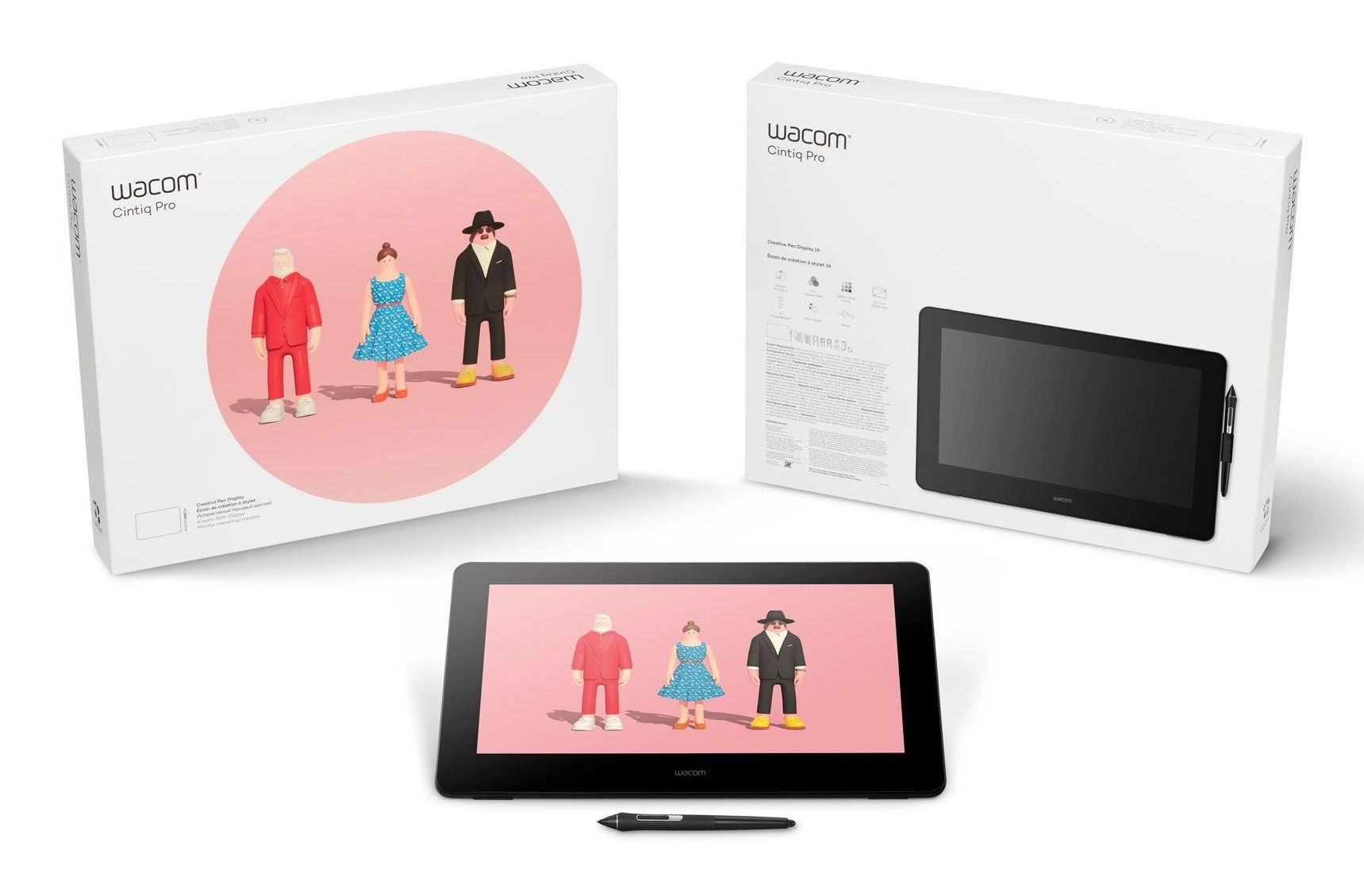

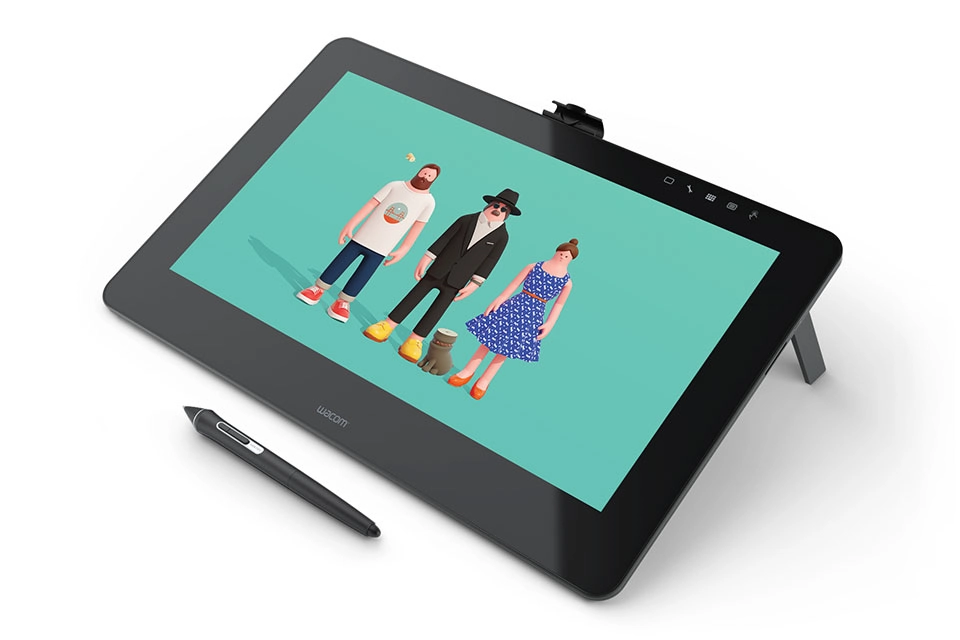


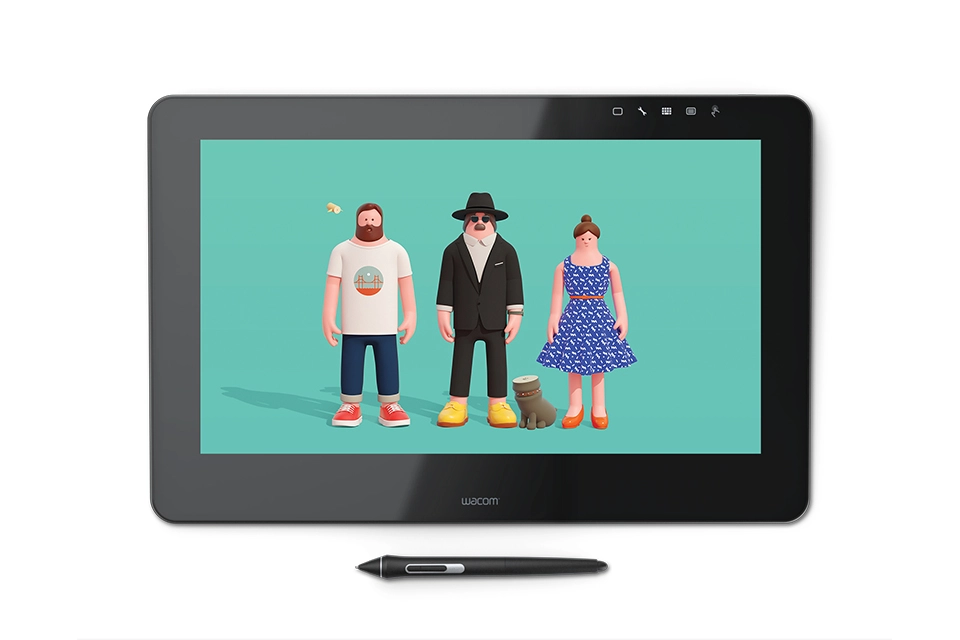


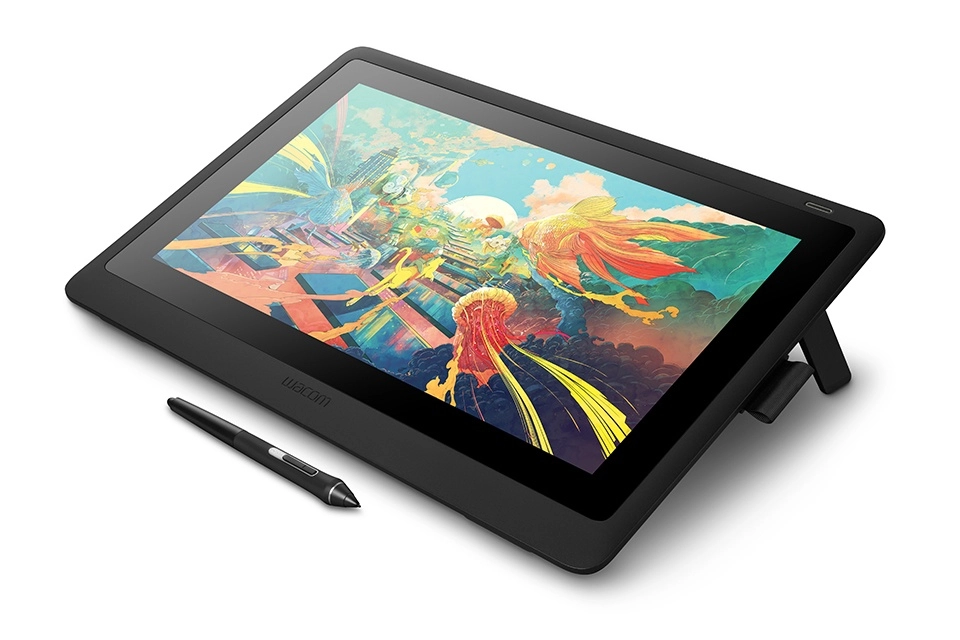


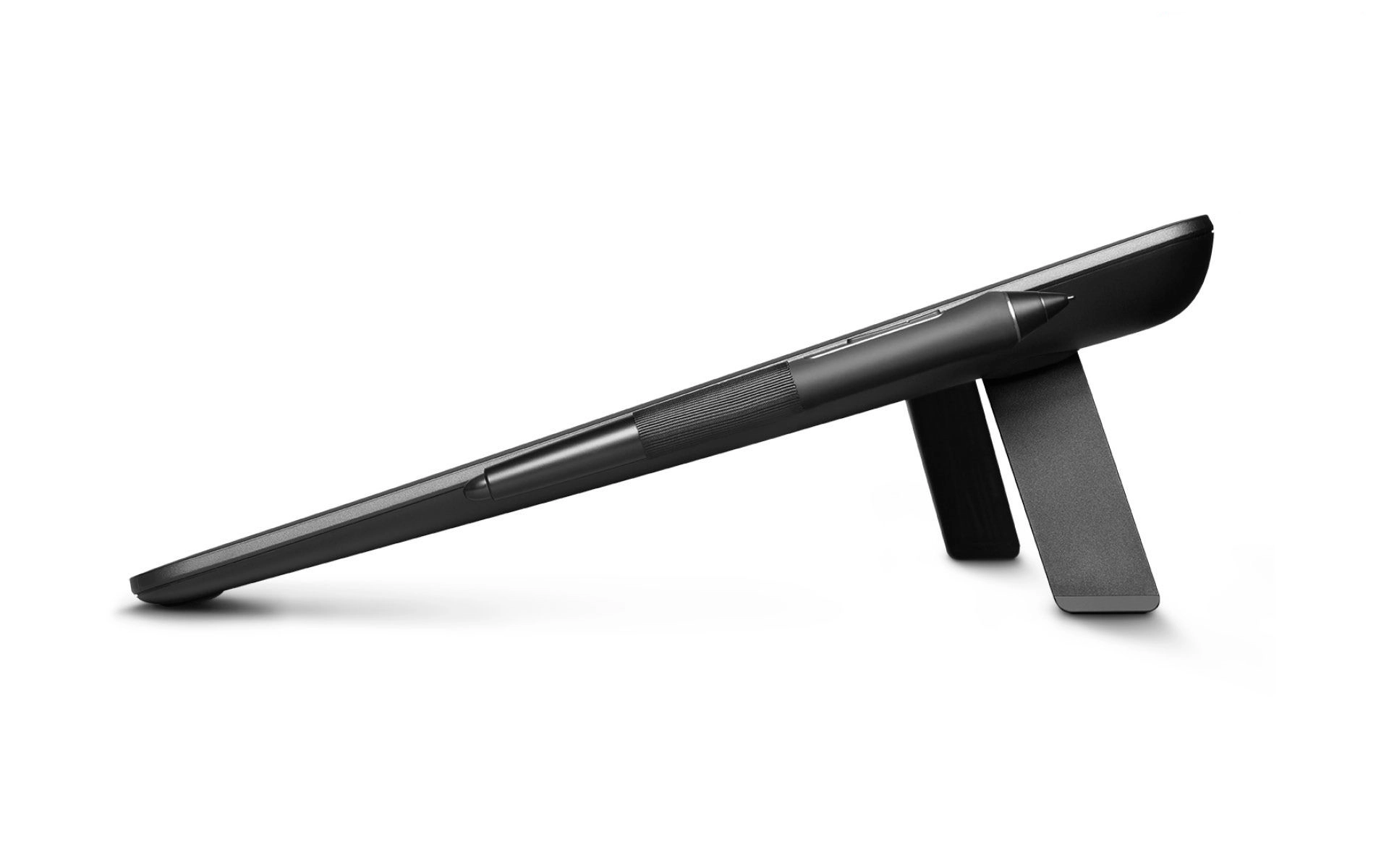








Wacom Cintiq 16
Best offer
AED
3 04000
Key Features
- Wireless pen: Yes
- Tablet input type: Pen, Touch
- Tablet function keys: Scroll down, Scroll up, Zoom in, Zoom out
- Battery-free pen: Yes
- Number of pen tips: 10
- Number of pen nibs: 13
- Device interface: USB
- Pen grip material: Silicone rubber
- Aspect ratio: 16:9
- Viewing angle: 176°
- Resolution: 5080 lpilpi
- Display: IPS, LED
- Rubber grips: Yes
- Brightness: 250cd/m²
- Eraser: Yes
Specifications
Features
Plug and Play
✓
Power cable length
1.80 m
Connectivity technology
Wired, Wired & Wireless, Wireless
Product colour
Black
Aspect ratio
16:9
Viewing angle
176 °
Resolution
5080 lpi
Display
IPS, LED
Rubber grips
✓
Brightness
250 cd/m²
Eraser
✓
Tablet stand
✓
Device interface
USB
Number of pen tips
10
Packaging data
Package type
Box
Weight & dimensions
Height
17.50 mm
Depth
265 mm
Width
410 mm
Cable length
1.80 m
Display
Display resolution
3840 x 2160 pixels
Touchscreen
✓
Colour gamut
94 %
Contrast ratio (typical)
1000:1
Display number of colours
16.78 million colours
Pixel pitch
0.09 x 0.09 mm
Viewing angle, horizontal
178 °
Viewing angle, vertical
178 °
Response time
25 ms
Power
Energy efficiency scale
A+++ to G
Power consumption (typical)
15 W
Energy consumption (SDR) per 1000 hours
9 kWh
Energy efficiency class (SDR)
E
AC input frequency
50 - 60 Hz
AC adapter output current
3 A
AC adapter output voltage
12 V
Input voltage
100 - 240 V
USB Type-C charging port
✓
AC adapter power
36 W
Performance
Working area
345 x 194 mm
System requirements
Mac operating systems supported
Mac OS 12.4, Mac OS 13.1, Mac OS X 10.10 Yosemite, Mac OS X 10.11 El Capitan, Mac OS X 10.12 Sierra, Mac OS X 10.13 High Sierra, Mac OS X 10.14 Mojave, Mac OS X 10.15 Catalina, Mac OS X 10.15.3 Catalina, Mac OS X 11.0 Big Sur, Mac OS X 12.0 Monterey, Mac OS X 13.0 Ventura, Mac OS X 14.0 Sonoma
Windows operating systems supported
Windows 10, Windows 10 Education, Windows 10 Education x64, Windows 10 Enterprise, Windows 10 Enterprise x64, Windows 10 Home, Windows 10 Home x64, Windows 10 IOT Core, Windows 10 Pro, Windows 10 Pro x64, Windows 10 x64, Windows 7, Windows 7 Enterprise, Windows 7 Enterprise x64, Windows 7 Home Basic, Windows 7 Home Basic x64, Windows 7 Home Premium, Windows 7 Home Premium x64, Windows 7 Professional, Windows 7 Professional x64, Windows 7 Starter, Windows 7 Starter x64, Windows 7 Ultimate, Windows 7 Ultimate x64, Windows 7 x64, Windows 8, Windows 8 Enterprise, Windows 8 Enterprise x64, Windows 8 Pro, Windows 8 Pro x64, Windows 8 x64, Windows 8.1, Windows 8.1 Enterprise, Windows 8.1 Enterprise x64, Windows 8.1 Pro, Windows 8.1 Pro x64, Windows 8.1 x64
USB required
✓
Other features
Mac compatibility
✓
Cable lock slot type
Kensington
Widescreen/Standard modes switching
✓
Ergonomics
Angle of rotation
60 °
Design
Cable lock slot
✓
Pen holder
✓
Pen grip material
Silicone rubber
Packaging content
Packaging content
3-in-1 cable (1.8m) (with HDMI 1.4
Quick start guide
✓
Manual
✓
Cables included
AC, HDMI, Mini DisplayPort, USB, USB Type-C, USB Type-C to USB Type-A, USB Type-C to USB Type-C
AC adapter included
✓
Mouse included
✗
Number of pen nibs
13
Tablet
Tablet weight
1900 g
Tablet function keys
Scroll down, Scroll up, Zoom in, Zoom out
Tablet input type
Pen, Touch
Ports & interfaces
Interface
Display Port, USB Type C
USB Type-C ports quantity
3
DisplayPorts quantity
1
HDMI version
1.4, 2.0
HDMI ports quantity
1
USB 2.0 ports quantity
1
Technical details
Certification
BSMI, C-tick, CB, CCC, CE, China RoHS, C‐tick, EU RoHS, FCC Part 15 Subpart B (class B) / C, FCC Part 15 Subpart B (class B) and C, GOST-R, GOST‐R, IC ICES-003 /210, IC ICES-003 and 210, IC ICES‐003 and 210, KCC, Korean RoHS, RCM, VCCI Class B
Compliance certificates
RoHS
Keyboard
Number of programmable keys
17
Video
HD type
4K Ultra HD, Full HD, UHD+
Logistics data
Harmonized System (HS) code
84713000
Pan-tilt unit
Tilt angle range
0 - 64 °
Pen
Pressure levels
8192
Pen number of buttons
2
Pen included
✓
Battery-free pen
✓
Wireless pen
✓
Product Details
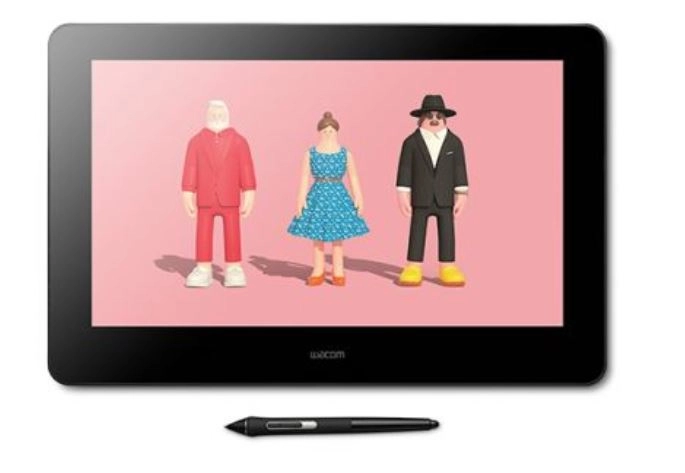
Wacom Cintiq Pro is the powerful, versatile creative pen display that’s been topping “Best Of” lists for years for a reason. Available in a variety of sizes, whether you need to keep things efficient at the 16” size or need tons of space for major projects at the full 27” size. Draw, design, edit, or create directly on the anti-glare, textured glass screen, boasting best-in-class color fidelity. The ergonomic, battery-free Wacom Pro Pen has 8,192 levels of pressure sensitivity, virtually lag-free precision, and incredible tilt recognition for the ultimate drawing experience. Some models come with an ExpressKey Remote – 17 programmable buttons and a Touch Ring for limitless workflow customization – and others have built-in ExpressKeys, so your workflow can be customized to be as creative as your work.
Improved by you
Our best direct-on-screen pen and multi-touch experience
New physical ExpressKeys™
Work efficiently and ergonomically
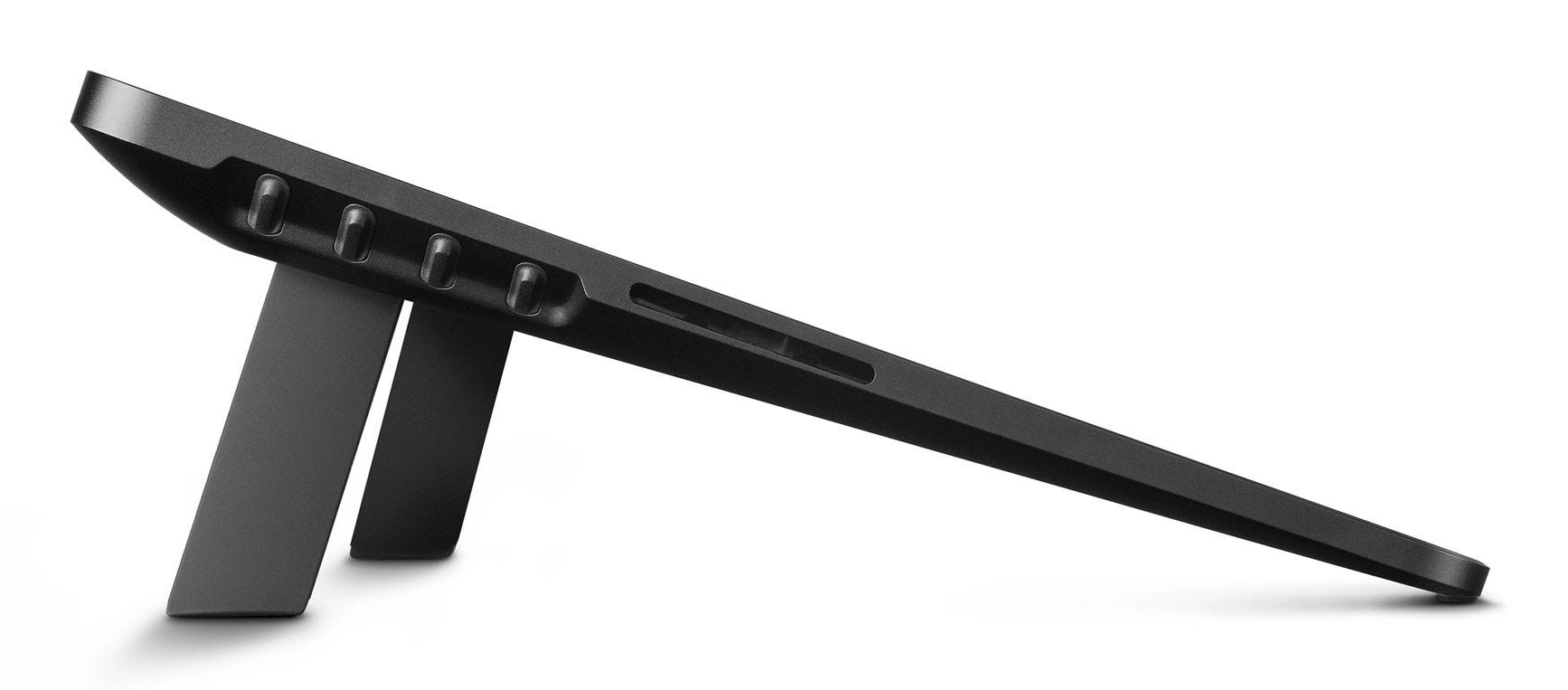
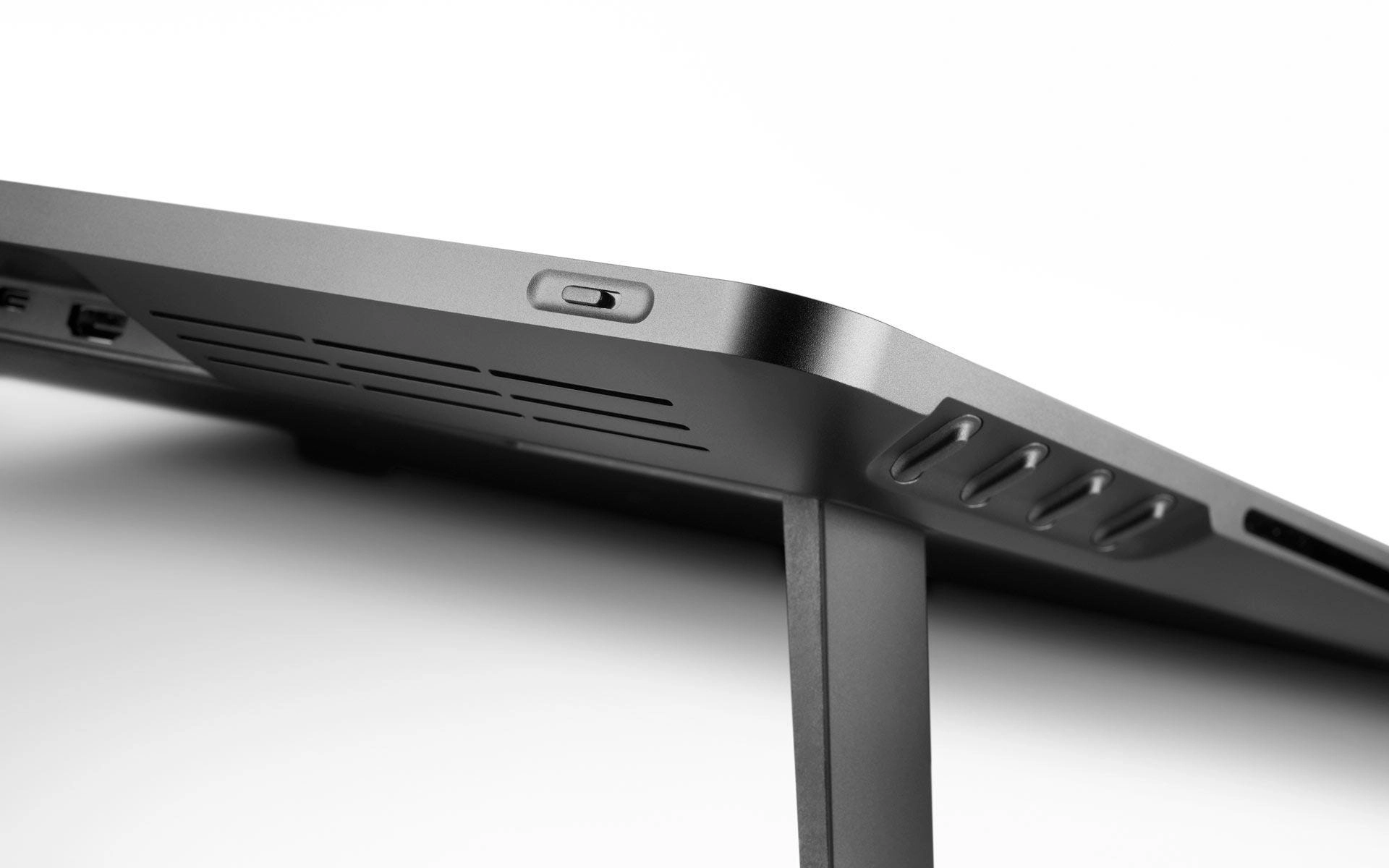
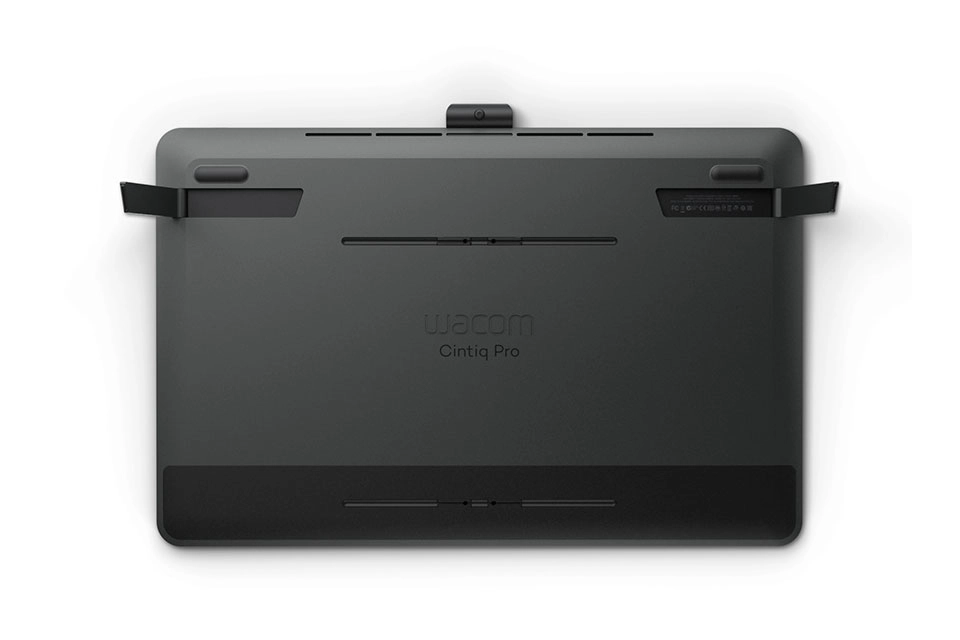
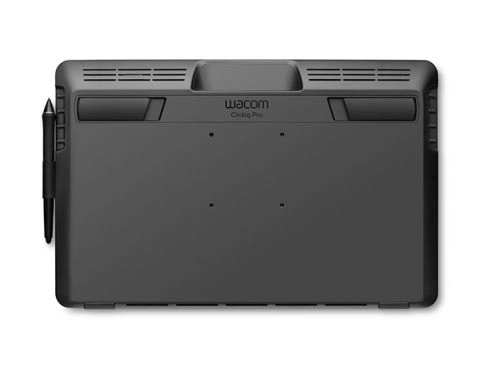
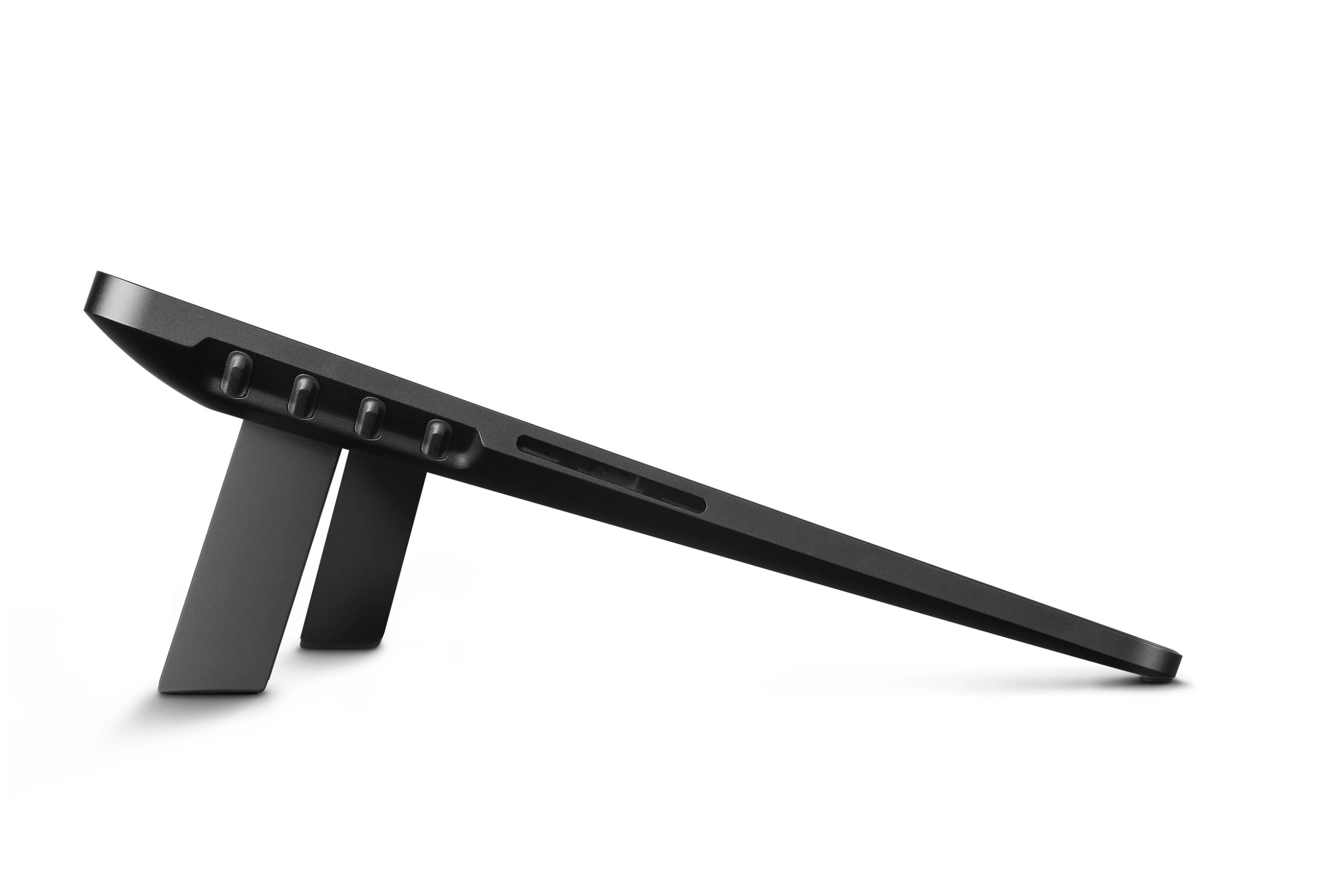
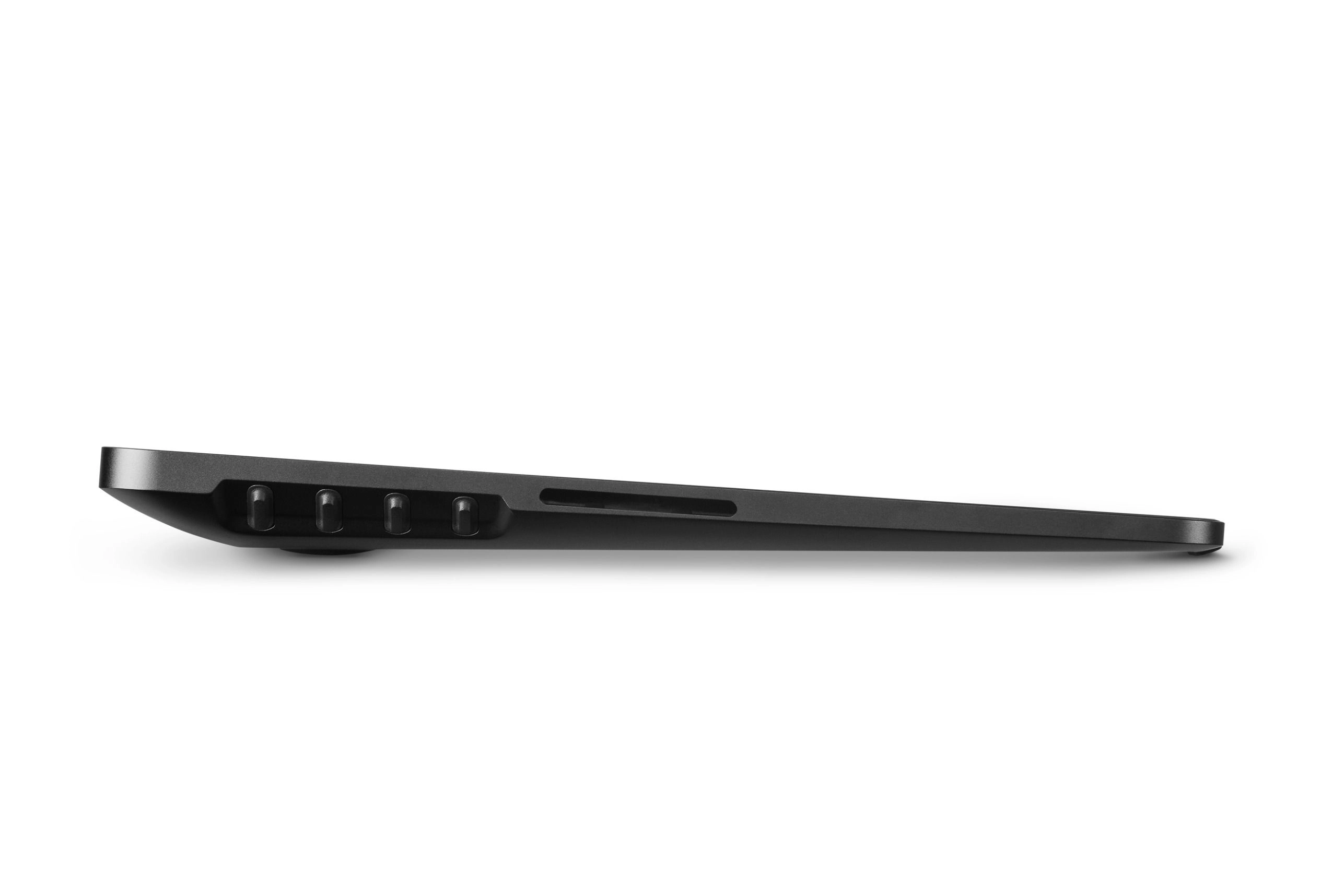
The new Wacom Cintiq Pro 16 offers 8 new ExpressKeys™ positioned at the rear edge of the graphic display. The easy access to the ExpressKeys™ makes the creative work even more efficient and there is no need to compromise between display size, modern look and ease of use. The display can be grasped directly, while the fingers can make quick settings unhindered. This speeds up the work and you can add that extra level of polish to every project.
Physical on/off switch for multi-touch
No more unintended touches
When working on details, there is hardly anything more annoying than accidentally touching the touch display. We took this feedback and added a physical switch to activate the multi-touch function on the top of the Wacom Cintiq Pro 16. So your workflow is no longer interrupted and due to the improved on-screen control you achieve maximum control over your work.
VESA-mount
Work more comfortably and comfortably
As a professional artist and designer, you often spend hours at your graphic display drawing, correcting, drafting and refining your work to perfection. A convenient and comfortable working posture pays off. The Wacom Cintiq Pro 16 has a new VESA mount and can be combined with our adjustable stand (or any VESA-compatible third-party arm or stand). This gives you maximum flexibility and comfortability when using your Wacom Cintiq Pro graphic display.
Connect and play
Simplified connection of your graphic display
Connecting your Wacom Cintiq Pro 16 to a PC or Mac is as easy as possible. All you have to do is connect the USB-C and HDMI cables to your desired computer and you're ready to go. All cables are connected to the top of the device and therefore do not interfere with daily work.
The graphics display for your art
The Wacom Cintiq Pro 16 is based on your customer feedback. Thanks to our constant and close exchange with the creative community, we have developed our best ever on-screen pen and multi-touch experience with this graphic display. The anti-glare 4K display harmonises perfectly with the Pro Pen 2 and ensures maximum precision for every single pixel. Thanks to the screen’s etched glass surface, every line on the display feels as natural as it does with pen and paper. In addition, the Wacom Cintiq Pro 16 covers 98% of the Adobe RGB color space and enables professional color management (with the optionally available Wacom Color Manager), whereby the colors of your artwork are displayed in perfection.
Convince yourself
The Wacom Cintiq Pro 16 is a high-performance pen display for professional creatives. It is small enough to be easily taken from computer to computer and from place to place, but still offers enough space for you to create.
No matter whether you draw, paint or illustrate professionally, edit photos or videos, develop games, design graphics or even draw comics and manga - this graphic display makes your work more efficient, comfortable and precise.
Wacom Pro Pen 2
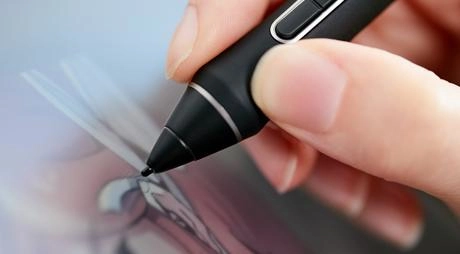
Included with the Wacom Intuos Pro is our state-of-the-art creative pen technology. 8,192 levels of pressure sensitivity and unparalleled tilt recognition means that every stroke, every move of your hand is followed with unerring accuracy.
Bonus Limited-Time Software Included
Work less and create more with a full suite of editing features and AI tools that take care of time-consuming tasks with Capture One Pro and your Wacom device. Fast tethered shooting right into your computer. Seamless collaboration with teams and clients no matter where they are in the world. Expertly-designed presets for instant looks. Plus, mind-blowing colors and image quality. All made to work the way you want.
End to end 2D animation software
The largest animation and gaming studios from around the world choose Harmony Premium paired with a Wacom Cintiq Pro to produce the animation you know and love. Experience Toon Boom's end to end animation software for 90 days, free – complete with color management, audio and lip synching technology, integration of 3D elements, and more.
Everything you need to storyboard your next project
Used by storytellers, directors, and creatives globally, Storyboard Pro empowers you to get your ideas down, structure the sequence and elaborate the story so it can be shared, pitched and promoted on your terms. This all-in-one storyboard solution combines drawing, scripting, camera controls, animatic creation capabilities and sound.
A faster way for creatives to send massive, time-critical files
MASV
MASV is the fastest and most reliable way for video and creative pros to transfer large, time-critical files. Professional-grade videos created on your Wacom Cintiq Pro, Wacom Cintiq, or Wacom Intuos Pro with software like Adobe Premiere Pro, Adobe After Effects, and Boris FX Suite result in huge files. MASV is designed for just that— 100+ GB files —the kind of volume that chokes other services.


Reviews
Loading...
Loading...
Loading...
Loading...
Loading...
Loading...
Loading...
Loading...
Loading...
Loading...
Loading...
Loading...
Loading...
Loading...
Loading...
Loading...
Loading...
Loading...
Loading...
Loading...
Loading...
Loading...
Loading...
Loading...
Loading...
Loading...
Loading...
Loading...
Loading...
Loading...
Loading...
Loading...
Loading...
Loading...
Loading...
Loading...
Loading...
Loading...
Loading...
Loading...
Loading...
Loading...
Loading...
Loading...
Loading...
Loading...
Loading...
Loading...
Loading...
Loading...
Loading...
Loading...
Loading...
Loading...
Join our newsletter
Be the first to know about new arrivals, sales, and exclusive picks
Sign in to unlock newsletter access and stay in the loop