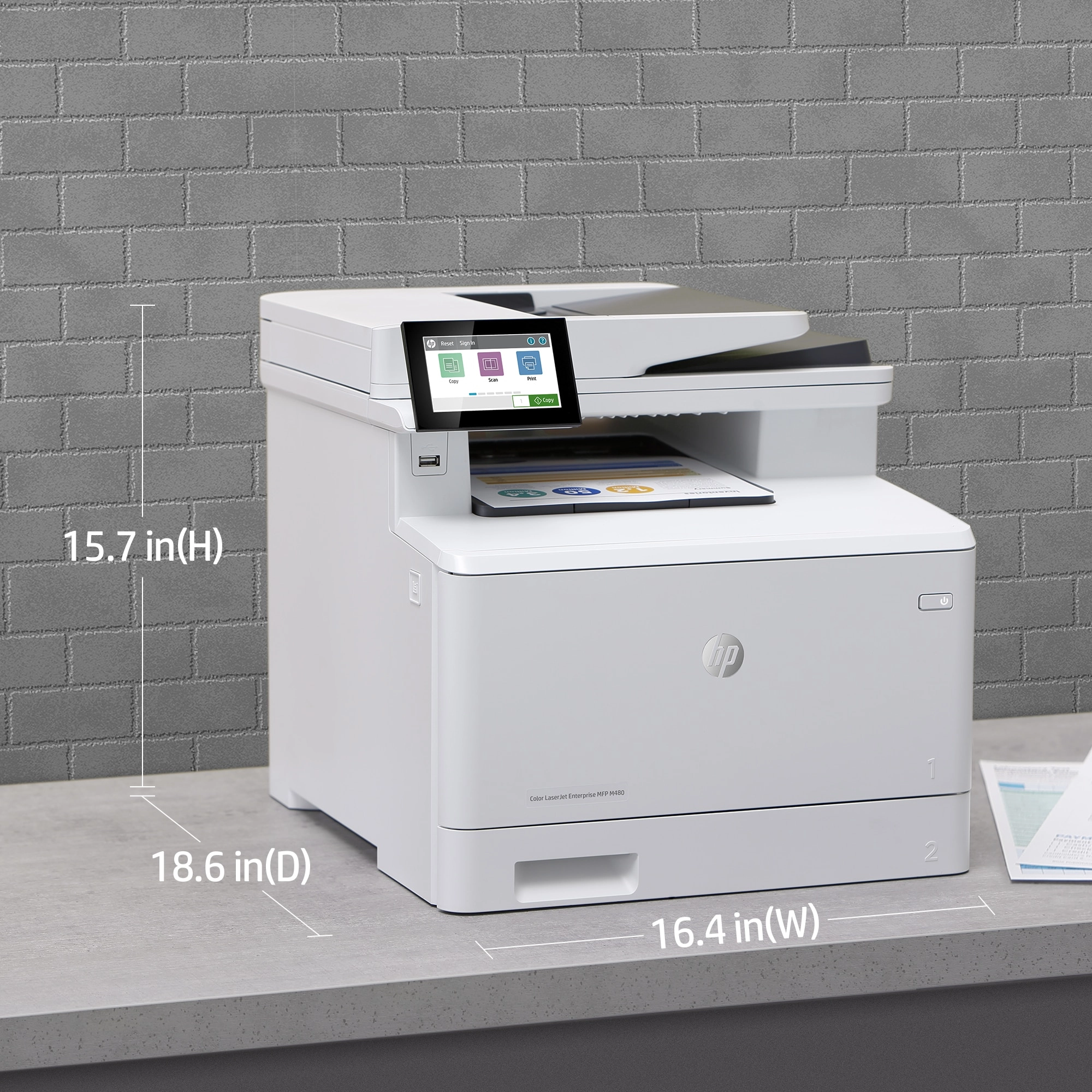







HP M480F - Color
Key Features
- Faxing: Colour faxing
- Duplex copying: Yes
- Duplex copying mode: Auto
- Print resolution colour: 600 x 600DPI
- Print resolution black: 600 x 600DPI
- Total number of input trays: 2
- Scanning: Colour scanning
- Duplex scanning mode: Auto
- Fax resolution (black): 300 x 300DPI
- Fax resolution (colour): 300 x 300DPI
- Fax transmission speed: 3sec/page
- N-in-1 copy function: Yes
- Book copy function: Yes
- ID-card copy function: Yes
- Auto fit function: Yes
Specifications
Features
Packaging data
Weight & dimensions
Power
Performance
Paper handling
Copying
Input & output capacity
System requirements
Other features
Design
Computer system
Packaging content
Network
Ports & interfaces
Operational conditions
Technical details
Memory
Printing
Scanning
Fax
Call management
File formats
Brand-specific features
Logistics data
Carbon footprint
Product Details

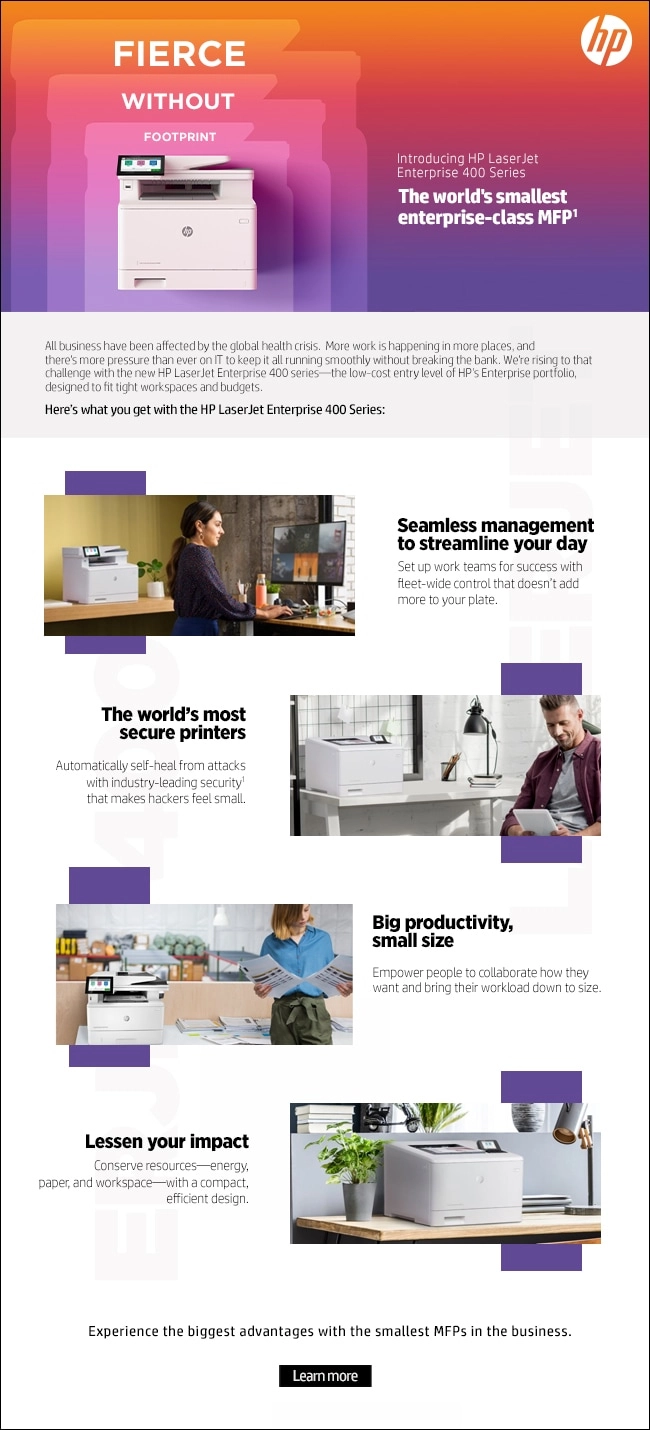
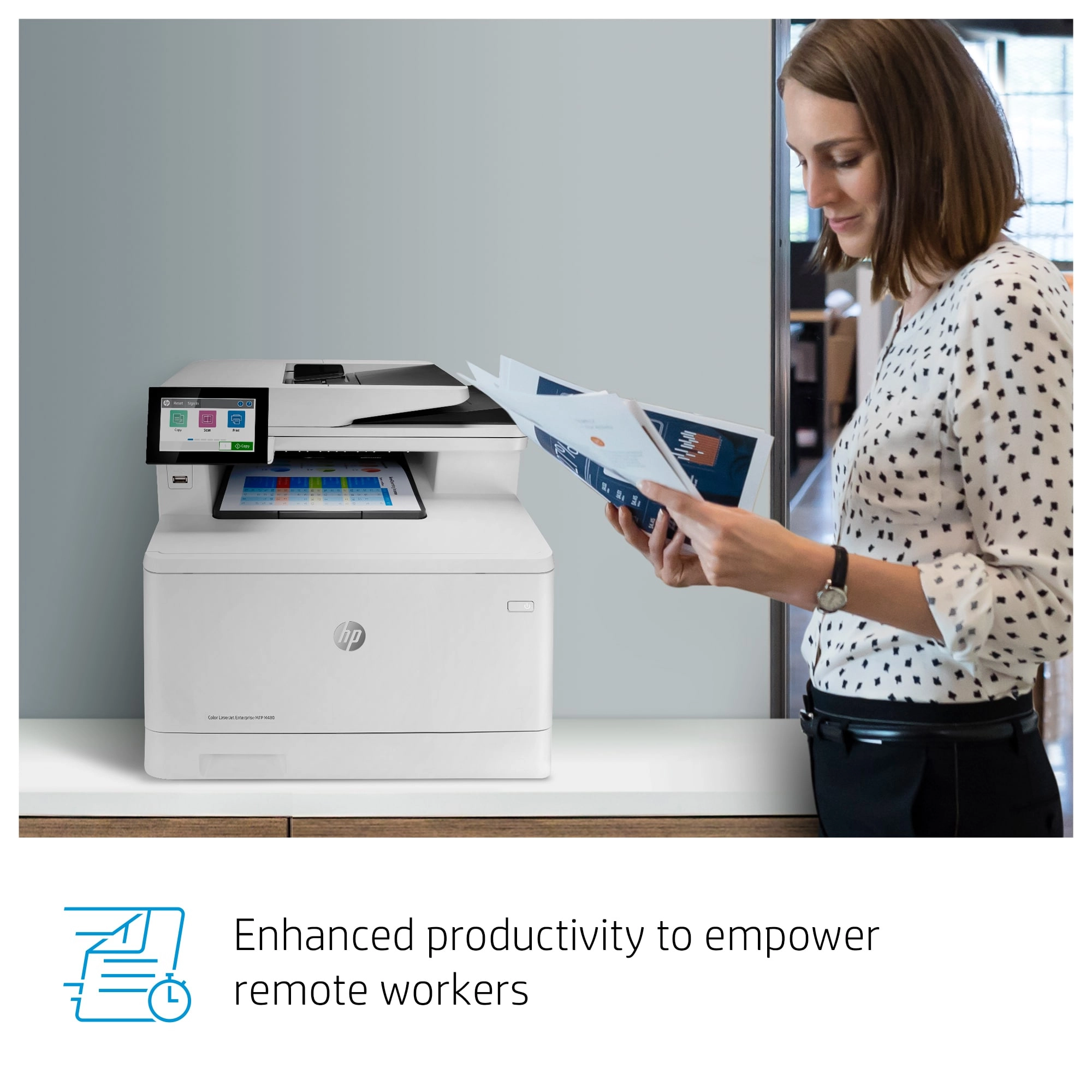
Enhanced productivity to empower work teams
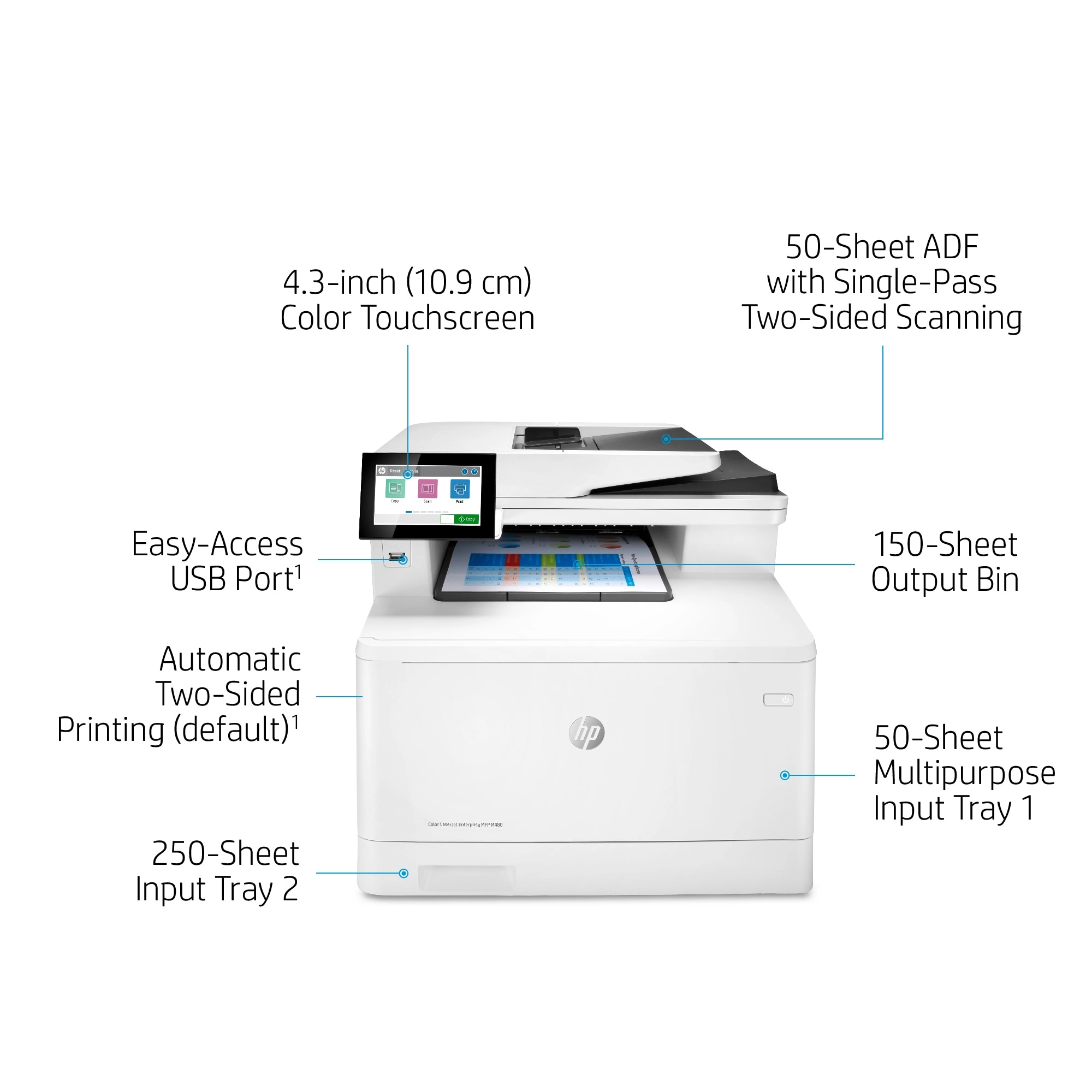
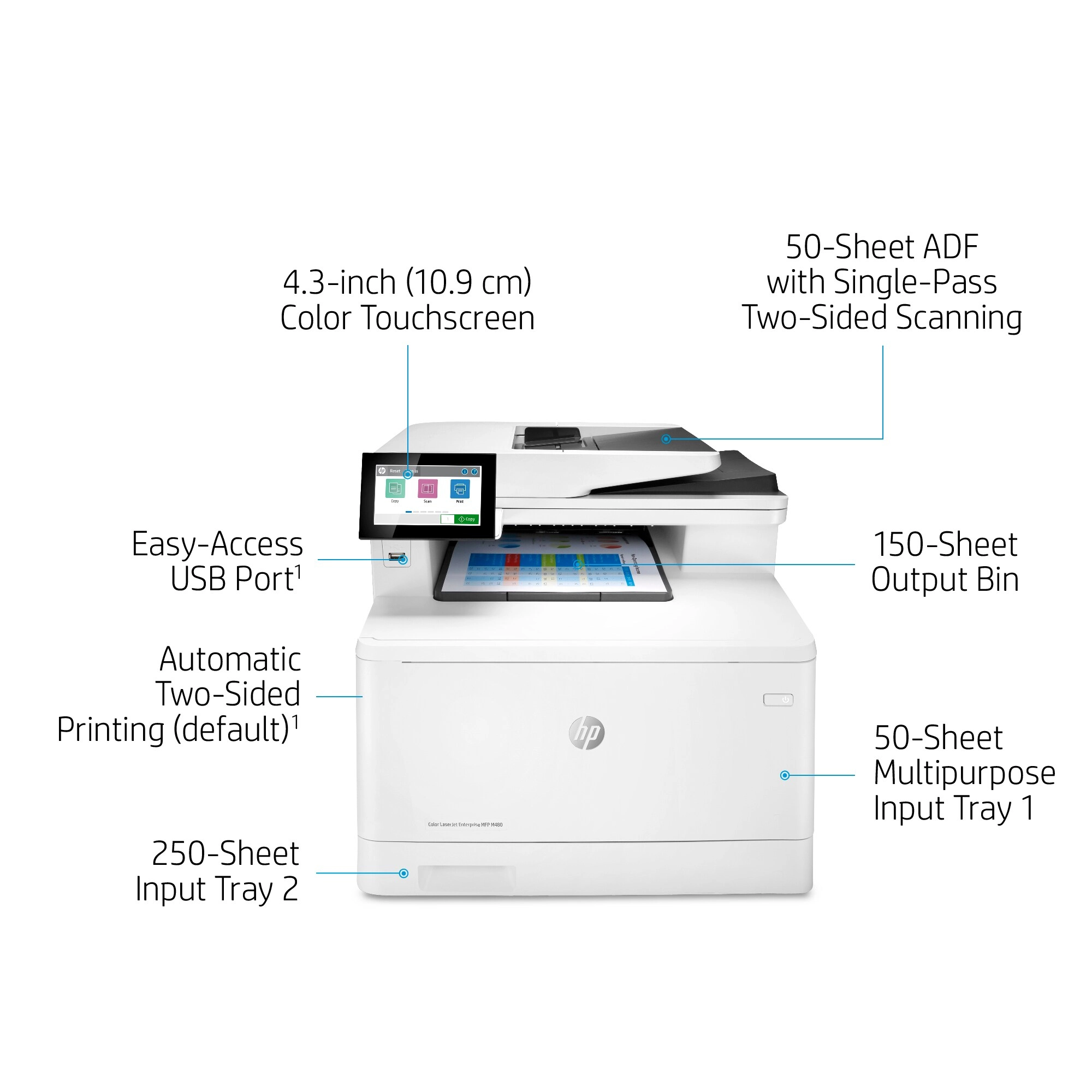
Give workgroups what they need to succeed with hundreds of HP and third-party solutions and card reader support. Optimise workflows, reduce steps and errors, and support mobile workers with optional MFP apps that meet your specific business needs. Help ensure the security of confidential information with PIN/Pull printing to retrieve print jobs. Stay connected with an optional accessory for wireless,<sup>[6]</sup> Bluetooth® Low Energy, and NFC touch-to-print. Easily manage projects directly at the MFP with a customisable 10.9 cm (4.3 inch) colour touchscreen.
Sustainability is smart business
Help save paper right out of the box. Two-sided (duplex) printing is set at default for automatic savings.<sup>[7]</sup> Help reduce wasted paper and toner by only printing jobs that are truly needed, using HP Secure Print.<sup>[8]</sup> Save energy without sacrificing performance – this MFP is ENERGY STAR® and Blue Angel certified. Remove barriers and help meet compliance and accessibility standards with the HP Accessibility Kit (includes Braille overlay and tactile adhesives, an HP Access Handle, and BigKeys LX Keyboard) and compatibility with HP Accessibility Assistant.<sup>[8]</sup>
Easy to use, simple to manage
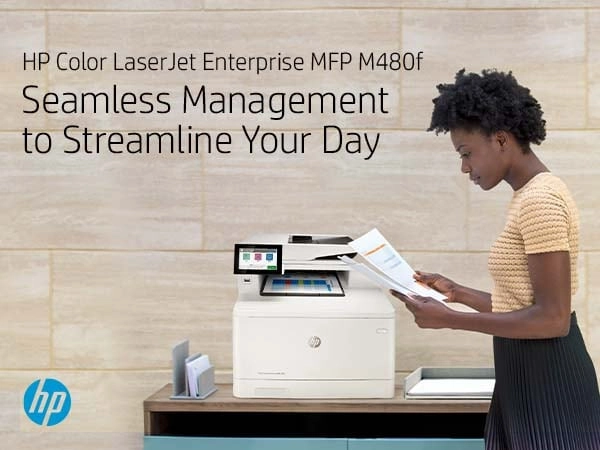
HP FutureSmart firmware can be updated with the latest features<sup>[1]</sup> to optimise your investment for years to come. Centralise control of your printing environment with HP Web Jetadmin – and help build business efficiency.<sup>[2]</sup> Easily enable workflows across your fleet with a consistent user experience and intuitive, tablet-like icons. Set up this MFP fast, and easily manage device settings to help increase efficiency.
The world’s most secure printing<sup>[3]</sup>
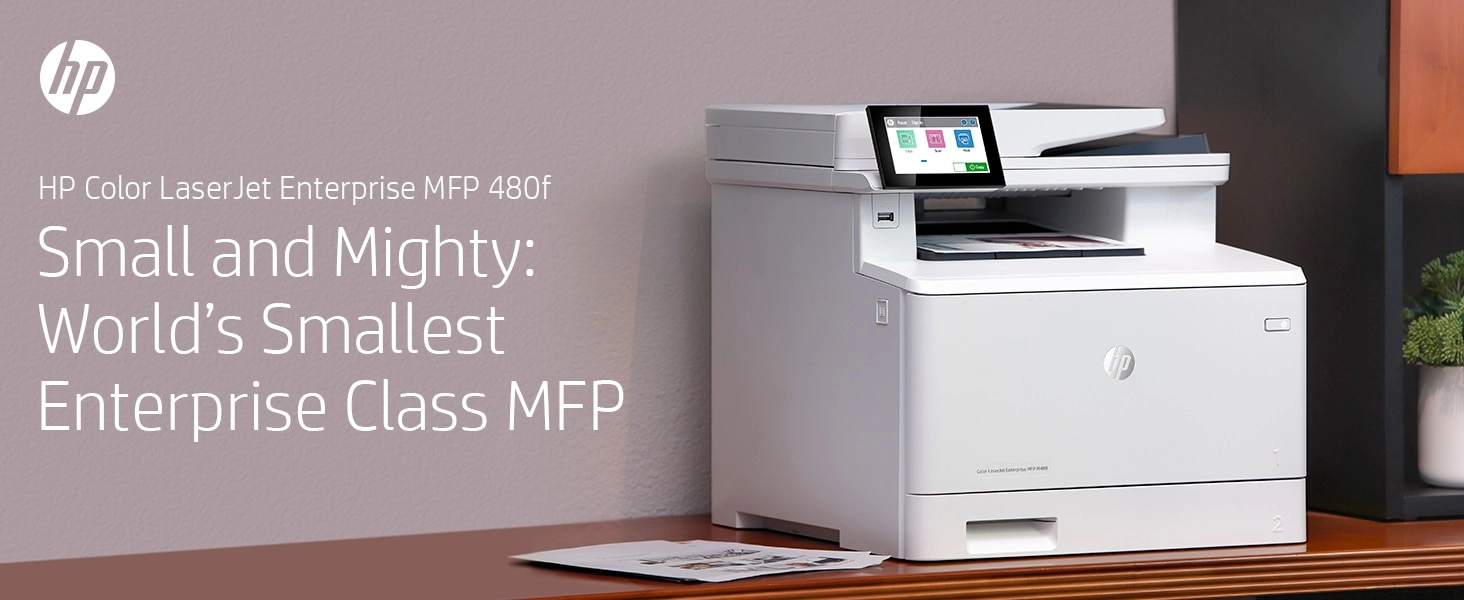
The operating code (BIOS) is automatically checked during startup and repairs itself if compromised. Common Criteria certified<sup>[4]</sup> to continually monitor memory activity to detect and stop attacks in real time. Firmware is automatically checked during startup to determine if it’s authentic code – digitally signed by HP. The printer’s outgoing network connections are inspected to stop suspicious requests and thwart malware. Simplify collaboration and productivity with a streamlined MFP that supports how people work today: fast, nimble, and connected. Print premium colour documents businesses need to look professional day in and day out, plus scan and copy with ease.
Files
CE Marking
mmo_80471034_1697874845_9173_17470.pdf
Product Brochure
mmo_87234993_1654530145_9764_6258.pdf
Images
 4-8210.png
 12-2546.png
 368-5047.png
 1115-9829.png
 1132-2278.png
 1133-6575.png
 1158-500.png
Videos
Reviews
Join our newsletter
Be the first to know about new arrivals, sales, and exclusive picks
Sign in to unlock newsletter access and stay in the loop