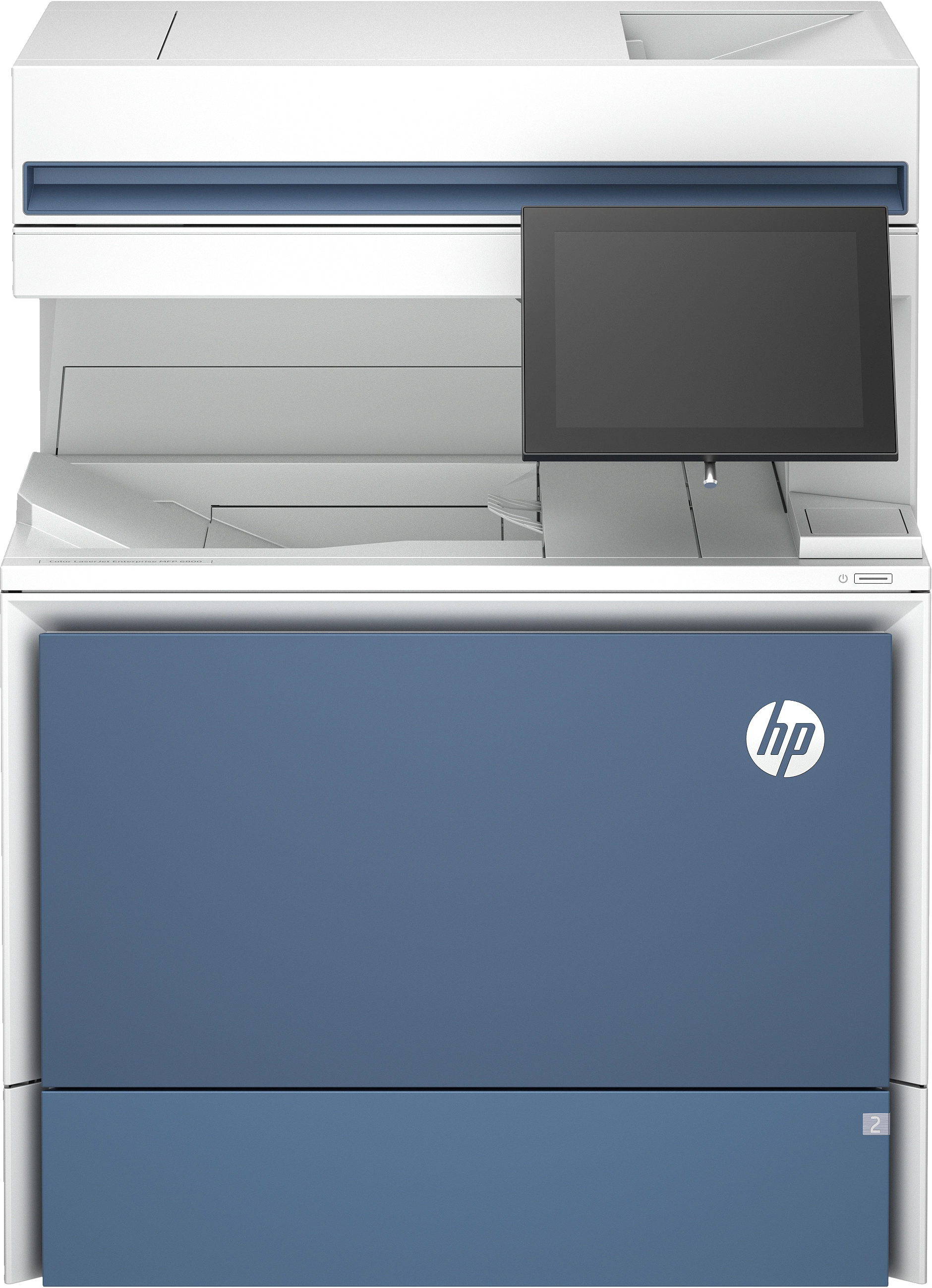

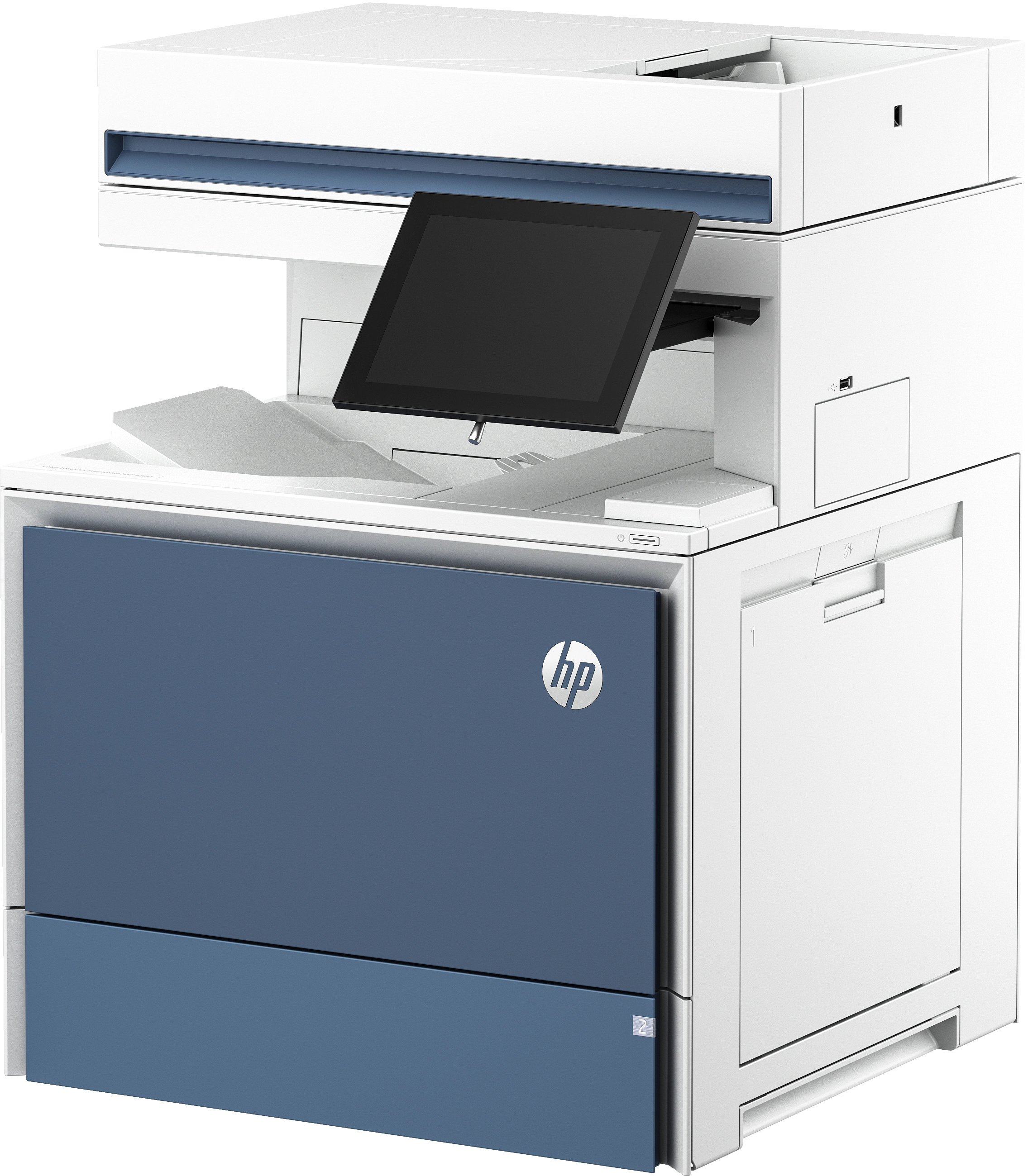


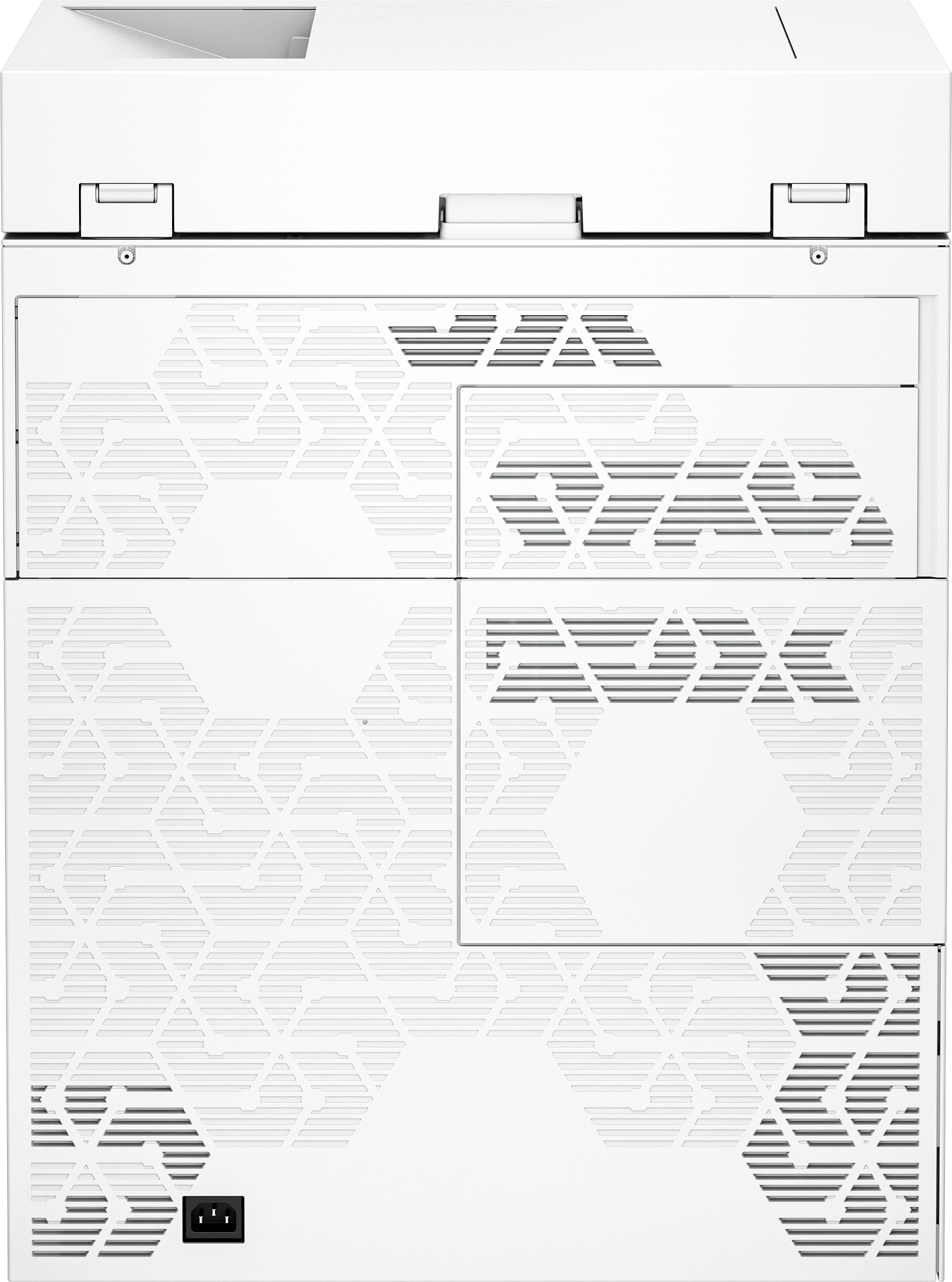


HP MFP 6800dn - Laserjet Color
Key Features
- Duplex copying: Yes
- Duplex copying mode: Auto
- Print resolution colour: 1200 x 1200DPI
- Print resolution black: 1200 x 1200DPI
- Total number of input trays: 2
- Scanning: Colour scanning
- Duplex scanning mode: Auto
- Fax resolution (black): 300 x 300DPI
- Maximum copy size: A4
- Fax transmission speed: 3sec/page
- N-in-1 copy function: Yes
- Book copy function: Yes
- ID-card copy function: Yes
- Auto fit function: Yes
- Edge erase function: Yes
Specifications
Features
Packaging data
Weight & dimensions
Power
Performance
Paper handling
Copying
Input & output capacity
System requirements
Other features
Storage
Design
Computer system
Packaging content
Network
Ports & interfaces
Operational conditions
Technical details
Memory
Printing
Scanning
Fax
Call management
File formats
Brand-specific features
Logistics data
Carbon footprint
Product Details
![Customisable and scalable solutions<sup>[1]</sup>](https://cdn.allware.com/images/6b94ff65-3c88-470c-a08d-9fbd5b2df335?width=640&format=webp)
Customisable and scalable solutions<sup>[1]</sup>
Get the functionality you need with unprecedented, flexible configurations built to order. Optimise your device to meet your business needs and your budget. Select the document feeding solution that works best for your team. Choose built-in storage options including HDD and SSD drives to handle data and document stored on the device.
Everything you expect from an office printer
Experience fast scanning speeds and ultimate productivity with up to 152 ipm<sup>[5]</sup> duplex scan technology. Busy work groups can get everything done with fast print speeds of up to 52 ppm<sup>[6]</sup> setting the pace to handle any workload with reliable quality. Easily enable workflows with a consistent user experience and intuitive, tablet-like icons on the 8-inch colour touchscreen display. Maintain productivity and stay up to date on the latest features across your fleet with upgradeable HP FutureSmart firmware<sup>[7]</sup> Take control of your printing environment with HP Web Jetadmin<sup>[8]</sup> to help manage your fleet and build consistent print experiences.
Fast and seamless digitisation
Customise your print experience with cloud-connected HP Workpath apps. Access personalised content and integrate paper and digital workflows.<sup>[2]</sup> Give your team the tools to succeed with the HP Open Extensibility Platform containing hundreds of HP and third-party solutions, and card reader support. Make colour management simple with HP Custom Color Manager. Match colour output of any document-device combination by simply pulling colour profiles from the cloud. Get high-quality colour profiles without the hassle of expensive colour matching systems.<sup>[3]</sup> Targeted fusing technology<sup>[4]</sup> requires less energy and helps to reduce cooling requirements allowing for larger, faster colour print jobs.
Always on guard with HP Wolf Security
With HP Sure Start always working behind the scenes, the operating code (BIOS) is automatically checked during start-up and repairs itself if compromised. HP Connection Inspector examines network connections. The printer’s outgoing network connections are inspected to stop suspicious requests and thwart malware so you can stay connected and in the clear. Memory ShieldTM and expanded run-time intrusion detection protects memory and other applications. Common Criteria certified<sup>[9]</sup> to continually monitor memory activity, detect and stop zero-day attacks in real time [known/unknown] and self-heal. Minimise exposure with whitelisting checks, firmware that is automatically checked during start-up to determine if it’s authentic code – digitally signed by HP.
Files
Images
 4-8210.png
 12-2546.png
 369-8176.png
 602-1778.png
 1115-9829.png
 1132-2278.png
 1133-6575.png
 1158-500.png
Videos
Reviews
Join our newsletter
Be the first to know about new arrivals, sales, and exclusive picks
Sign in to unlock newsletter access and stay in the loop