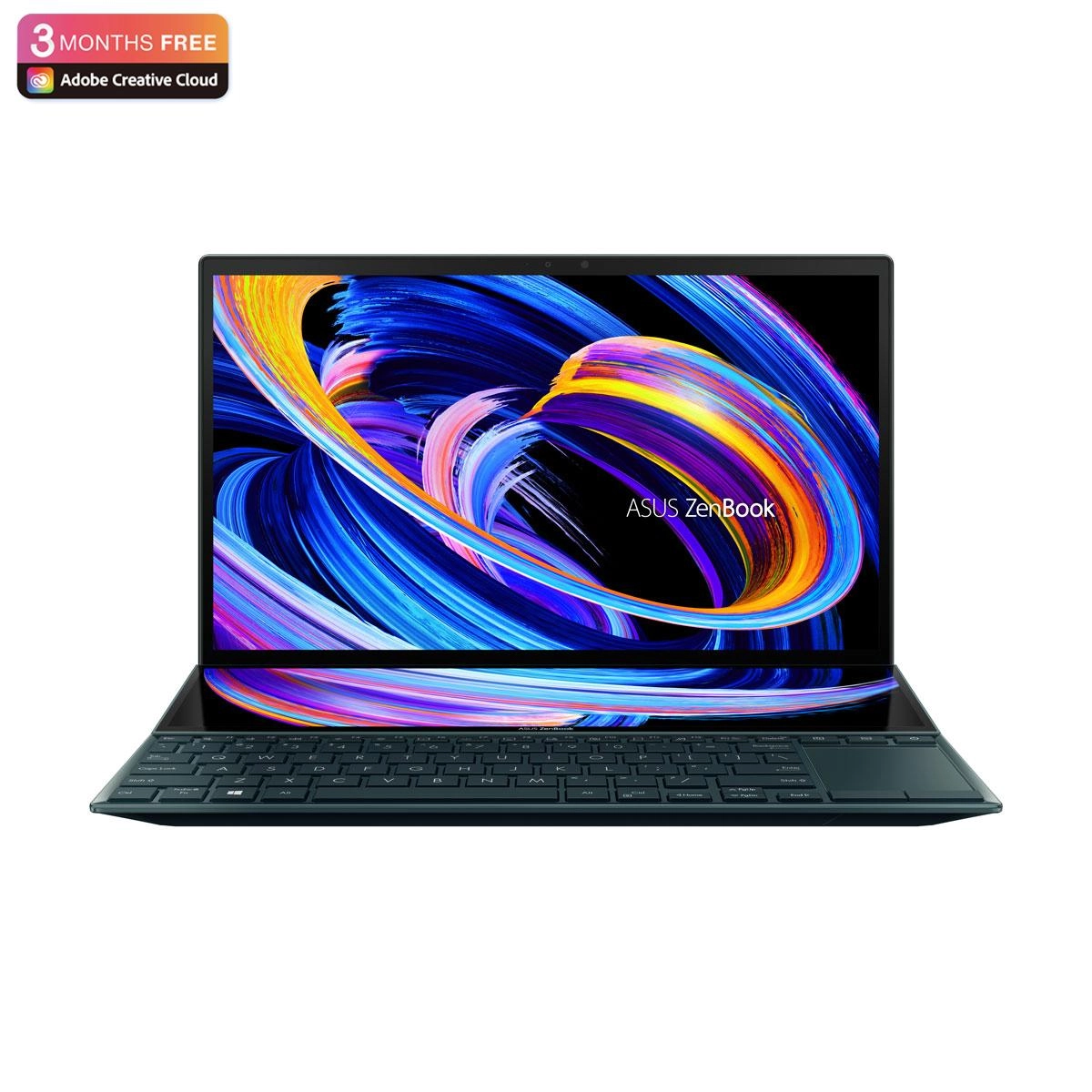
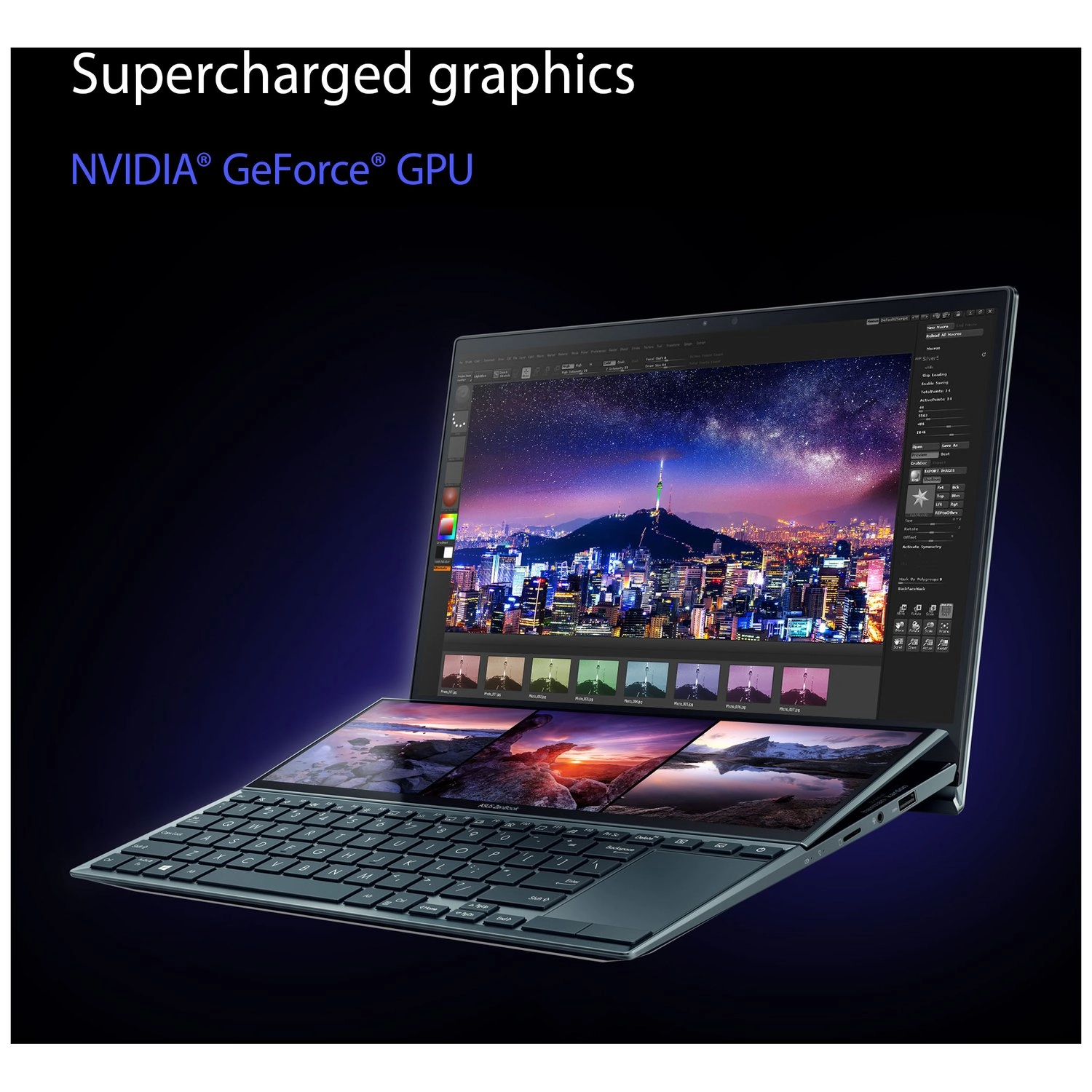
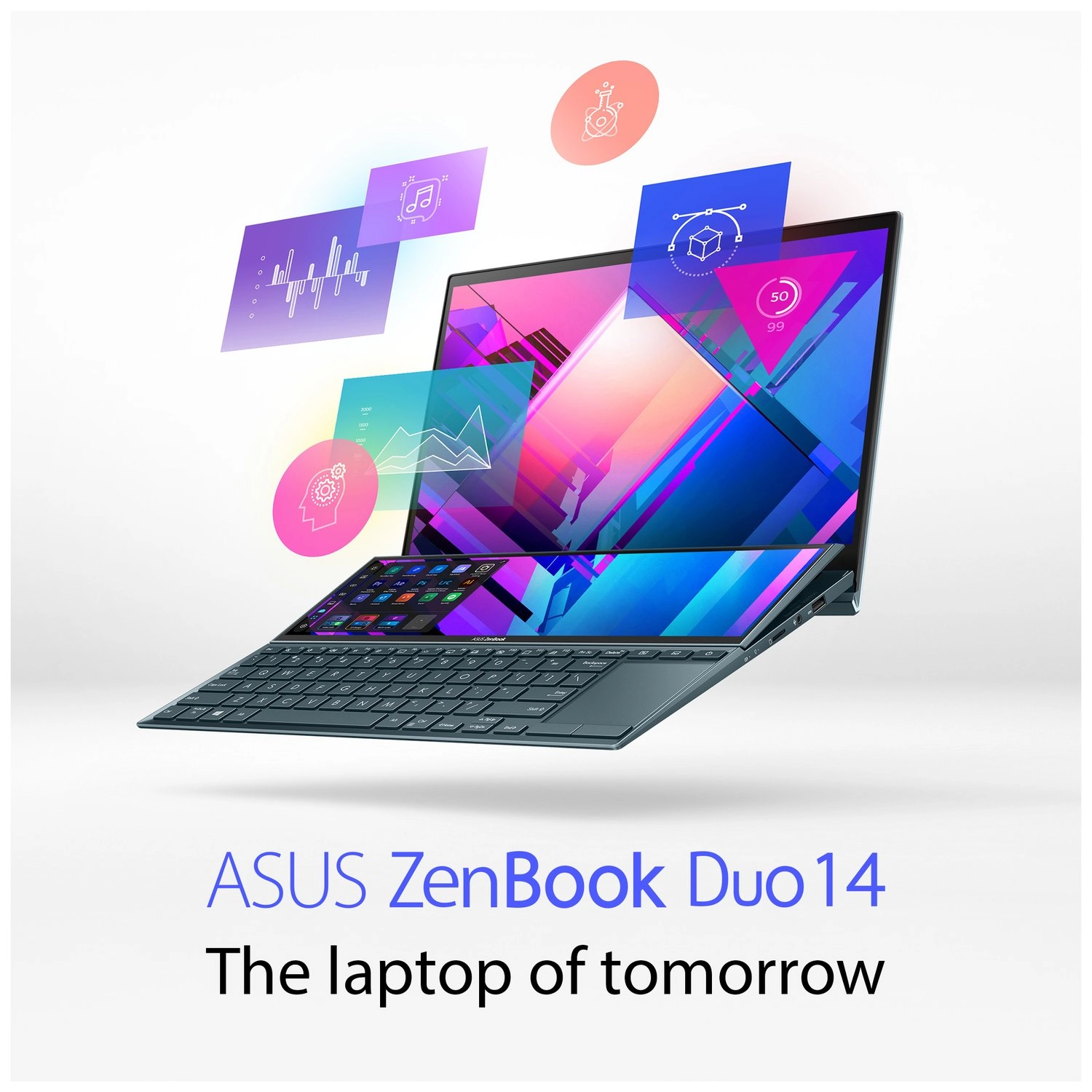
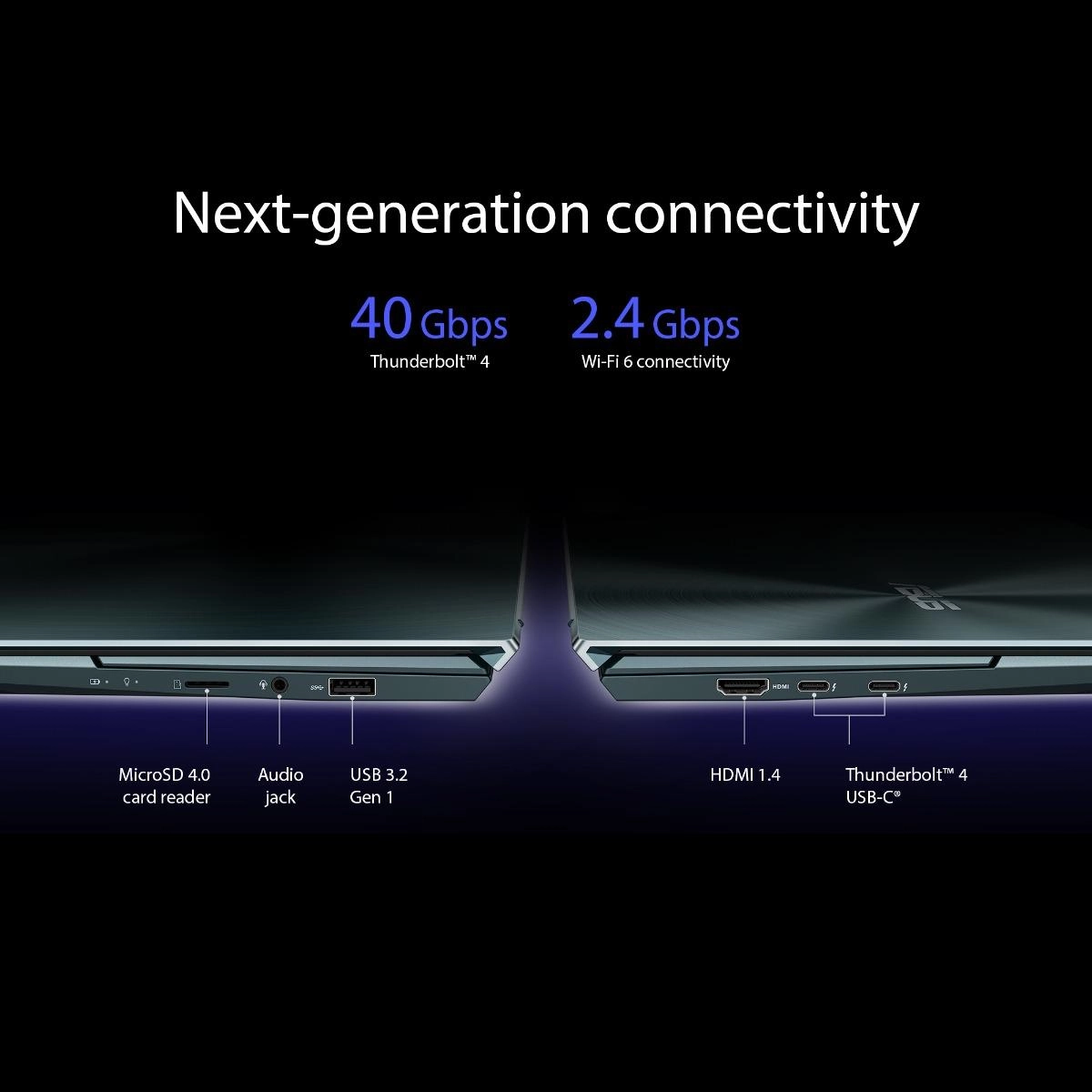
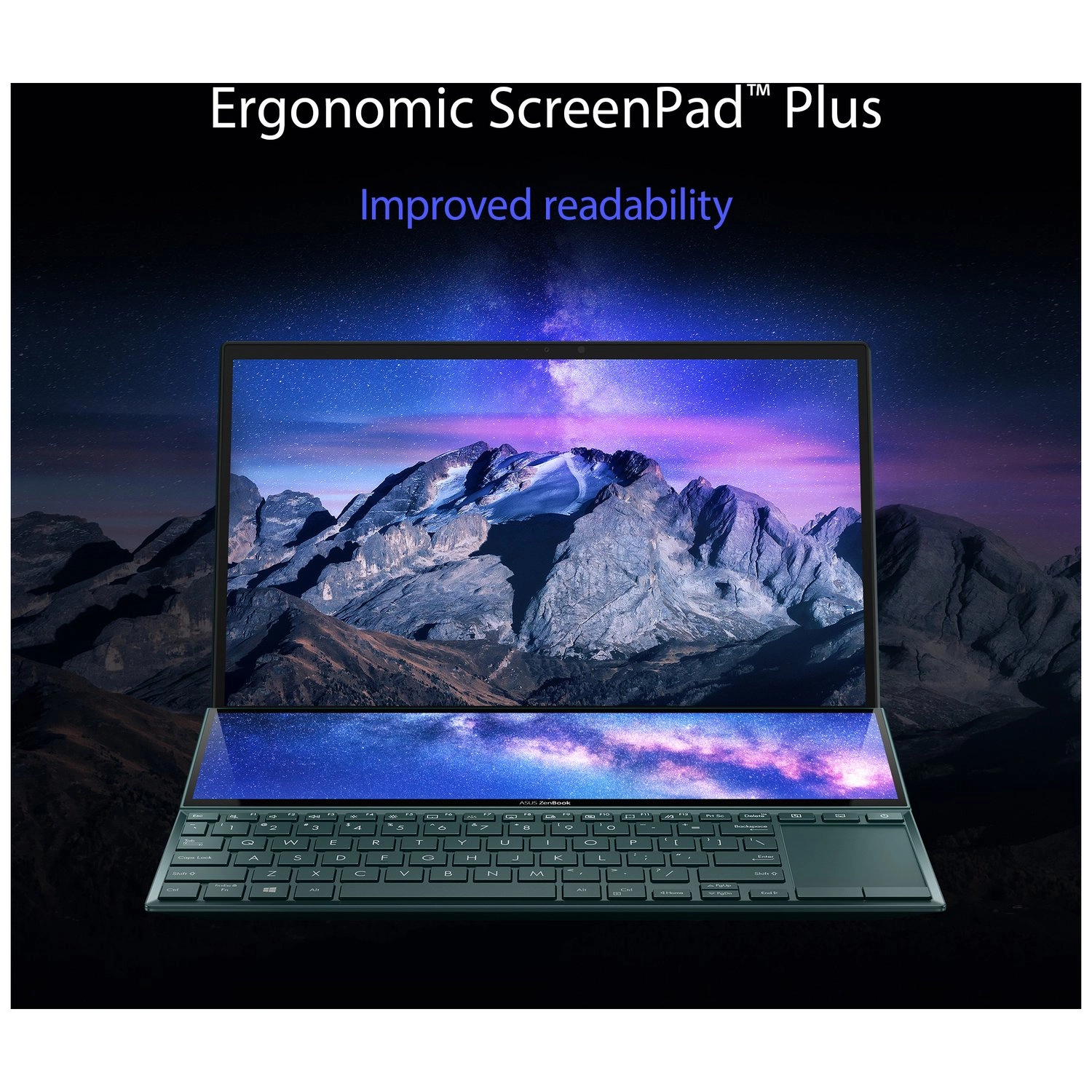
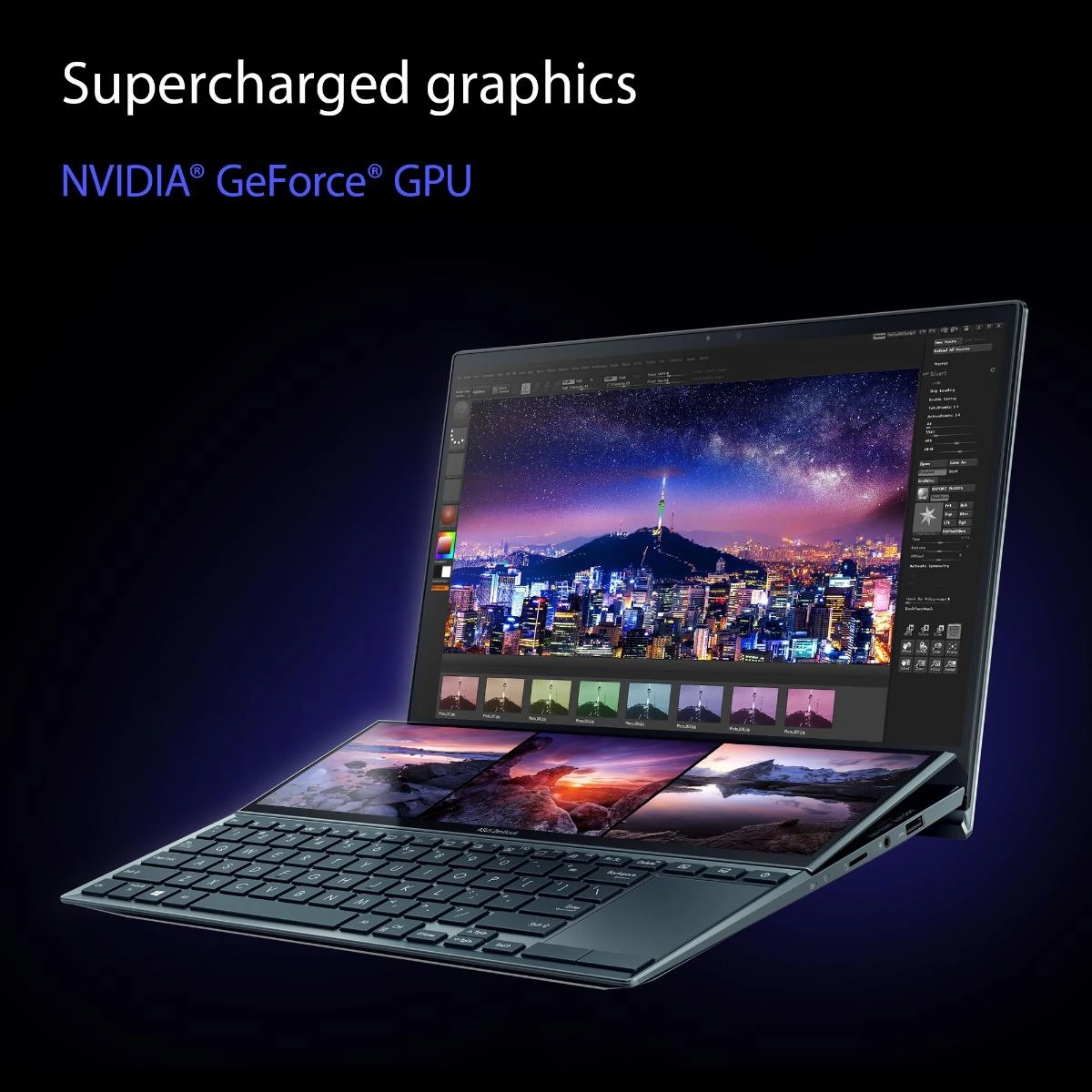
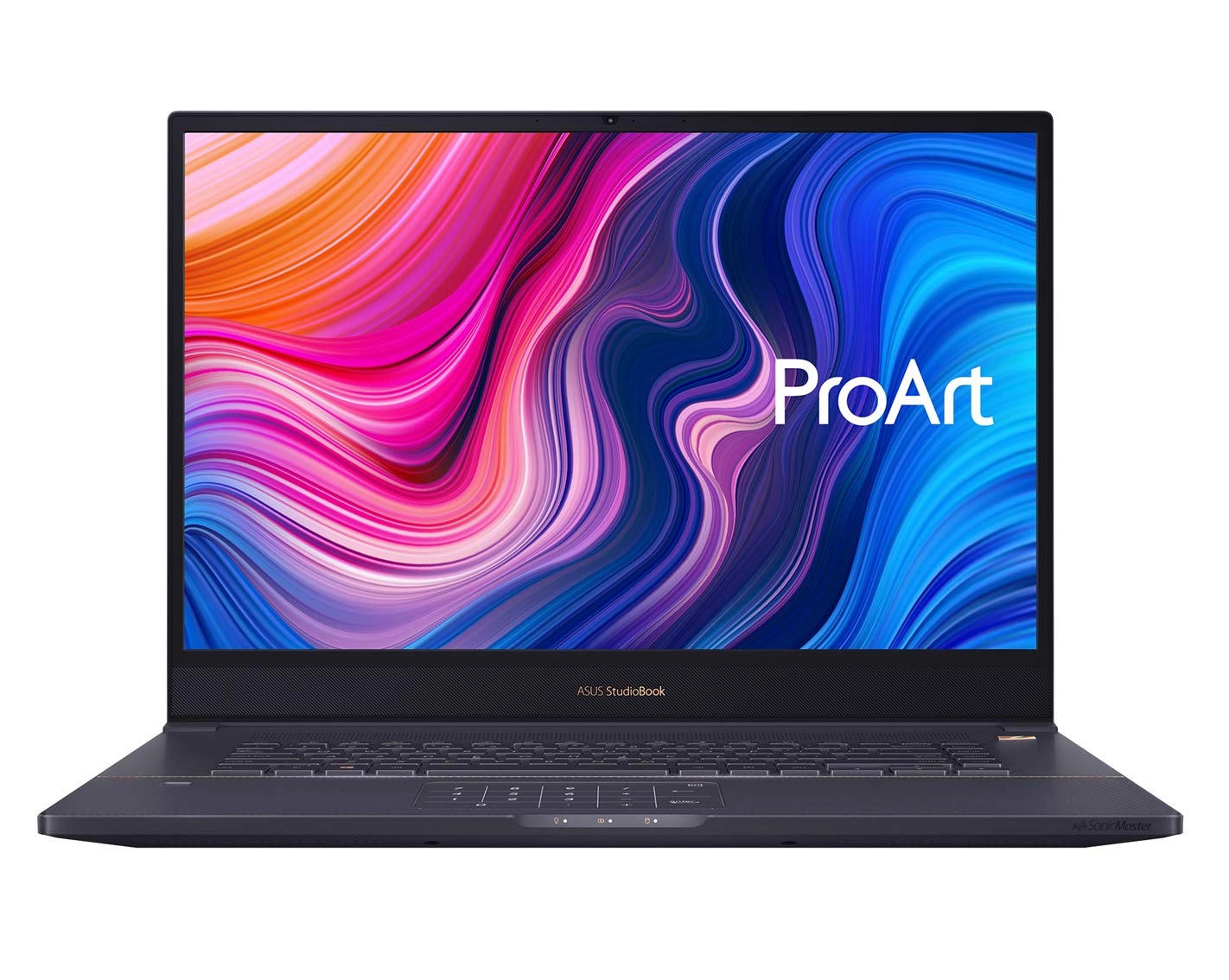
ZenBook Duo 14 gives you a superbly immersive viewing experience, with a four-sided frameless NanoEdge display that’s super-bright up to 400 nits and has ultraslim bezels for an expansive 93% screen-to-body ratio. Evolved cooling ZenBook Duo 14 is engineered with our new Active Aerodynamic System Plus, which uses the ErgoLift hinge mechanism and tilting ScreenPad Plus to increase overall cooling airflow by 49%. This in turn allows an optimum internal temperature to be maintained for maximum performance. Inside, there’s a powerful dual-fan setup with a large-bore heat pipe for efficient heat dissipation. AAS Plus ensures that ZenBook Duo 14 sustains incredible performance, no matter how demanding the workload. 11th Gen Intel Core processor ZenBook Duo 14 is powered by up to an 11th Generation Intel Core i7 processor. Its multiple cores make light work of your cross-screen workflows using ScreenPad Plus and the main display. Supercharged graphics The NVIDIA GeForce MX450 graphics in ZenBook Duo 14 delivers silky-smooth visuals, supercharging your work in photo and video-editing applications. Enjoy a giant leap in performance and power efficiency over prior-generation MX graphics. And if you’re a content creator, you’ll love the effortless on-the-go visual power that ZenBook Duo 14 provides. Work more productively on the go We’ve slimmed down the new ZenBook Duo 14 so it’s 3 mm thinner than the previous generation: this is made possible by the tilting ScreenPad Plus design, which reduces the need for internal cooling airflow. Battery life has also been boosted to an amazing 17 hours2 for all-day productivity. The precision-engineered ErgoLift hinge tilts the keyboard by 4.5° for ergonomic, fatigue-free typing. Customize your workflow with Control Panel Control Panel is an exciting new tool that that gives you precise and intuitive control over your creative apps. With Control Panel, you can easily change brush size, change saturation, adjust layer opacity, and much more. Four types of control are available Dial, Button, Slider, and Scroll and each work in a different way to help smooth your creative workflow. Control Panel works with Adobe Photoshop, Lightroom Classic, Premiere Pro and After Effects. It’s fully customizable and there are more compatible apps on the way! Next-gen ergonomics with ASUS ErgoLift Stand for easy typing or stylus input When ZenBook Duo 14 is placed on the bundled ASUS ErgoLift Stand, it gives it a better viewing angle and an improved typing experience, making the new tilting ScreenPad Plus an even more ergonomic and stable platform for writing or drawing. Take notes, sketch out your ideas, or do precision graphical editing in the most intuitive way ever. With ZenBook Duo 14 and a second-generation 4096 pressure-level active stylus, such as the new ASUS Pen, you can really let your creativity flow. Next-generation connectivity For easy connections to peripherals, ZenBook Duo 14 has comprehensive high-performance I/O capabilities including a pair of the latest Thunderbolt 4 USB-C ports. These support Power Delivery and DisplayPort, and the 40 Gbps bandwidth lets you connect an external 8K display or two 4K UHD displays. ZenBook Duo 14 also includes up to the latest and greatest WiFi 6E4, with the brand-new 6 GHz frequency band for ensures even better connection quality, so you can easily create compatible devices. ASUS WiFi Master Premium and share on the go.