Allware
Loading...
  • News
  • Price drops
  • New arrivals
  • Featured categories
  1. Computers & Peripherals
  2. Networking
  3. Networking Hardware
  4. Wireless Access Points
DAP-2610
DAP-2610
DAP-2610
DAP-2610
DAP-2610
DAP-2610
DAP-2610
DAP-2610
DAP-2610
DAP-2610

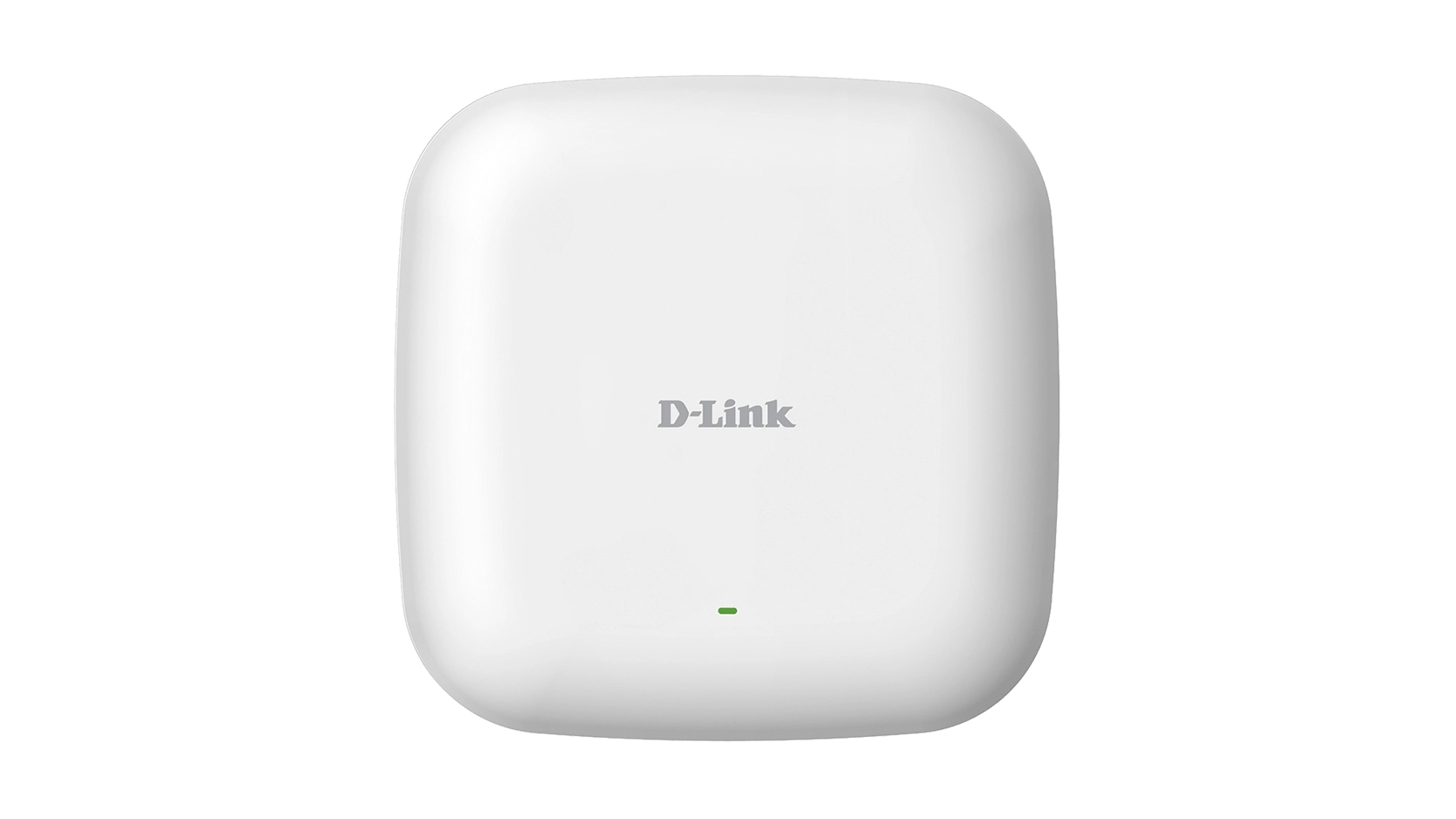
D-Link DAP-2610

Best offer
AED
34000

Key Features

  • 2.4 GHz: Yes
  • 5 GHz: Yes
  • Maximum data transfer rate (2.4 GHz): 400Mbit/s
  • Maximum data transfer rate (5 GHz): 867Mbit/s
  • Command-line interface (CLI): Yes
  • Antenna features: Integrated antenna
  • Antenna direction type: Omni-directional
  • Antenna gain level (max): 3dBi
  • Maximum data transfer rate: 1300Mbit/s
  • Placement: Table
  • Frequency band: 2.4 - 2.4835, 5.15 - 5.35, 5.47 -5.85- GHzGHz
  • DHCP server: Yes
  • Syslog: Yes
  • IGMP snooping: Yes
  • Wi-Fi Multimedia (WMM)/(WME): Yes
  • Offers
  • Price History
  • Specifications
  • Product Details
  • Review IconReviews

Specifications

Features

Security algorithms
128-bit WEP, 64-bit WEP, 802.1x RADIUS, SSH, SSL/TLS, WDS, WPA-Enterprise, WPA-PSK, WPA2, WPA2-Enterprise, WPA2-PSK
MIMO
✓
Product colour
White
Antenna gain level (max)
3 dBi
Maximum data transfer rate
1300 Mbit/s
Placement
Table
Frequency band
2.4 - 2.4835, 5.15 - 5.35, 5.47 -5.85- GHz
DHCP server
✓
Maximum data transfer rate (5 GHz)
867 Mbit/s
Maximum data transfer rate (2.4 GHz)
400 Mbit/s
5 GHz
✓
2.4 GHz
✓

Weight & dimensions

Weight
314 g
Height
28 mm
Depth
170 mm
Width
170 mm

Management features

Web-based management
✓
Firmware upgradeable
✓
Syslog
✓
Command-line interface (CLI)
✓

Power

Output current
1 A
Output voltage
12 V
Power consumption (max)
12 W
Power over Ethernet (PoE)
✓

Wireless LAN features

IGMP snooping
✓
Wi-Fi Multimedia (WMM)/(WME)
✓

Design

Housing material
Plastic
Antenna direction type
Omni-directional

Computer system

Antenna type
Internal

Packaging content

AC adapter included
✓

Network

Networking standards
IEEE 802.11a, IEEE 802.11ac, IEEE 802.11b, IEEE 802.11g, IEEE 802.11n, IEEE 802.3, IEEE 802.3ab, IEEE 802.3af, IEEE 802.3az, IEEE 802.3u
Management protocols
SNMP (v1, Telnet, v2c, v3)
VLAN support
✓
Wireless isolation
✓
Cabling technology
10/100/1000Base-T(X)
MIMO type
Multi User MIMO
Automatic channel selection
✓
Ethernet LAN data rates
10, 100

Ports & interfaces

DC-in jack
✓
Ethernet LAN (RJ-45) ports
1

Operational conditions

Operating temperature (T-T)
0 - 40 °C
Operating relative humidity (H-H)
10 - 90 %
Storage relative humidity (H-H)
5 - 95 %

Technical details

Certification
FCC IC CE4 UL Wi-Fi Certified

Security

MAC address filtering
✓

Antenna

Antenna features
Integrated antenna

Radar

Modulation
256-QAM

Product Details

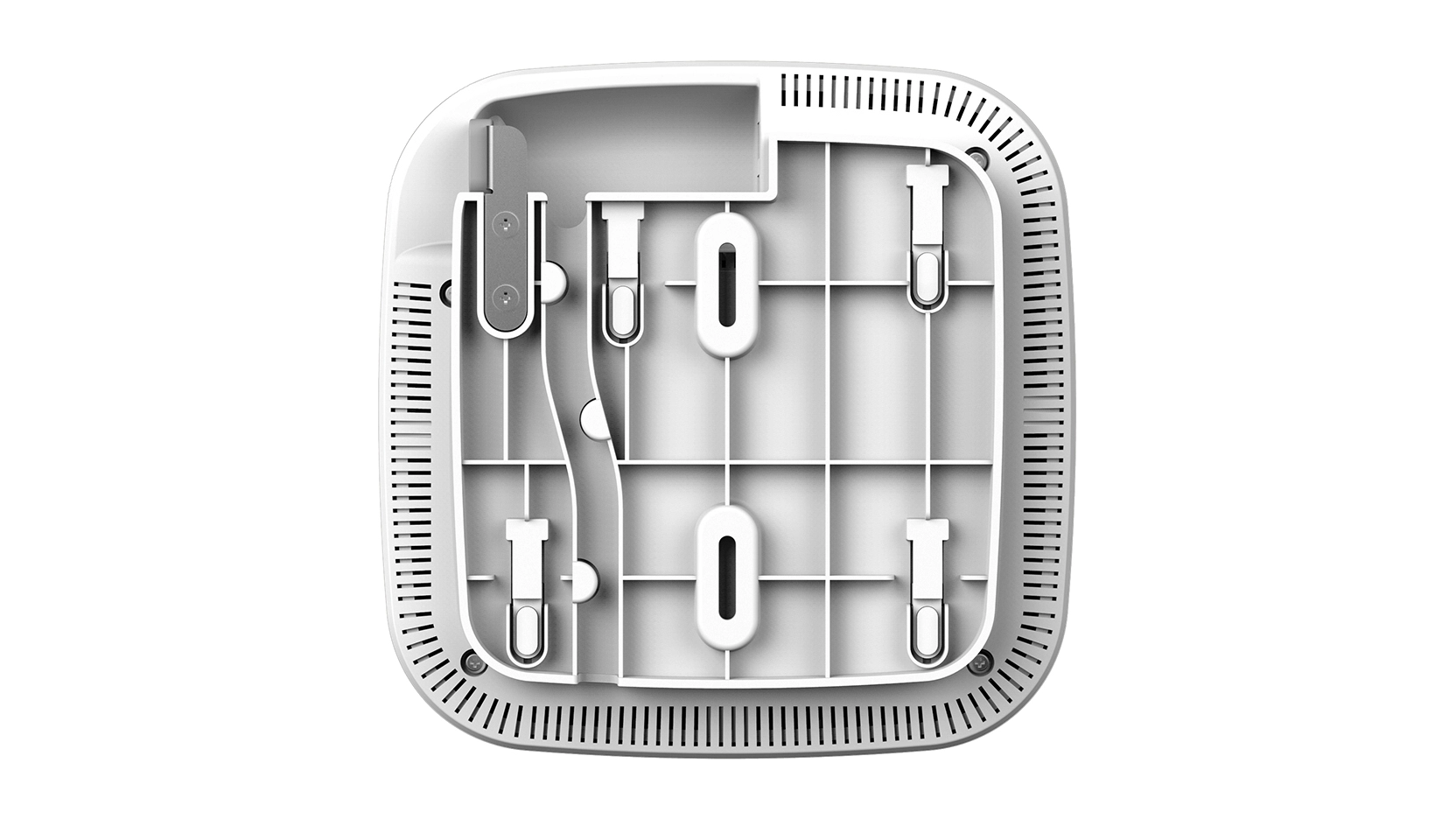
The DAP-2610 Wireless AC1300 Wave 2 Dual-Band PoE Access Point is designed to support small to medium business or enterprise environments by providing network administrators with secure and manageable dual-band wireless LAN options, and utilizing the cutting-edge speed of Wireless AC. Blazing Wireless Wave 2 AC Performance The DAP-2610 delivers reliable, high-speed wireless performance using the latest 802.11ac Wave 2 standard with maximum wireless signal rates of up to 400 Mbps (256-QAM) over the 2.4 GHz band, and 900 Mbps over the 5 GHz band1. This, coupled with support for the Wi-Fi Multimedia™ (WMM) Quality of Service (QoS) feature, makes it an ideal access point for audio, video, and voice applications. When enabled, QoS allows the DAP-2610 to automatically prioritize network traffic according to the level of interactive streaming, such as HD movies or VoIP. The QoS feature can be adjusted through the DAP-2610 web GUI using a drop-down menu to select customized priority rules. Additionally, the DAP-2610 supports load balancing to ensure maximum performance by limiting the maximum number of users per access point. Versatile Access Point Functionality The DAP-2610 allows network administrators to deploy a highly manageable and extremely robust simultaneous dual-band wireless network. The DAP-2610 can provide optimal wireless coverage over either the 2.4 GHz (802.11b, 802.11g, and 802.11n) or the 5 GHz (802.11a, 802.11n, and 802.11ac) bands. The DAP-2610 can be ceiling mounted, wall mounted, or placed on a desktop to meet any wireless demands. For advanced installations, the DAP-2610 has integrated 802.3af Power over Ethernet (PoE) support, allowing the device to be installed in areas where power outlets are not readily available. Security To help maintain a secure wireless network, the DAP-2610 supports both Personal and Enterprise versions of WPA and WPA2 (802.11i), with support for RADIUS server backend and a built-in internal RADIUS server allowing users to create their accounts within the device itself. This access point also includes MAC address filtering, wireless LAN segmentation, SSID broadcast disable, rogue AP detection, and wireless broadcast scheduling for further protection of your wireless network. The DAP-2610 includes support for up to eight VLANs per band, allowing multiple SSIDs to be implemented and further segment users on the network. It also includes a wireless client isolation mechanism, which limits direct client-to-client communication. Additionally, the DAP-2610 supports Network Access Protection (NAP), a feature of Windows Server® 2008, allowing network administrators to define multiple levels of network access based on individual client’s needs. Multiple Operation Modes To maximize total return on investment, the DAP-2610 can be configured to optimize network performance based on any one of its multiple operation modes: Access Point, Wireless Distribution System (WDS), a WDS with Access Point, and Wireless Client. With WDS support, network administrators can set up multiple DAP-2610s throughout a facility and configure them to bridge with one another, while also providing network access to individual clients. The DAP-2610 also features advanced features such as load balancing and redundancy, for fail-safe wireless connectivity. Network Management Network administrators have multiple options for managing the DAP-2610, including Web (HTTP), Secure Socket Layer (SSL), Secure Shell (SSH), and Telnet. For advanced network management, administrators can use the D-Link Central Wi-Fi Manager to configure and manage multiple access points from a single location. In addition, the D-Link Central Wi-Fi Manager provides network administrators with the means of conducting regular maintenance checks remotely, eliminating the need for sending out personnel to physically verify proper operation. The DAP-2610 also has a wireless scheduling feature, turning off wireless functionality when it is not needed to save power. With simultaneous dual-band functionality, PoE support, extensive manageability, versatile operation modes, and solid security enhancements, the DAP-2610 provides small to medium business and enterprise environments with a business-class solution for deploying a wireless network.

Files

Product Brochure

mmo_86188514_1610292015_1964_30160.pdf

PDF• 856.9 KB

Reviews

Loading...
Loading...
Loading...
Loading...
Loading...
Loading...
Loading...
Loading...
Loading...
Loading...
Loading...
Loading...
Loading...
Loading...
Loading...
Loading...
Loading...
Loading...
Loading...
Loading...
Loading...
Loading...
Loading...
Loading...
Loading...
Loading...
Loading...
Loading...
Loading...
Loading...
Loading...
Loading...
Loading...
Loading...
Loading...
Loading...
Loading...
Loading...
Loading...
Loading...
Loading...
Loading...
Loading...
Loading...
Loading...
Loading...
Loading...
Loading...
Loading...
Loading...
Loading...
Loading...
Loading...
Loading...

Join our newsletter

Be the first to know about new arrivals, sales, and exclusive picks

Sign in to unlock newsletter access and stay in the loop

Allware
info@allware.com
+971522500911
World technology awards winner badge

Allware

  • About Us
  • Terms And Conditions
  • Privacy Policy
  • Contact Us

Partners

  • Why become a partner?
  • How to list your Online Shop?

Newsletter

  • Subscribe

Info

  • How Allware works
All Rights Reserved.
Please enable location access or select an emirate
-
00:00:00
Prayer timings

Offers (3)

Amazon logo

2 offers

From
AED
340

D-LINK DAP-2610 WIRELESS POE MANAGED ACCESS POINT

AED
34000
Noon logo

1 offer

From
AED
423

D-Link Wireless AC1300 Wave 2 DualBand PoE Access Point White

Power over Ethernet (PoE)
AED
43020
-1%
AED
42340

Price History

Price History Skeleton
Price History Shimmer Effect
Loading price history...

Similar Products

See all
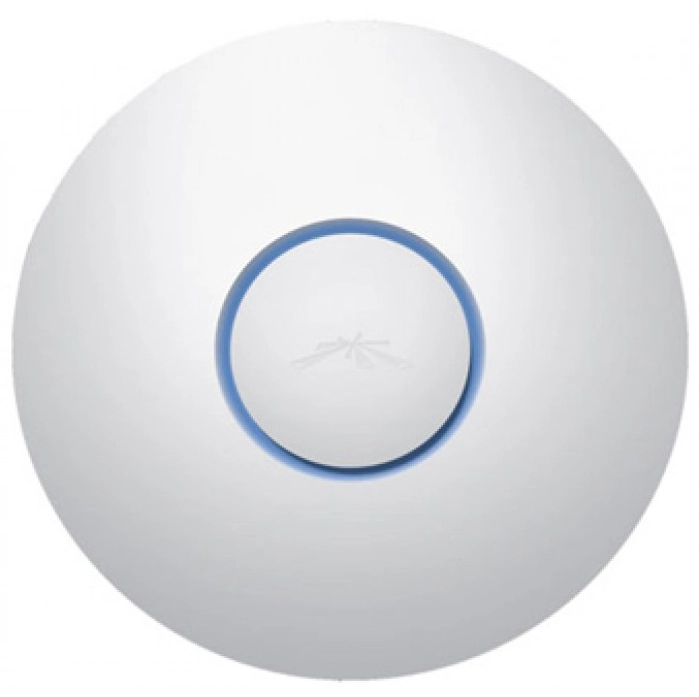
Ubiquiti UAP-AC PRO

Ubiquiti UAP-AC PRO

AED
14526
14 offers
Ubiquiti U7 Pro

Ubiquiti U7 Pro

AED
66000
13 offers
Ruijie Networks RG-RAP2260(G)

Ruijie Networks RG-RAP2260(G)

AED
23500
12 offers
-5%
TP-Link EAP225

TP-Link EAP225

AED
18750
AED
17812
11 offers
-38%
TP-Link EAP610

TP-Link EAP610

AED
39900
AED
24400
10 offers
D-Link DAP-1665

D-Link DAP-1665

AED
13355
9 offers
HPE Instant On AP22

HPE Instant On AP22

AED
3500
9 offers
Ubiquiti UAP-AC-M

Ubiquiti UAP-AC-M

AED
34700
9 offers
-5%
TP-Link EAP245

TP-Link EAP245

AED
24890
AED
23645
9 offers
Ubiquiti U7 Pro Max

Ubiquiti U7 Pro Max

AED
1 01000
9 offers

More from D-Link

See all
D-Link AC5300 DIR-895L

D-Link AC5300 DIR-895L

AED
39900
2 offers
<1%
D-Link DGS-1005P 5-ports

D-Link DGS-1005P 5-ports

AED
15995
AED
15980
2 offers
D-Link DIR-619L - N300 Wireless N

D-Link DIR-619L - N300 Wireless N

AED
14999
1 offer
D-Link DGS-1005G 5-ports

D-Link DGS-1005G 5-ports

Unavailable
1 offer
-23%
D-Link DWR-900V

D-Link DWR-900V

AED
74200
AED
56900
4 offers
D-Link DIR-869 - AC1750

D-Link DIR-869 - AC1750

AED
23369
1 offer
D-Link DSL-2750U

D-Link DSL-2750U

AED
4900
5 offers
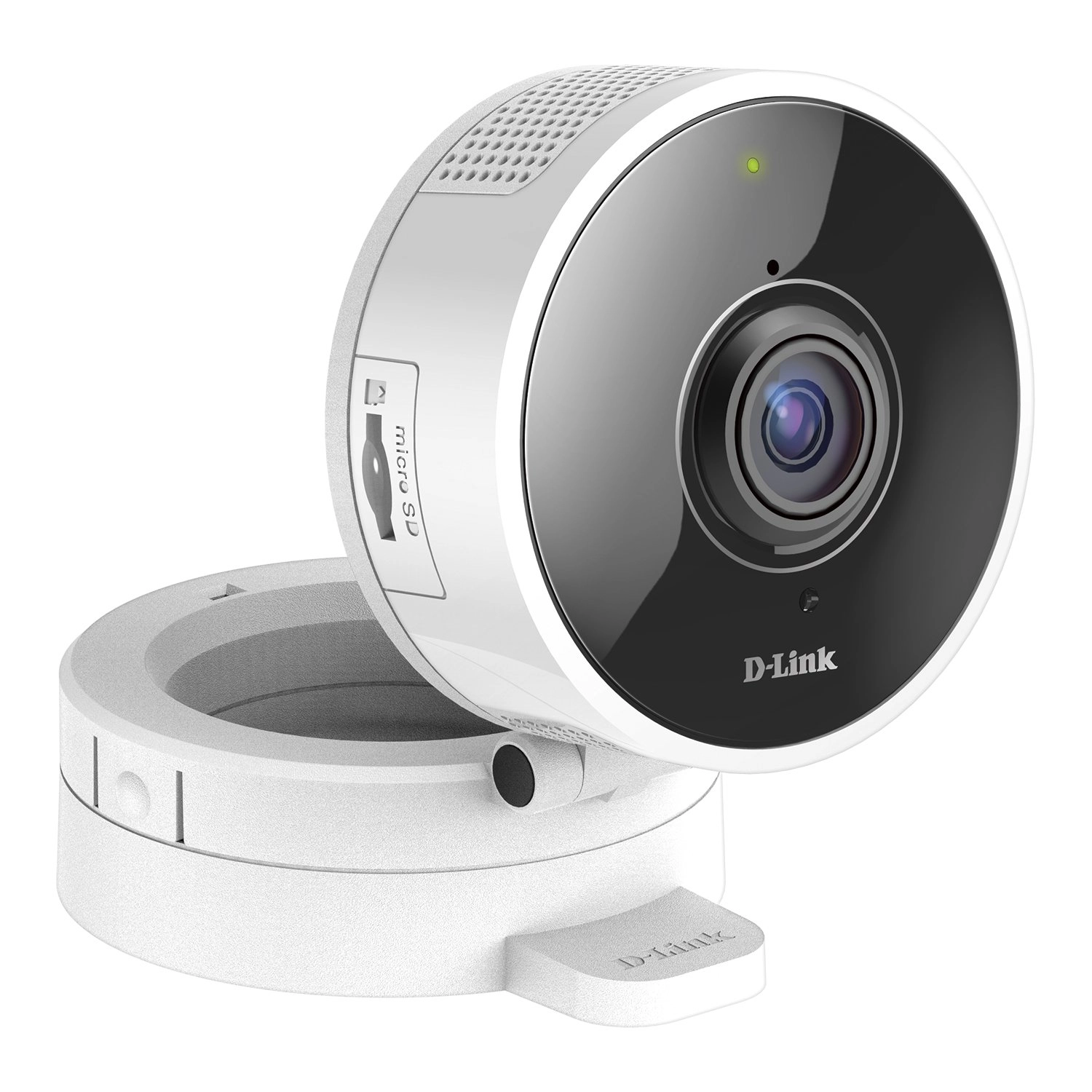
D-Link DCS-8100LH

D-Link DCS-8100LH

Unavailable
1 offer
D-Link DIR-867 - 1750 Mbps 802.11ac

D-Link DIR-867 - 1750 Mbps 802.11ac

Unavailable
1 offer
-15%
D-Link DES-1008C 8-Ports

D-Link DES-1008C 8-Ports

AED
3150
AED
2665
10 offers
Loading...
Loading...
Loading...
Loading...
Loading...
Loading...
Loading...
Loading...
Loading...
Loading...
Loading...
Loading...
Loading...
Loading...
Loading...
Loading...
Loading...
Loading...
Loading...
Loading...
Loading...
Loading...
Loading...
Loading...
Loading...
Loading...
Loading...
Loading...
Loading...
Loading...
Loading...
Loading...
Loading...
Loading...
Loading...
Loading...